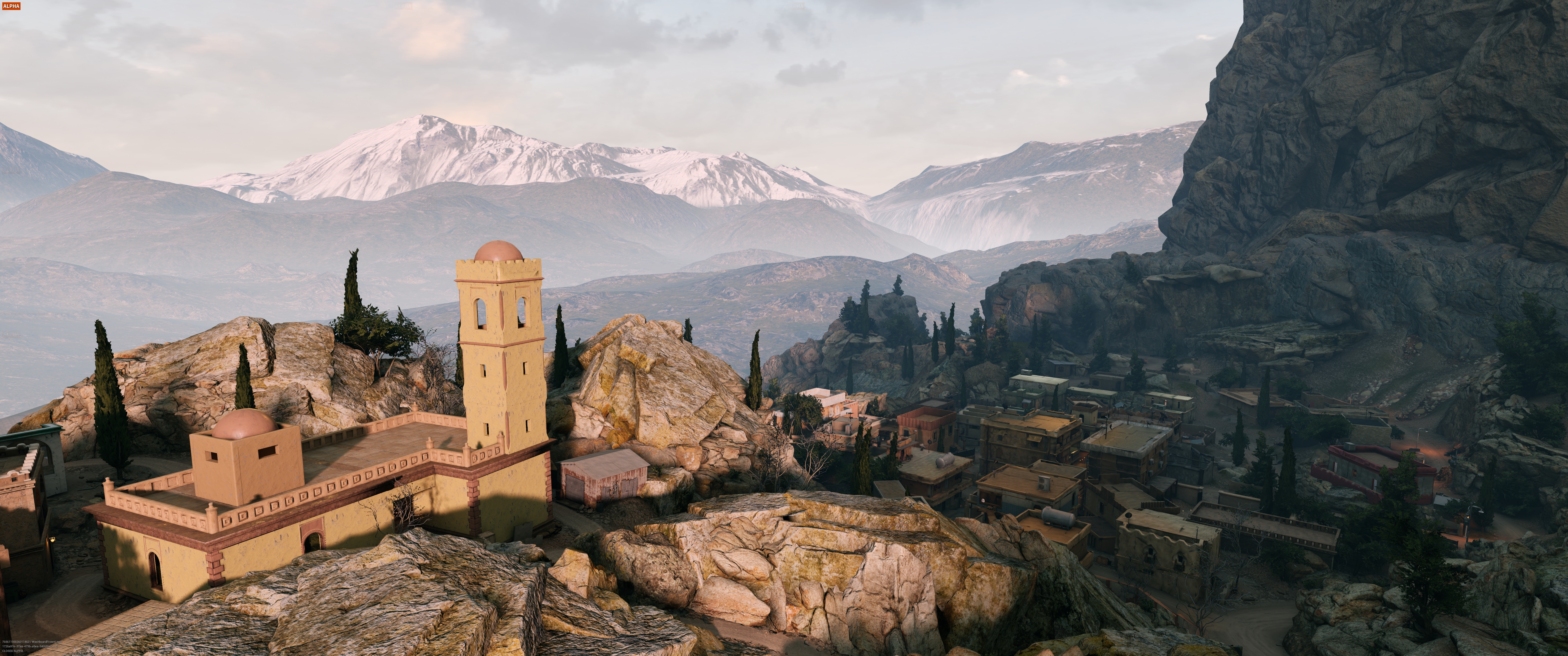
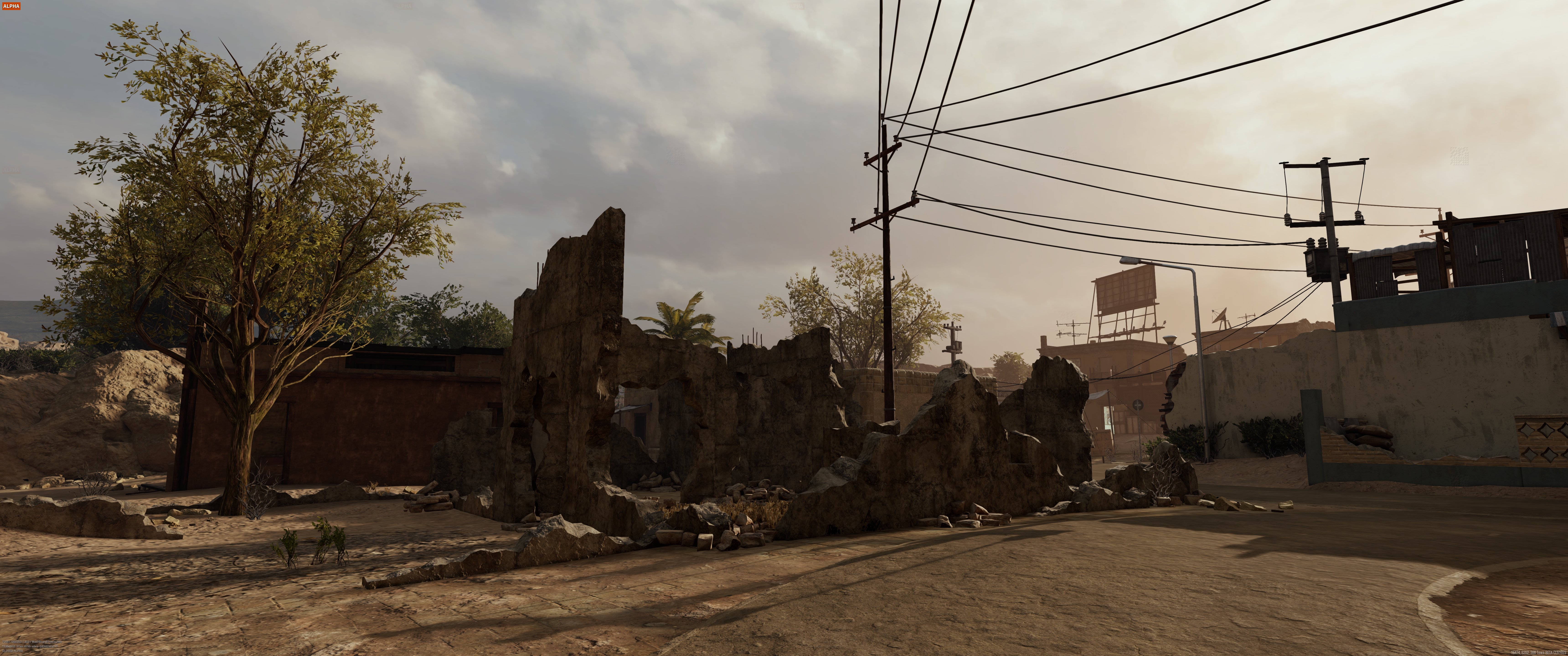
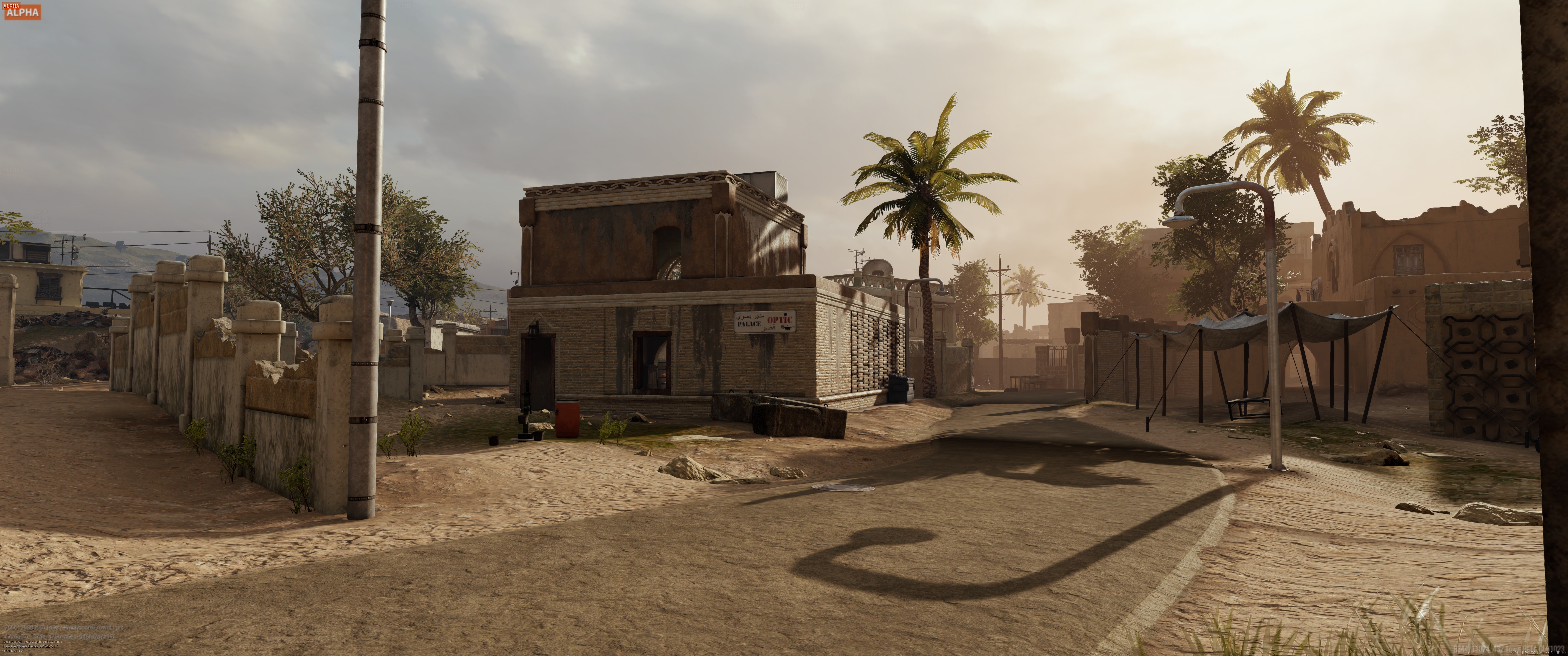
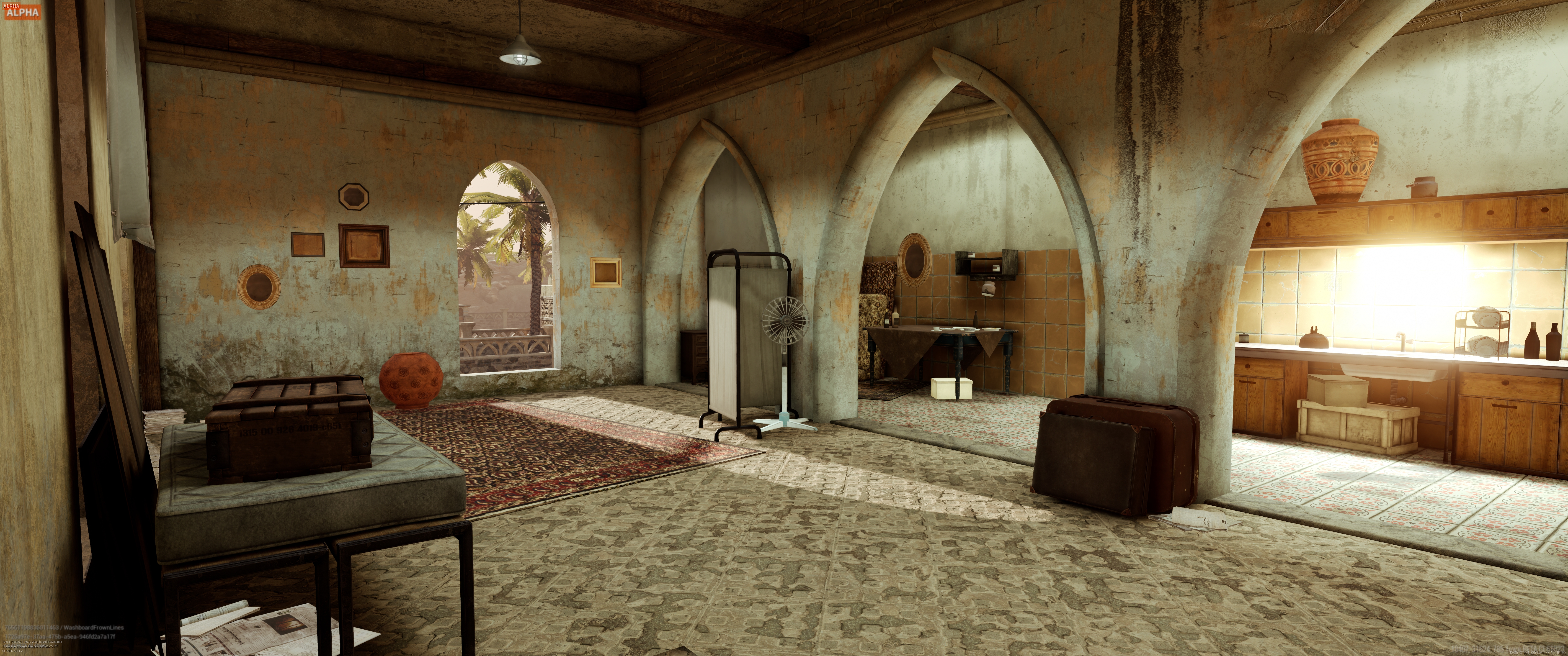
GeForce Experience is the essential companion to your GeForce graphics card, giving you tools that enhance your gaming experience, and enable new ways to interact with your favorite titles. In the past, we’ve introduced great new features such as NVIDIA Photo Mode, Freestyle and Highlights. And now, we’re introducing Photo Mode RTX, which leverages the ray tracing and deep learning capabilities of our new GeForce RTX GPUs to create ultra-quality in-game photos. For all the details, and to hear about new games adding Photo Mode and Highlights, read on.
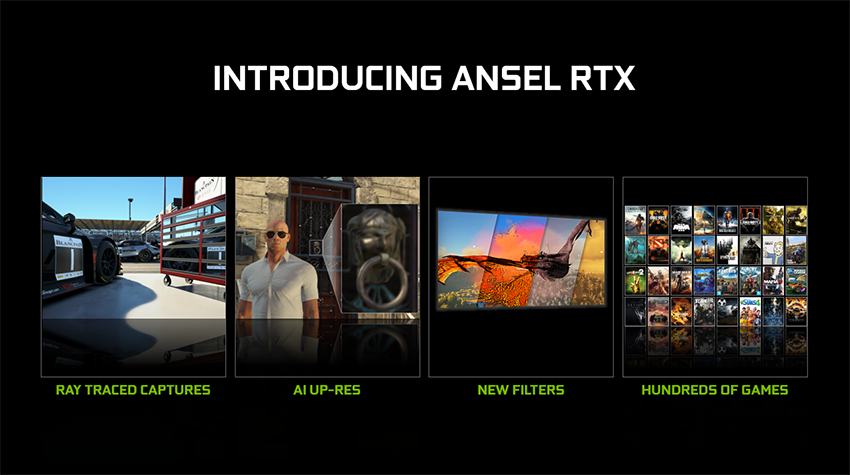
Photo Mode RT: Take Ultra-Quality Ray Traced Photos
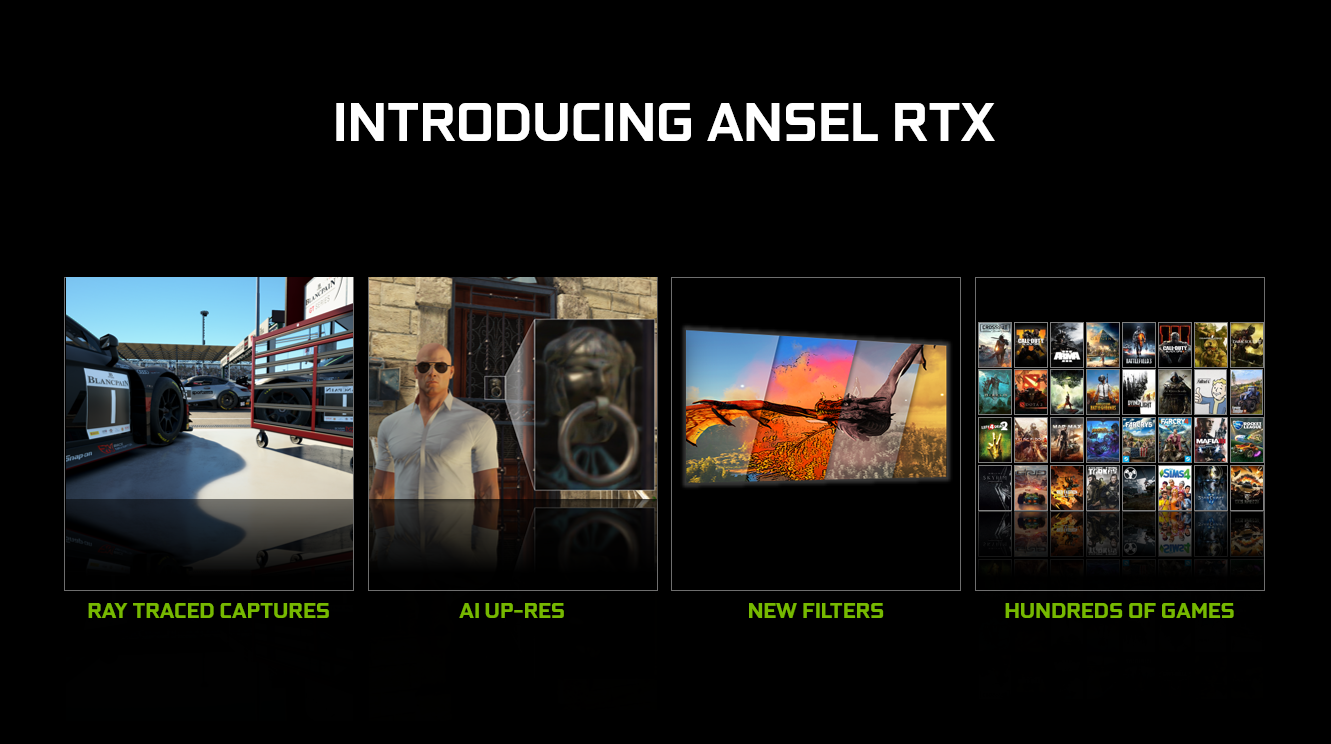
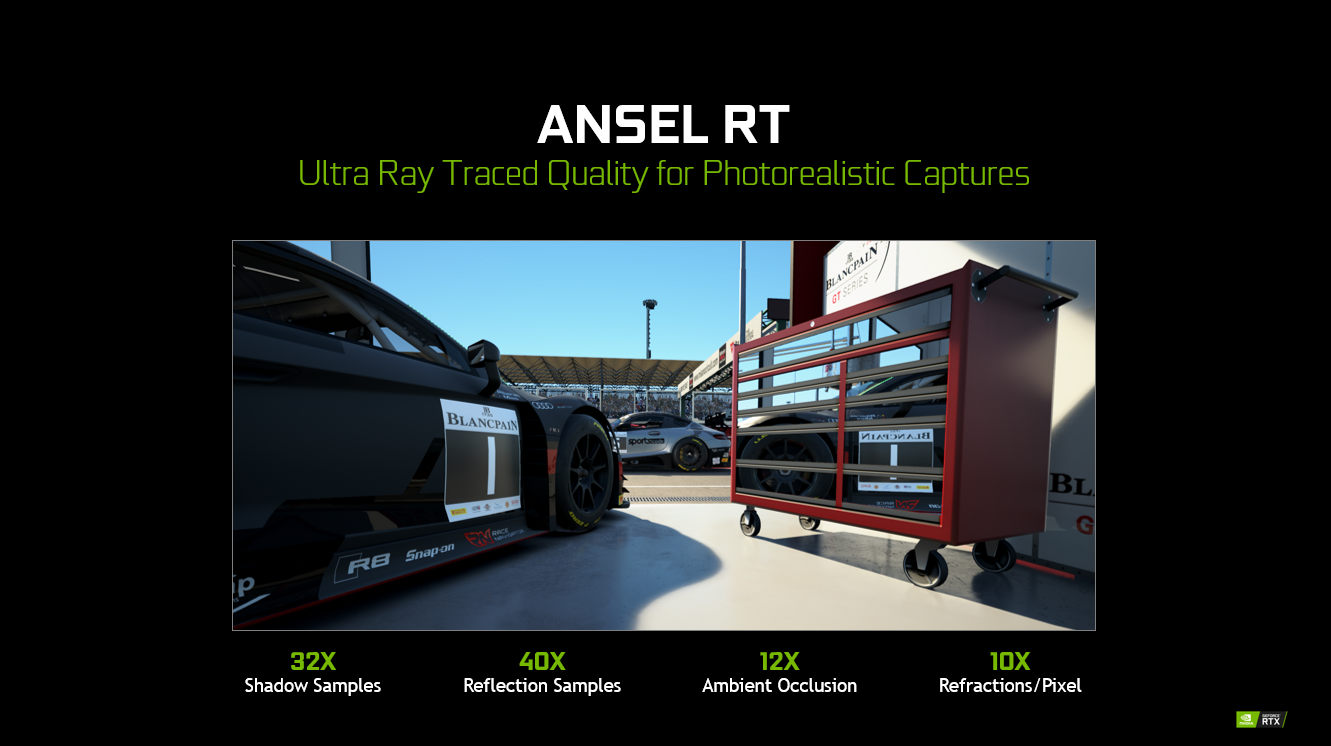
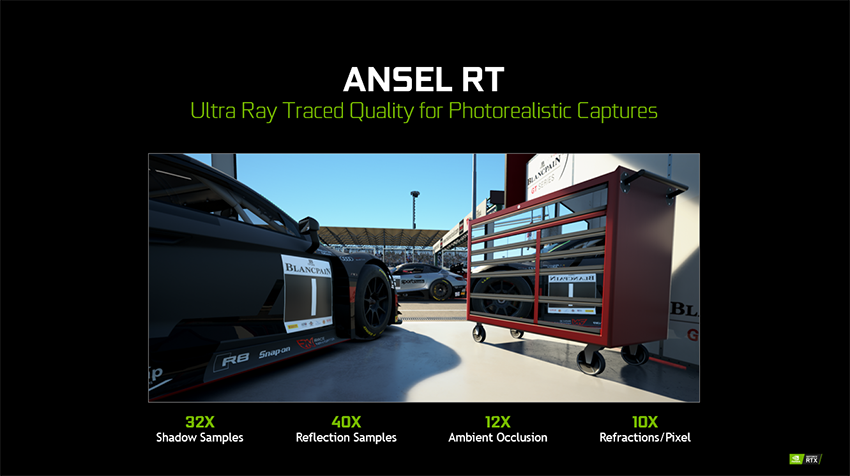
GeForce RTX graphics cards feature dedicated ray-tracing processors called RT Cores, which accelerate and deliver real-time ray tracing for games. Photo Mode RTX’s newest feature, Photo Mode RT, uses that tech to create ray traced Photo Mode photos with the highest-possible fidelity.
Here’s how it works: when you’re in Photo Mode mode in a supported ray-traced game and fly around using your free camera, the game engine uses your in-game graphics settings. The moment you pause movement, Photo Mode RT quickly cranks up the level of ray-tracing to beyond real-time levels for the best possible in-game photo.
In Assetto Corsa Competizione, invoking Photo Mode RT dramatically increases the number of rays cast into a scene, increasing refractions per pixel by 10X, Ambient Occlusion samples by 12X, shadow samples by 32X, and reflection samples by 40X.
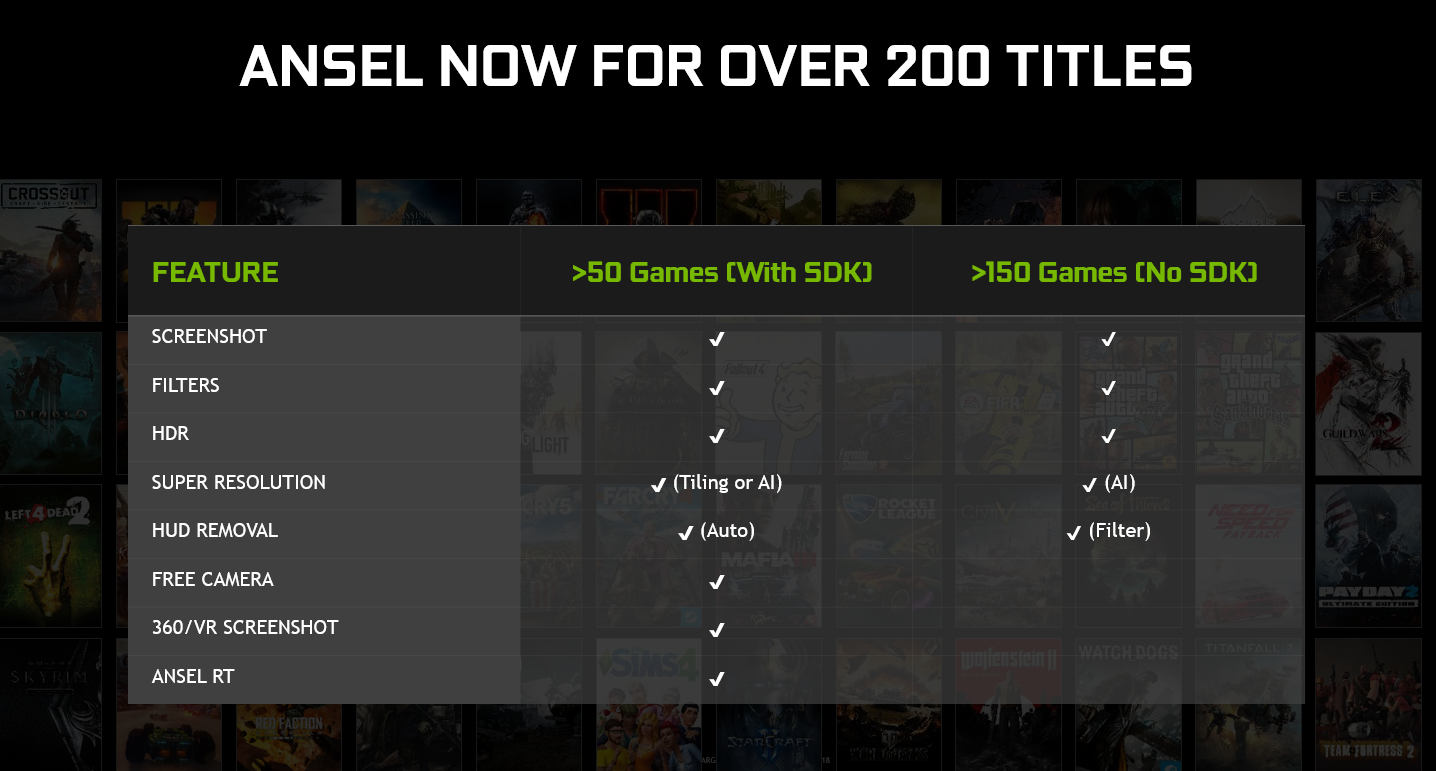
Activate Photo Mode Photo Mode In Almost Any Game
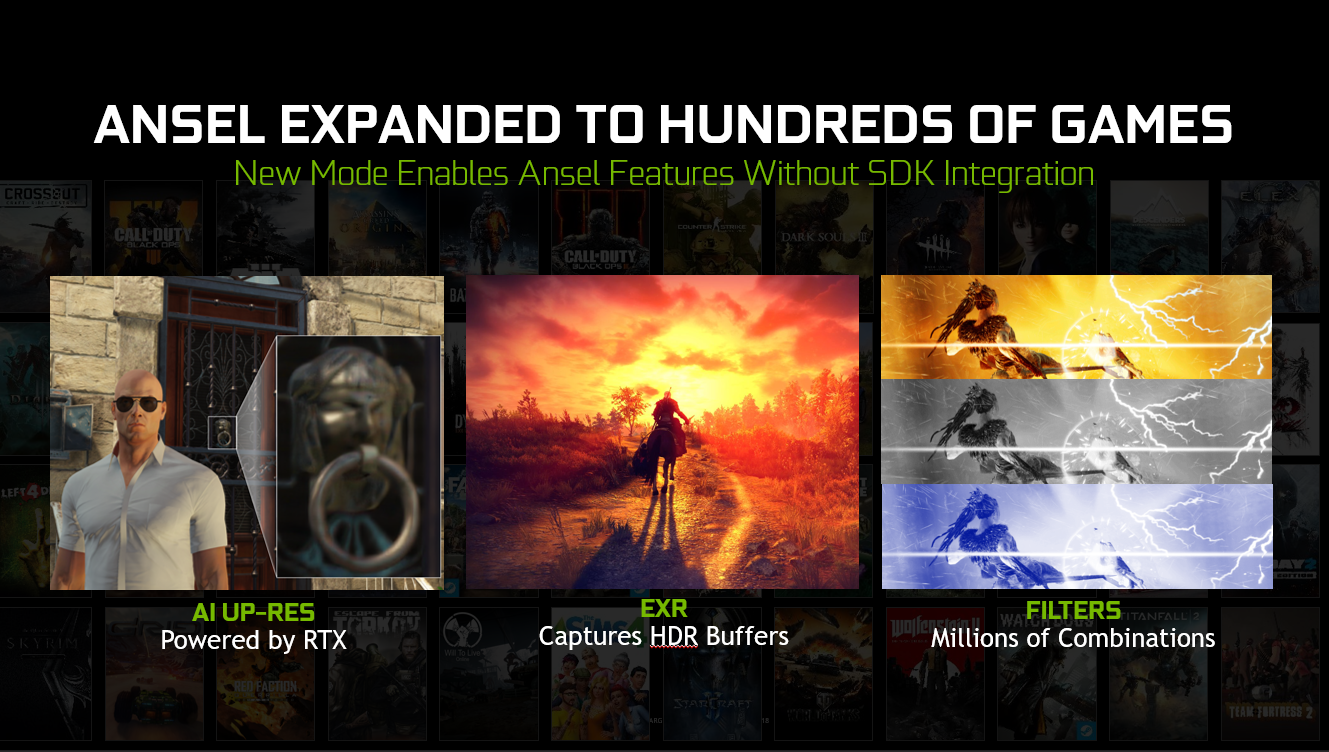
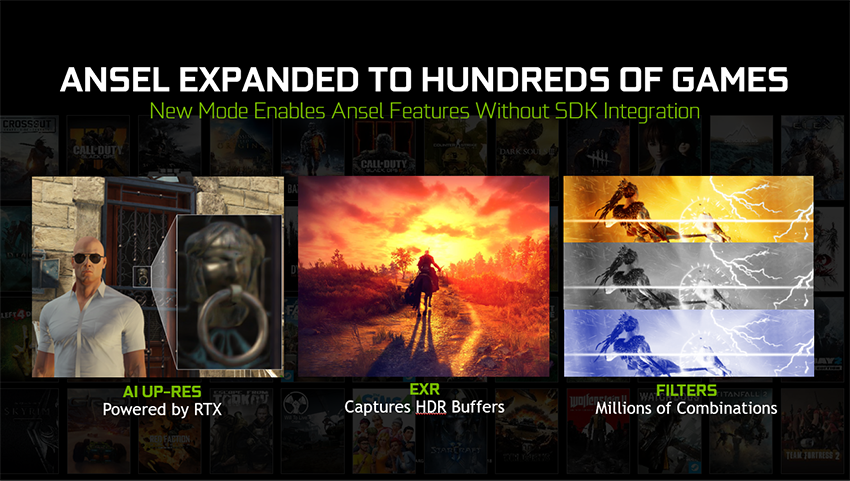
With Photo Mode RTX, we’re expanding Photo Mode features to games that have not integrated the Photo Mode SDK. You’ll be able to snap screenshots, apply stackable filters, save in HDR, and take shots in Super Resolution in hundreds of games.
AI Up-Res: Take Super Resolution images Using AI
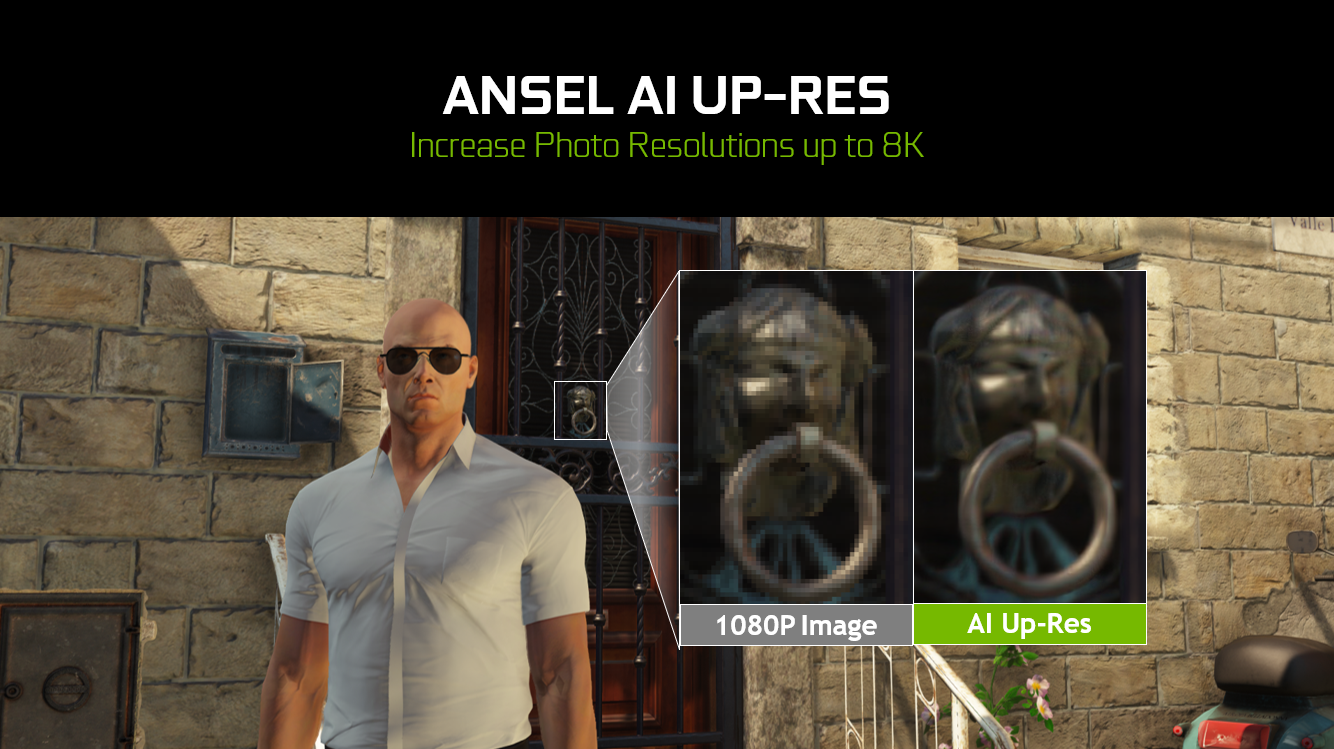
GeForce RTX graphics cards feature Tensor Cores, processors that power and accelerate AI features for gaming. Photo Mode RTX’s new feature, AI Up-Res, uses these Tensor Cores to apply AI-enhanced resolution scaling so you can save your NVIDIA Photo Mode in-game photos at up to 8K.
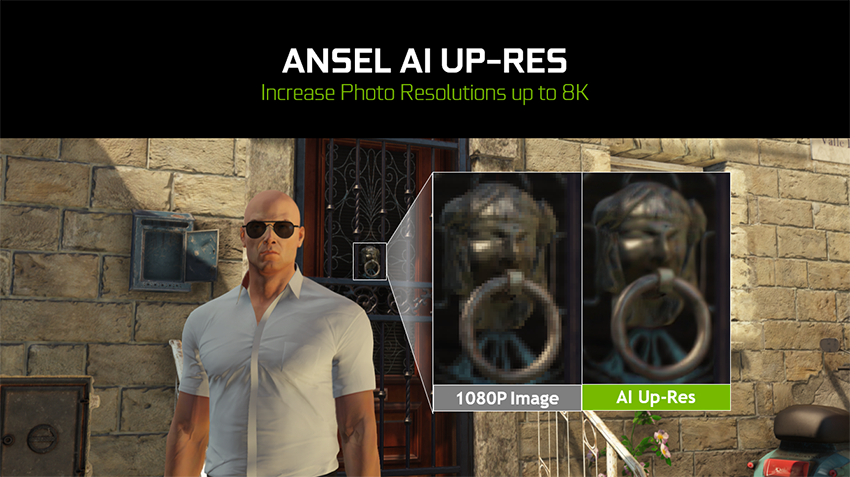
Here’s how it works: use your GeForce RTX graphics card to activate Photo Mode, and select AI Up-Res under Super Resolution. When you hit capture, AI Up-Res will then take a 1X resolution screenshot, and with the help of AI image enhancements, intelligently up-res the photo to 8K with more detail than the original image.
New Filters For Further Customization
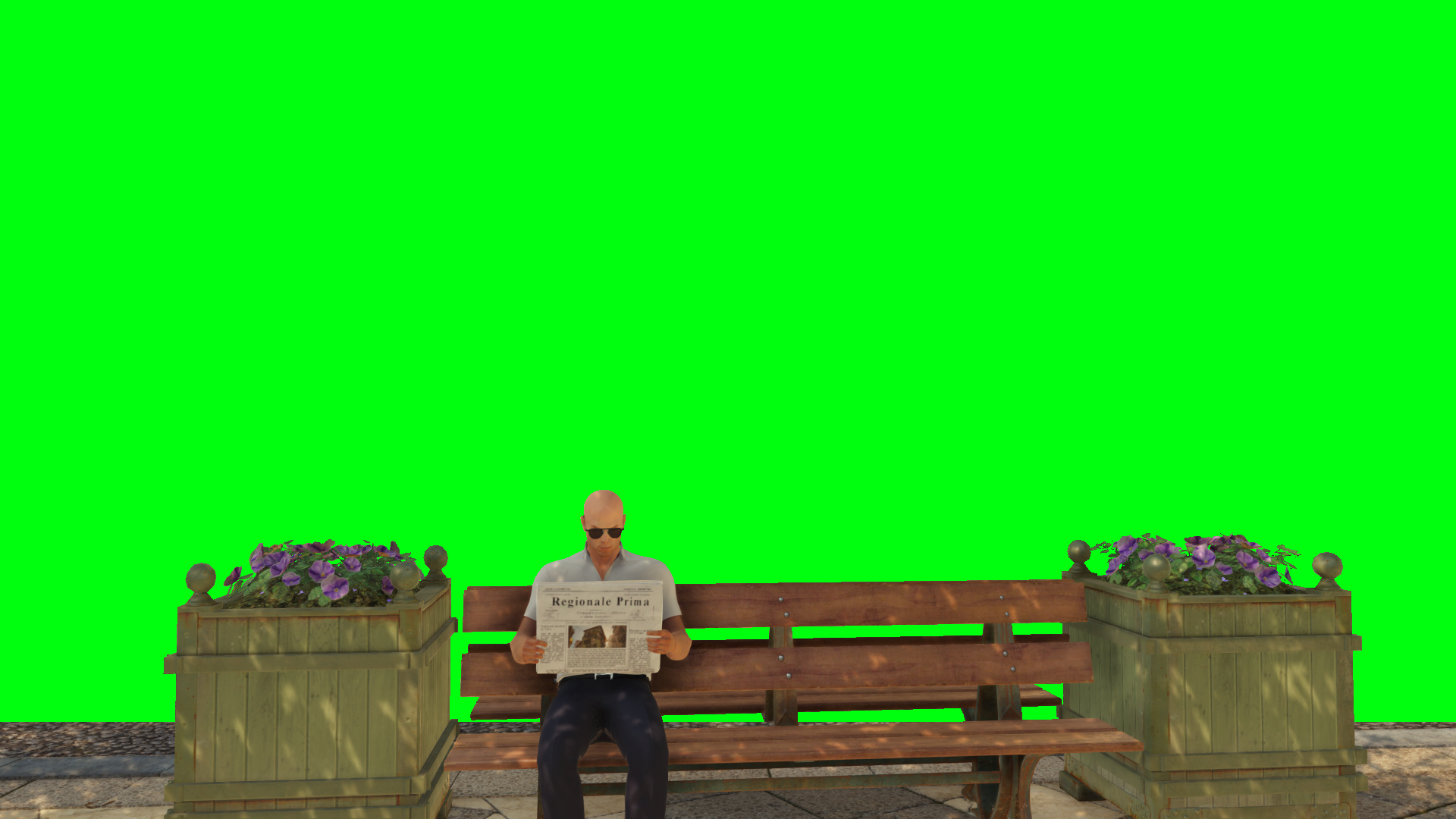
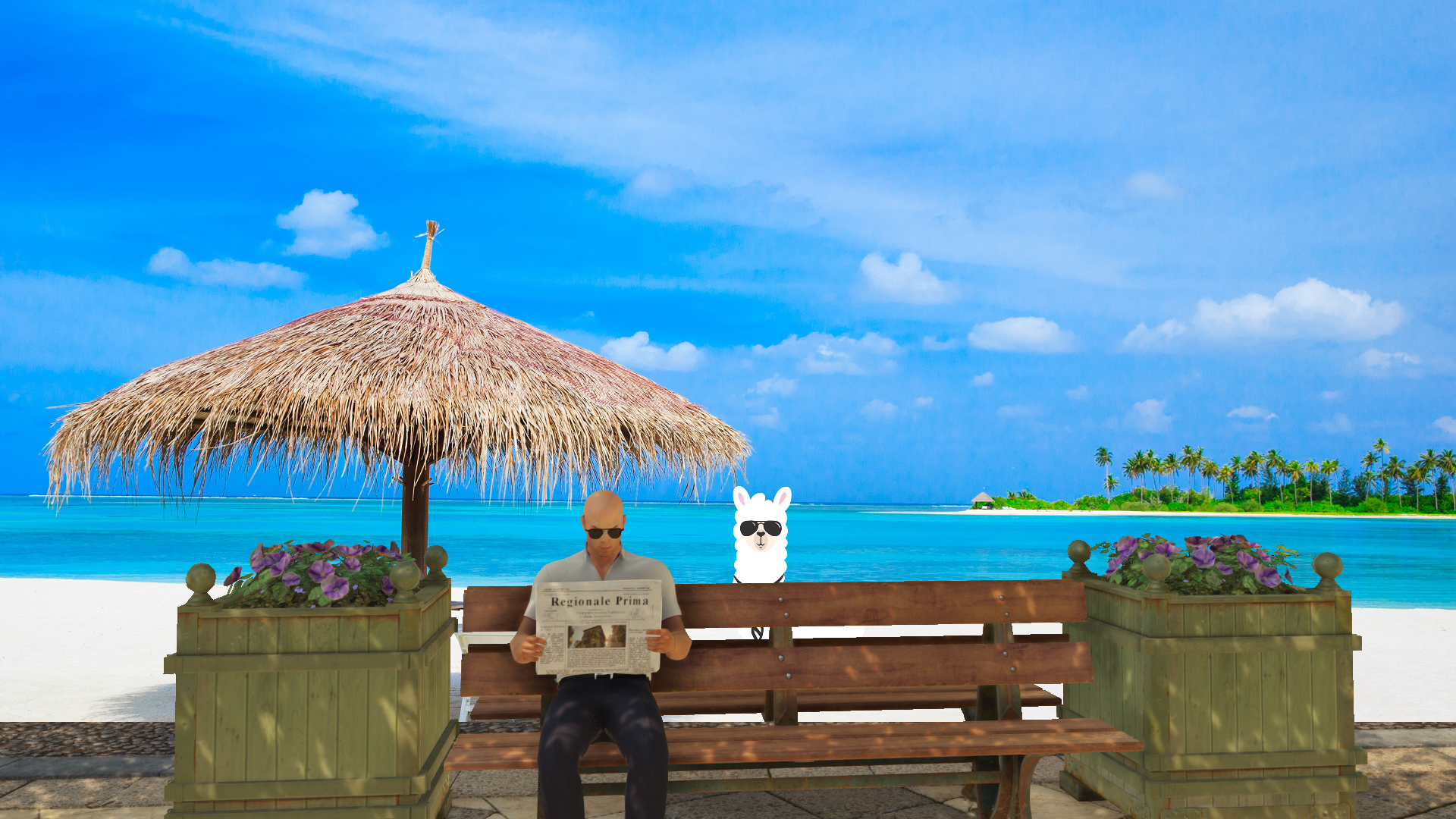
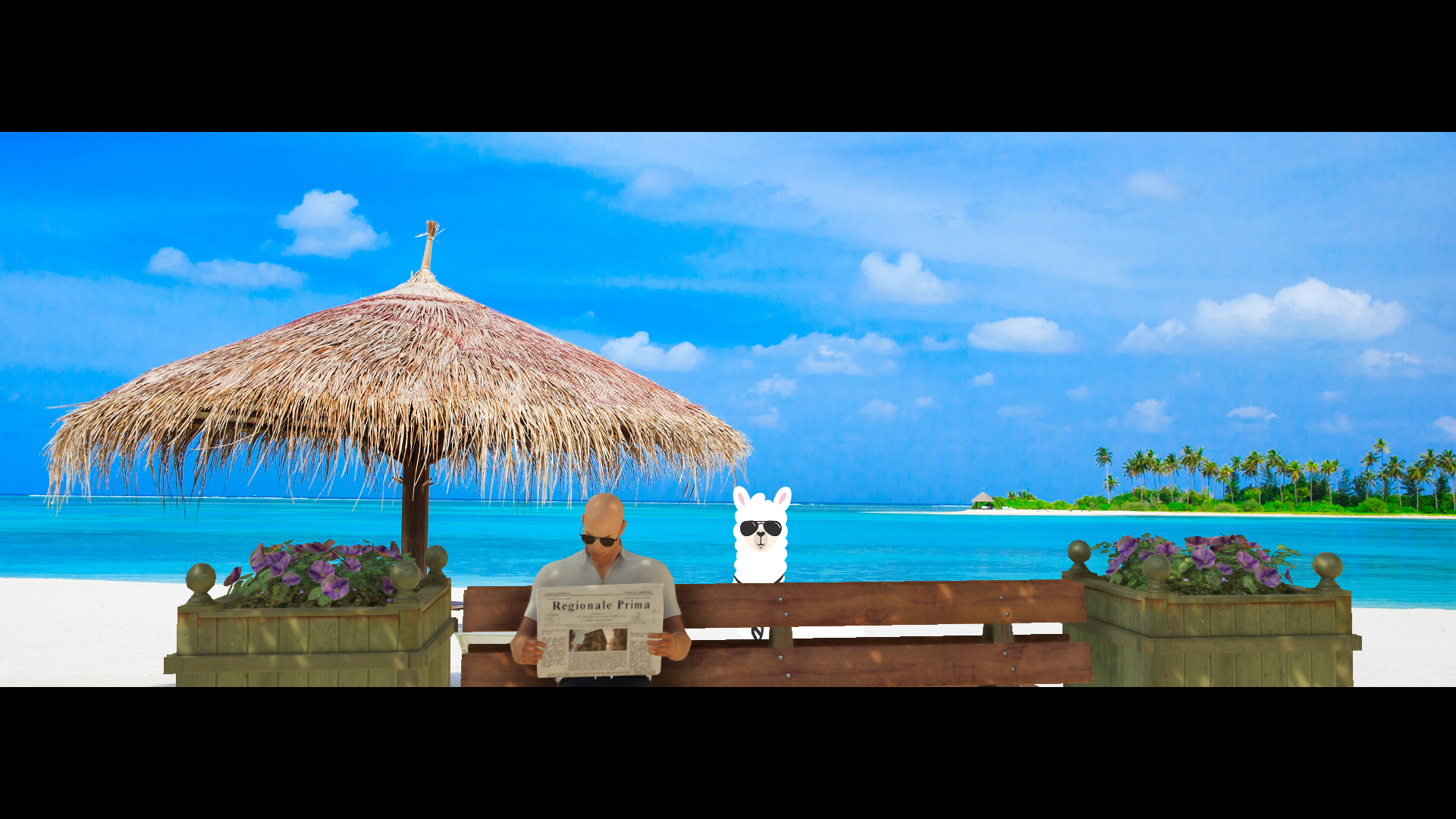
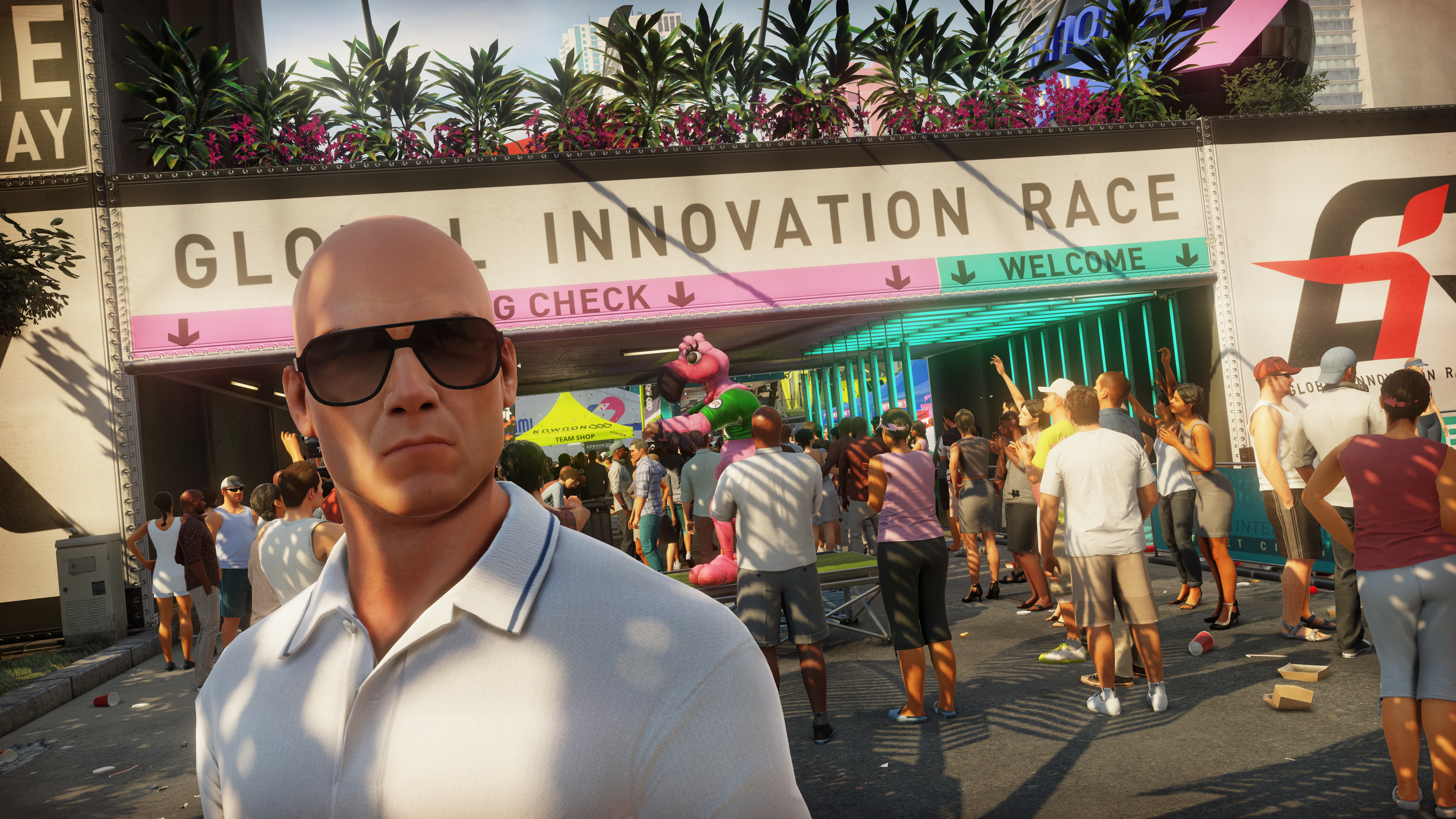
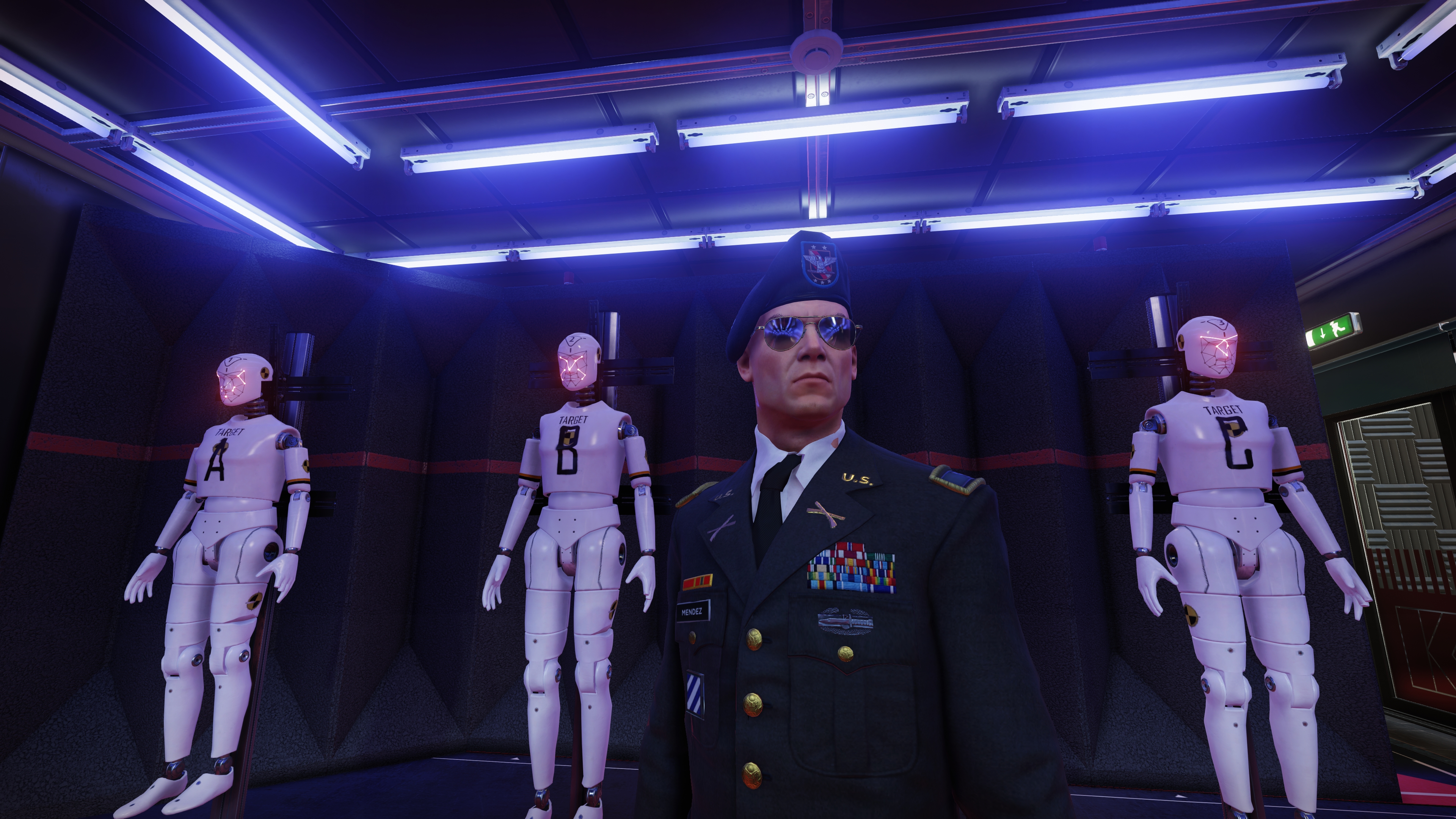
We’re introducing three new filters for Photo Mode and Freestyle that’ll allow you to further customize your screenshots and in-game photos. Here’s a demo showing the fun possibilities of “Green Screen”, “Sticker” and “Letterbox”:
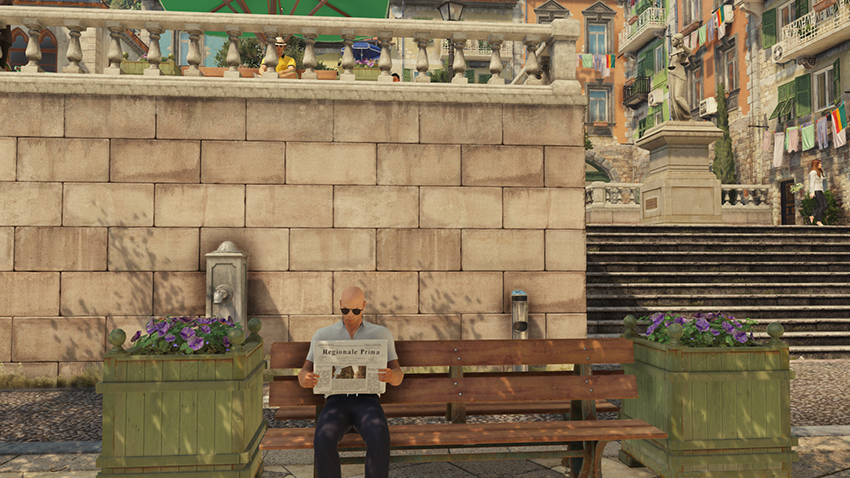
Starting with an in-game moment, we open Photo Mode to pause the action
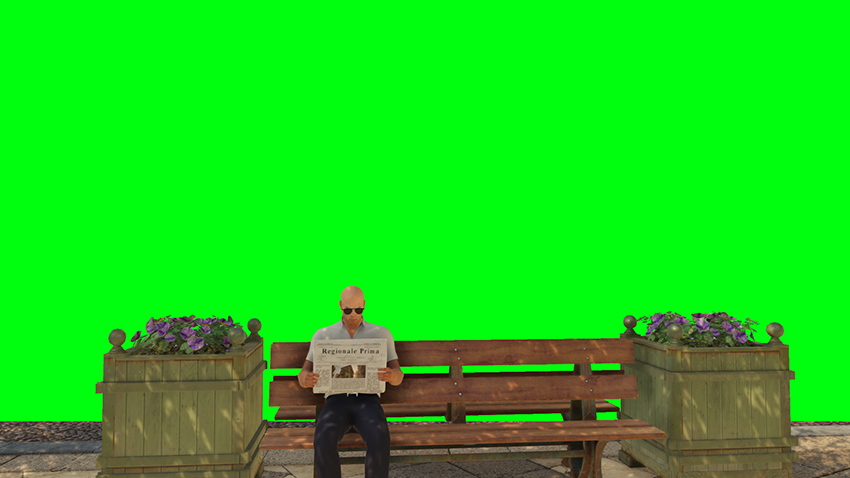
By applying and customizing the Green Screen filter we remove the background

In the Green Screen filter we then select a new background for Agent 47
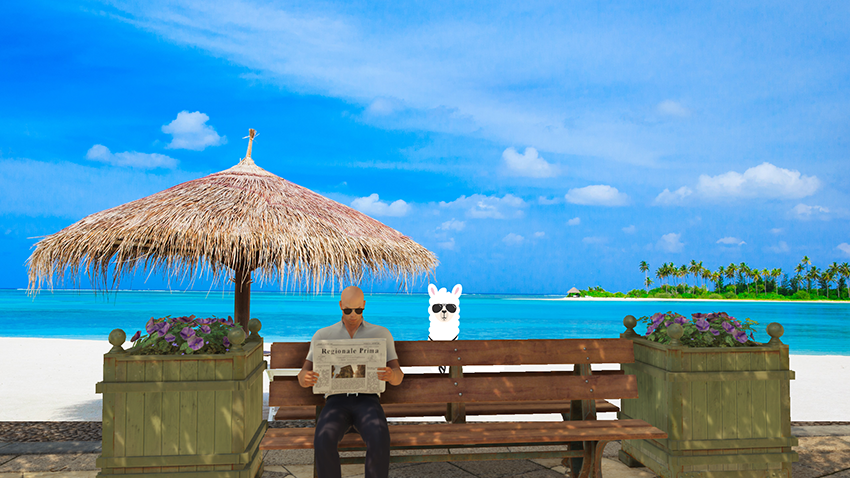
Next, we add Agent 47’s stealthy friend, who’s sporting the same sunglasses
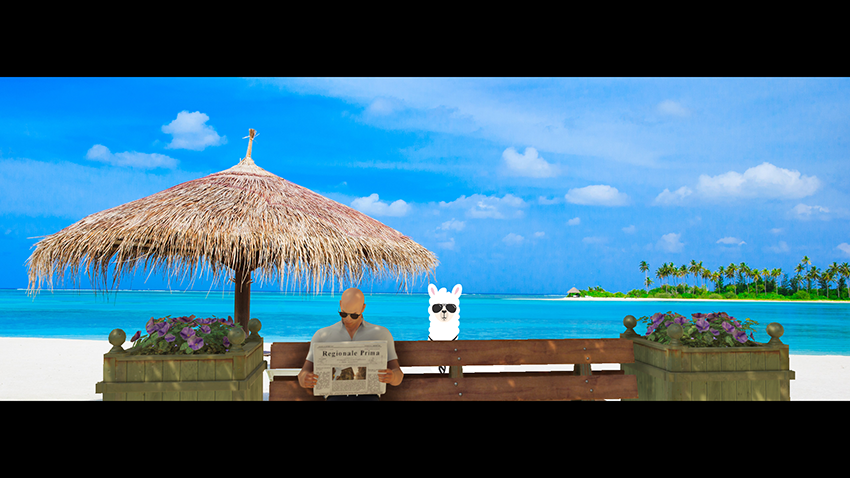
Finally, we add a cinematic feel to the shot with the configurable Letterbox filter
These filters will be released right after Gamescom in our upcoming Game Ready driver, so stay tuned to GeForce.com and GeForce Experience’s Drivers tab.
Rounding Things Up
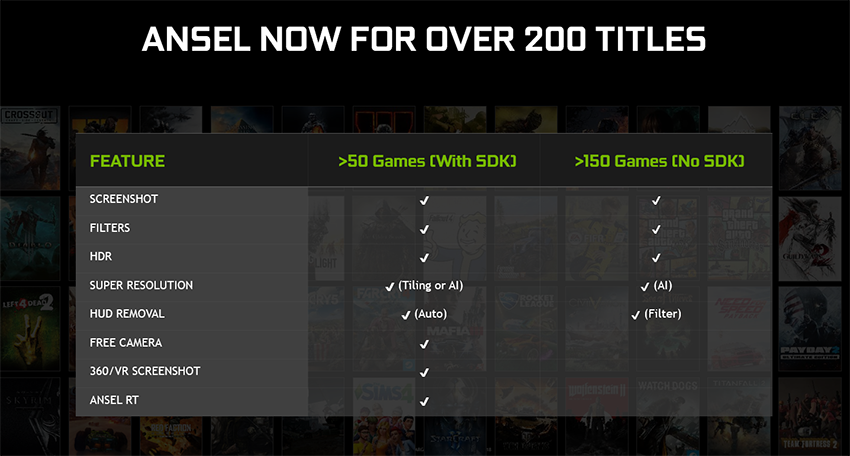
Photo Mode And Highlights Are Coming To Big New Games
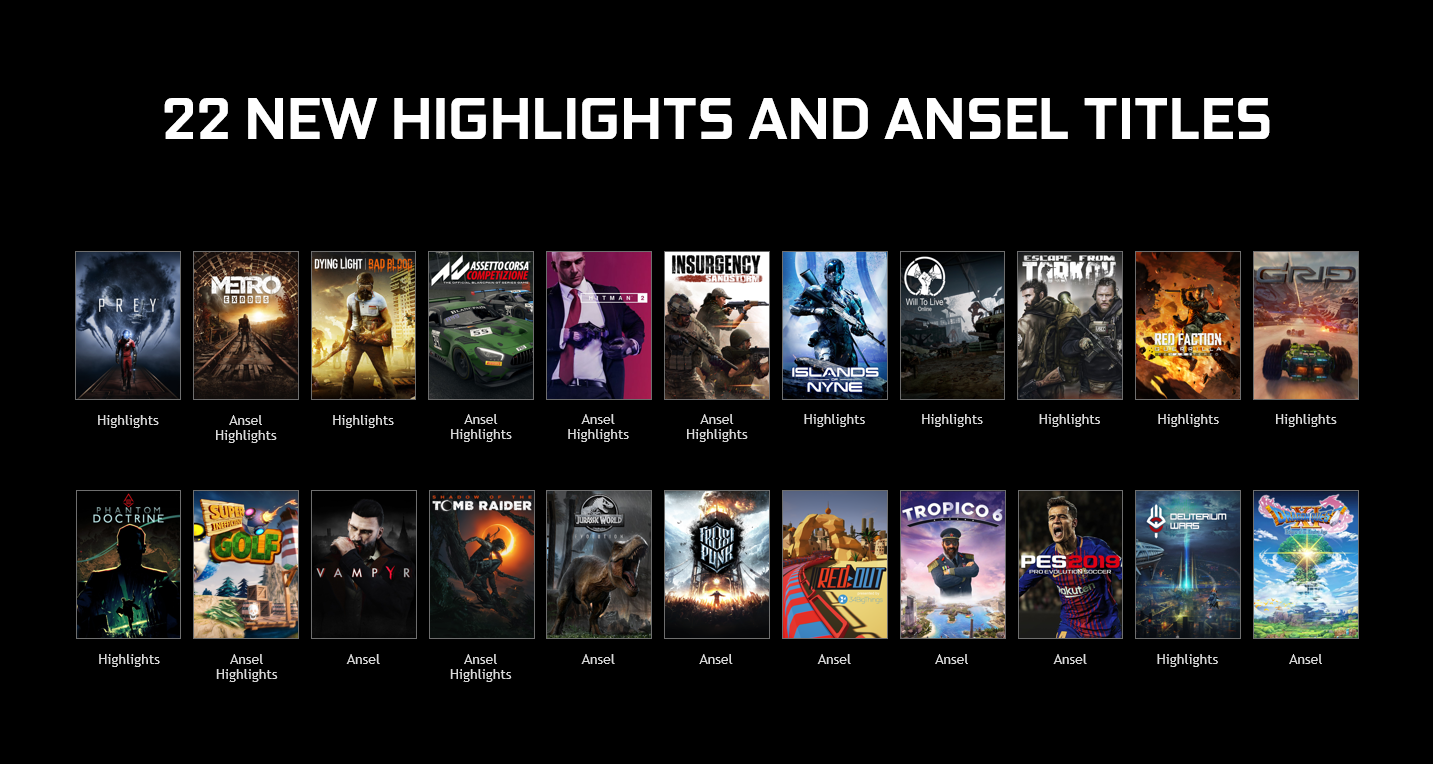
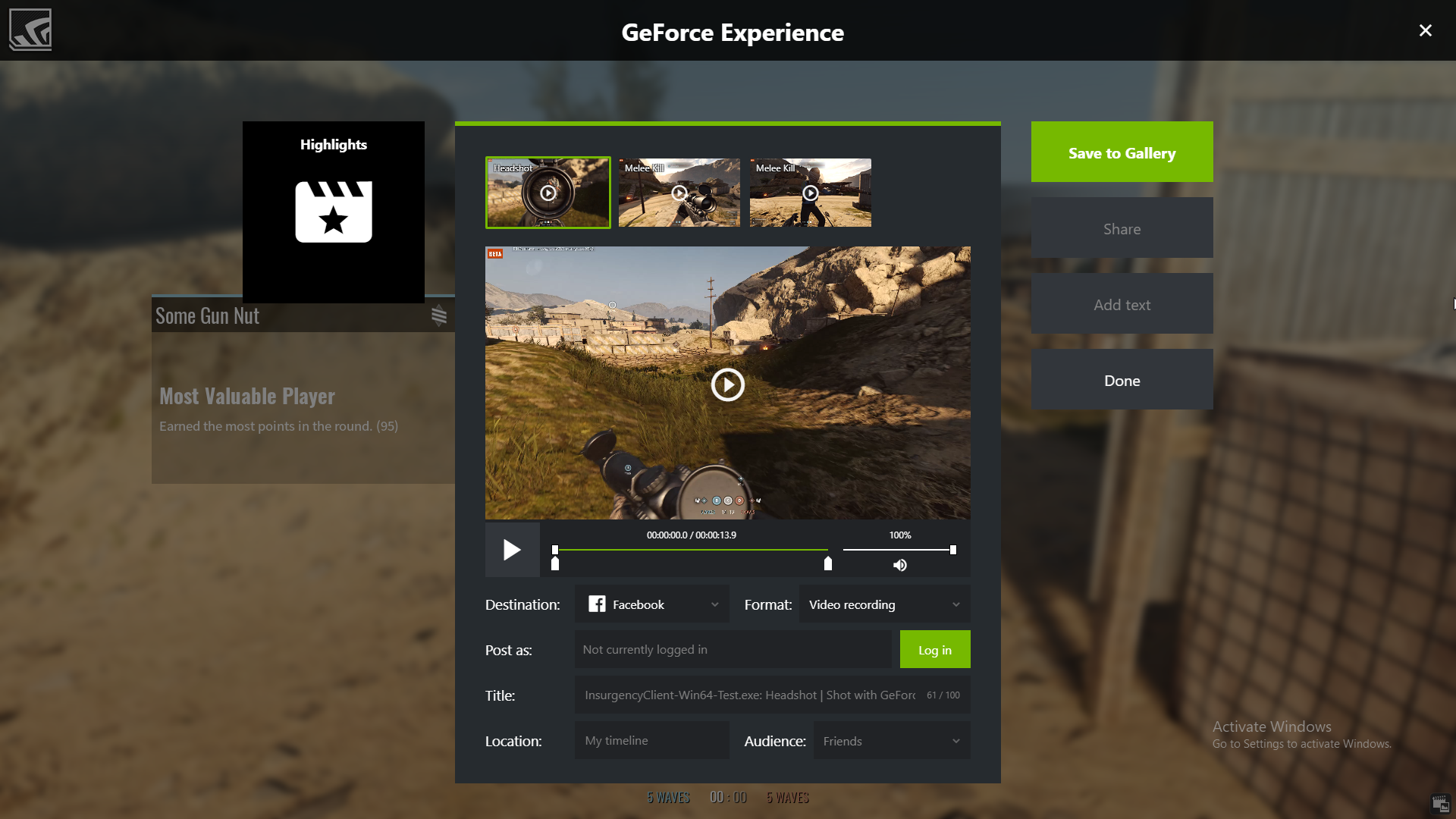
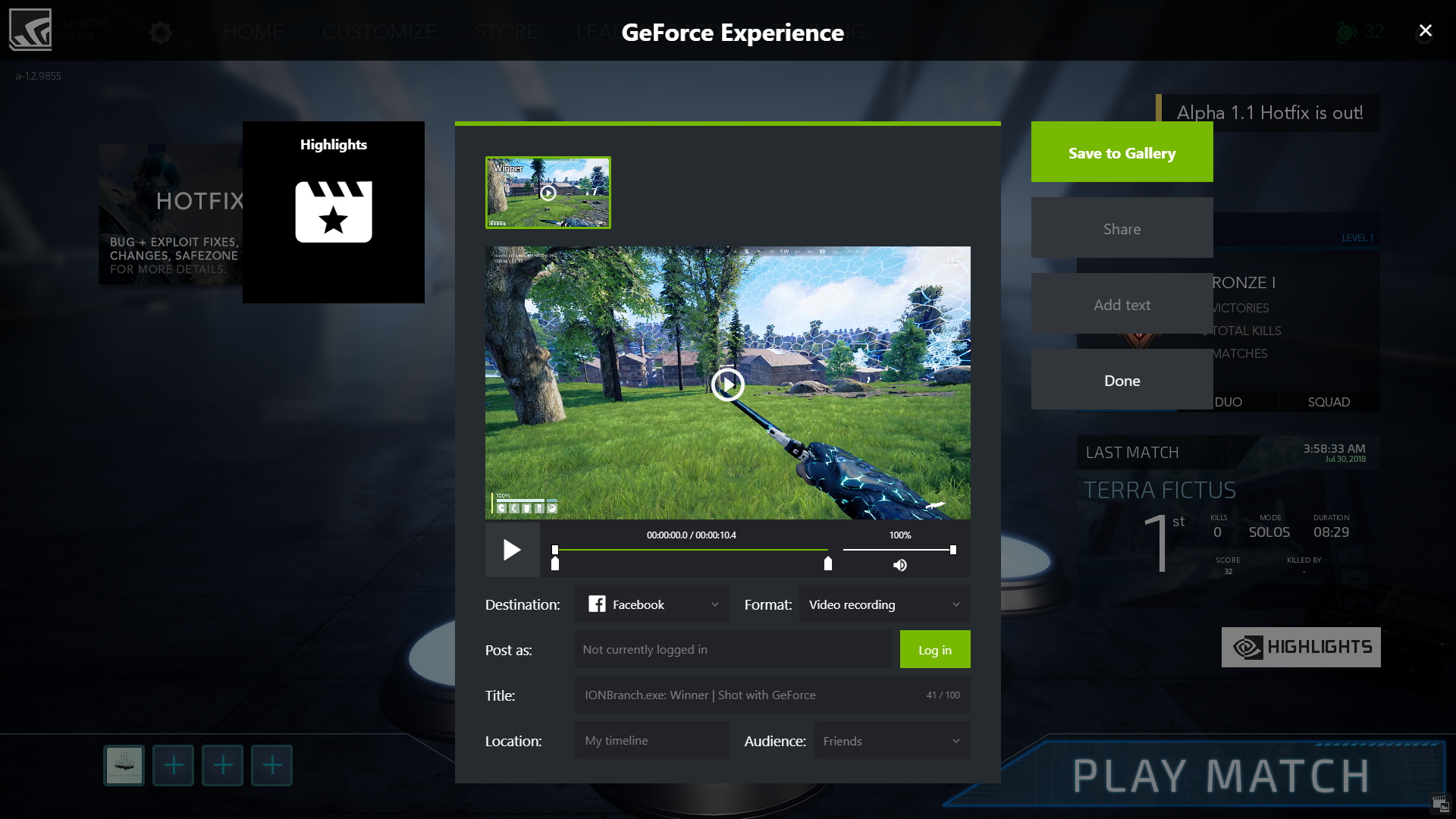
Over two billion videos and screenshots have been captured by GeForce Experience. Today we’re announcing over twenty new games that are integrating support for Highlights and Photo Mode.
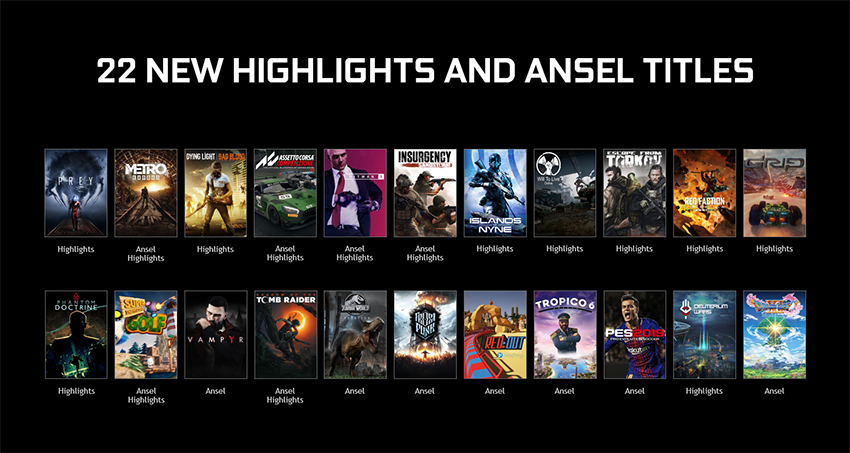
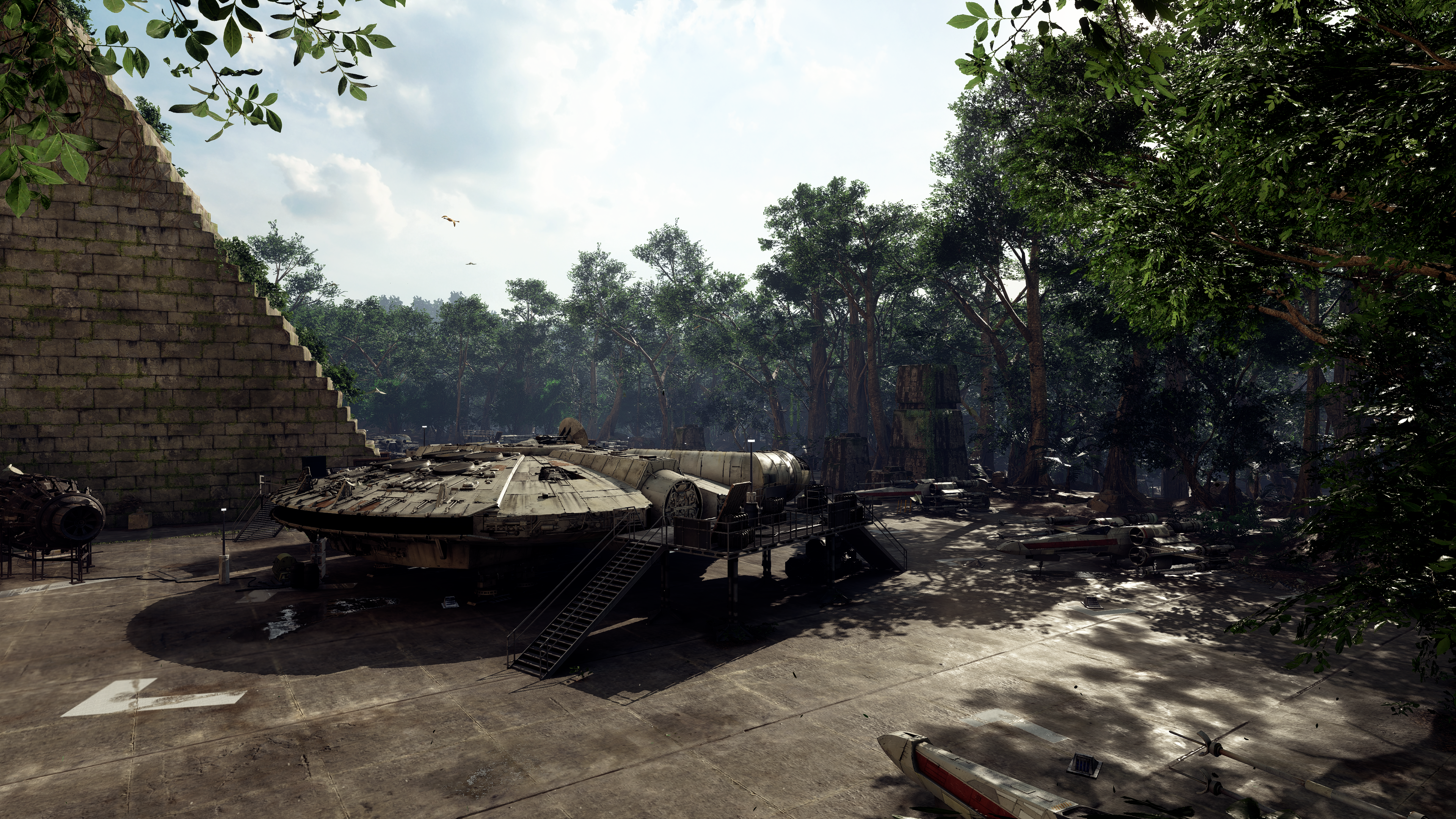
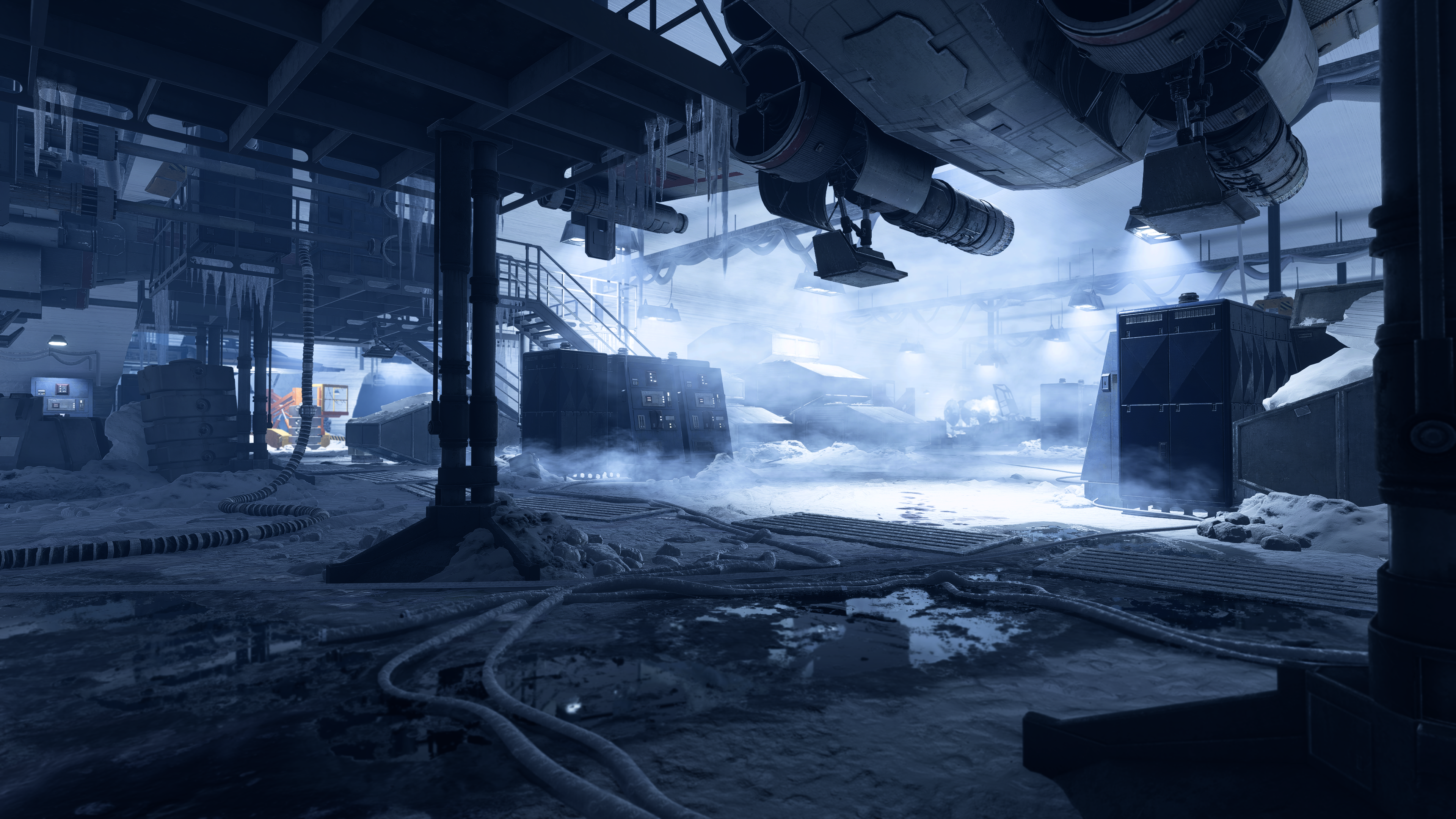
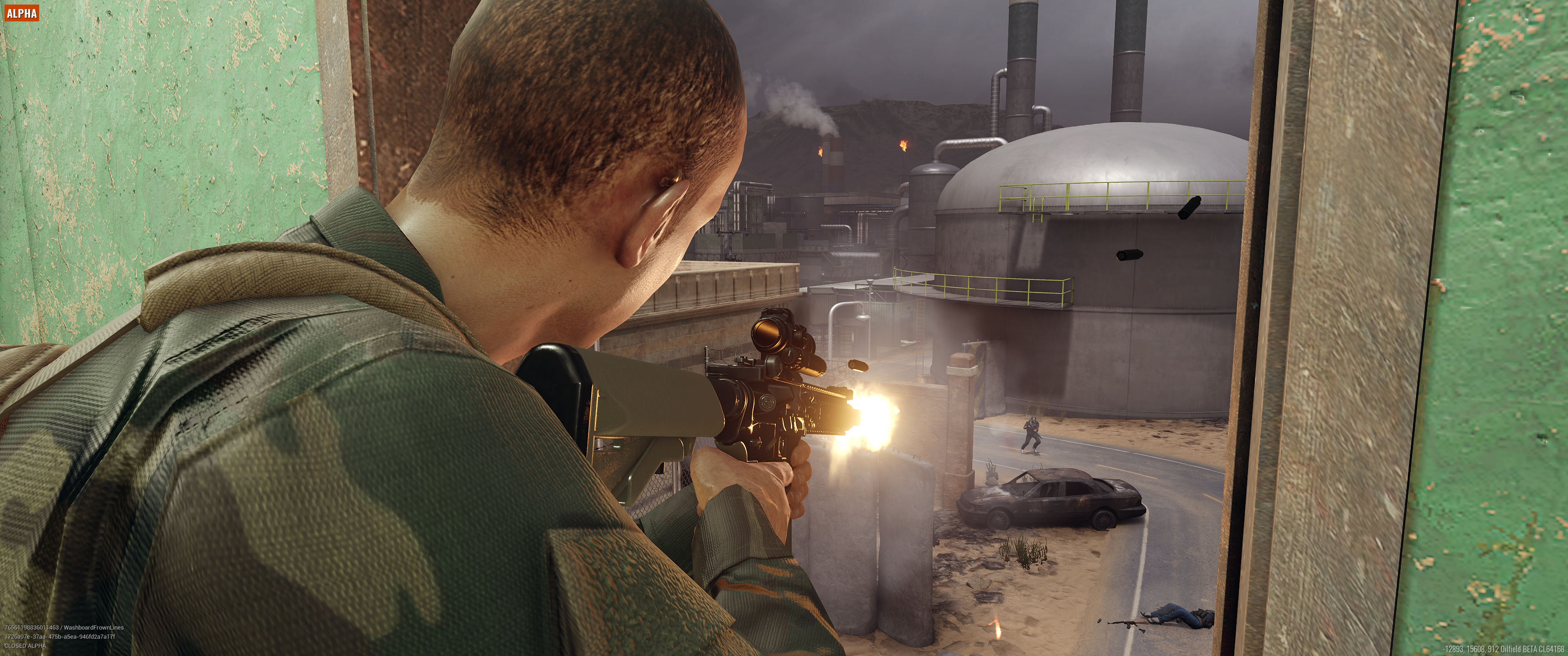
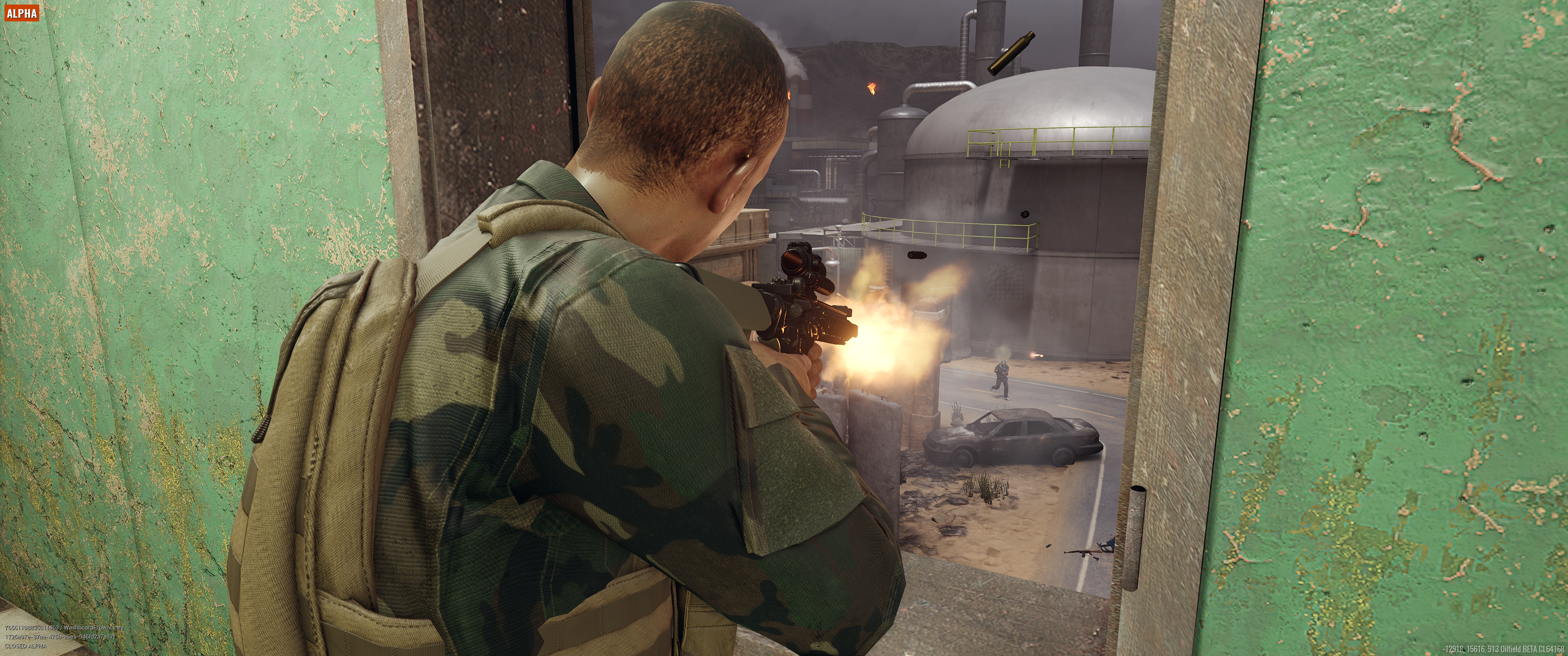
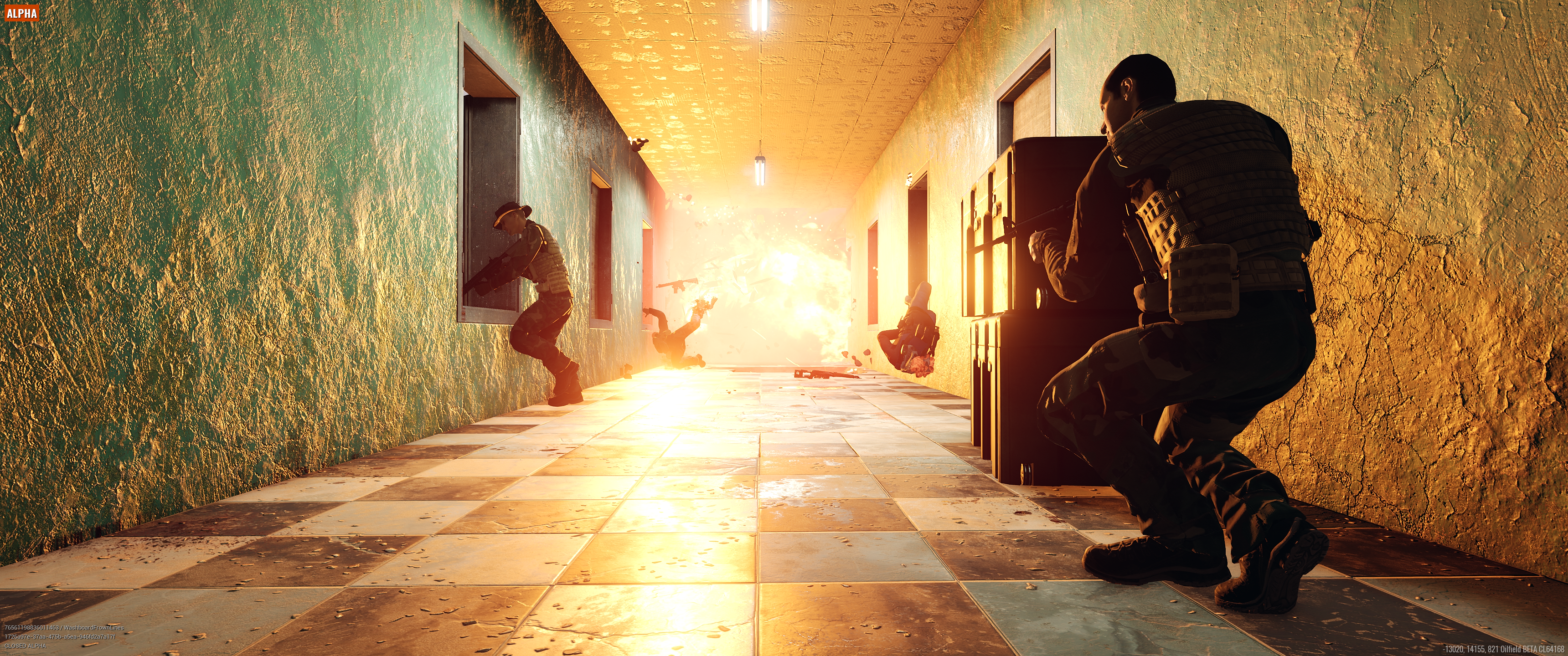
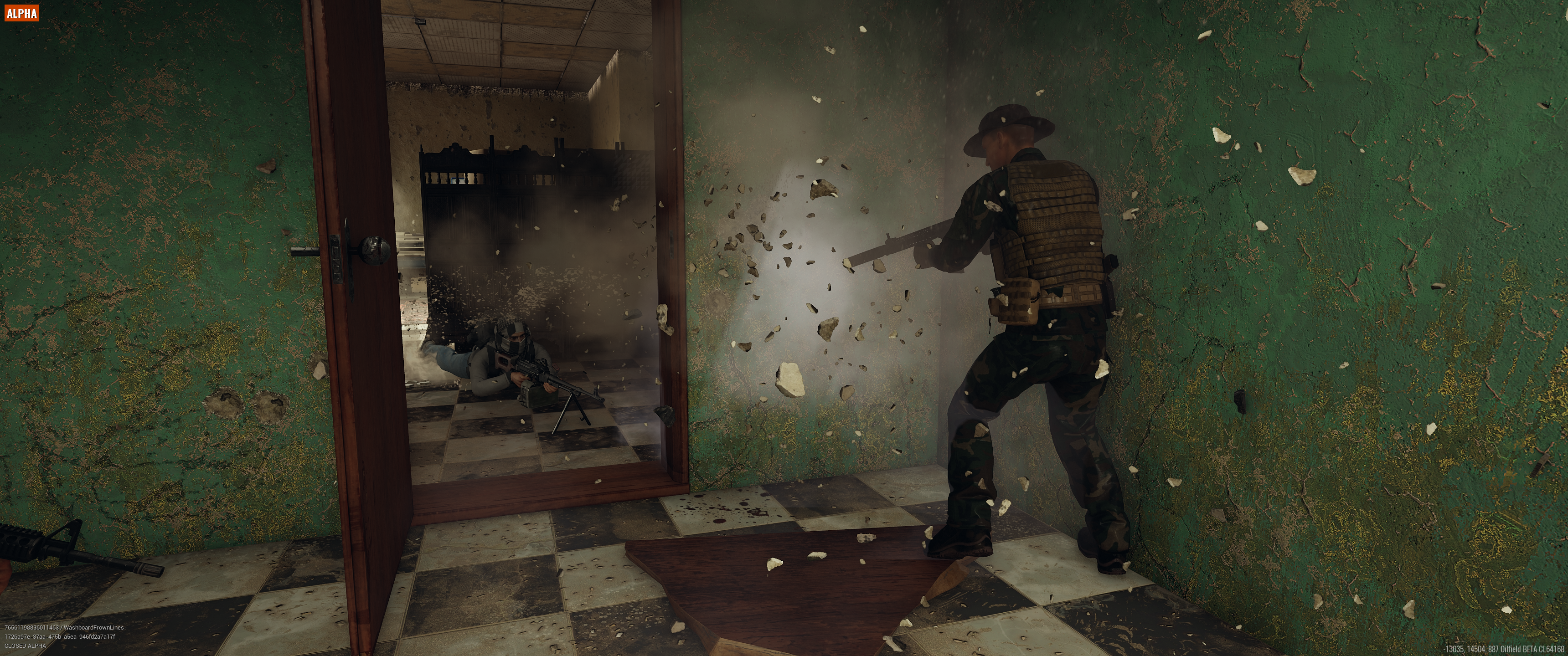
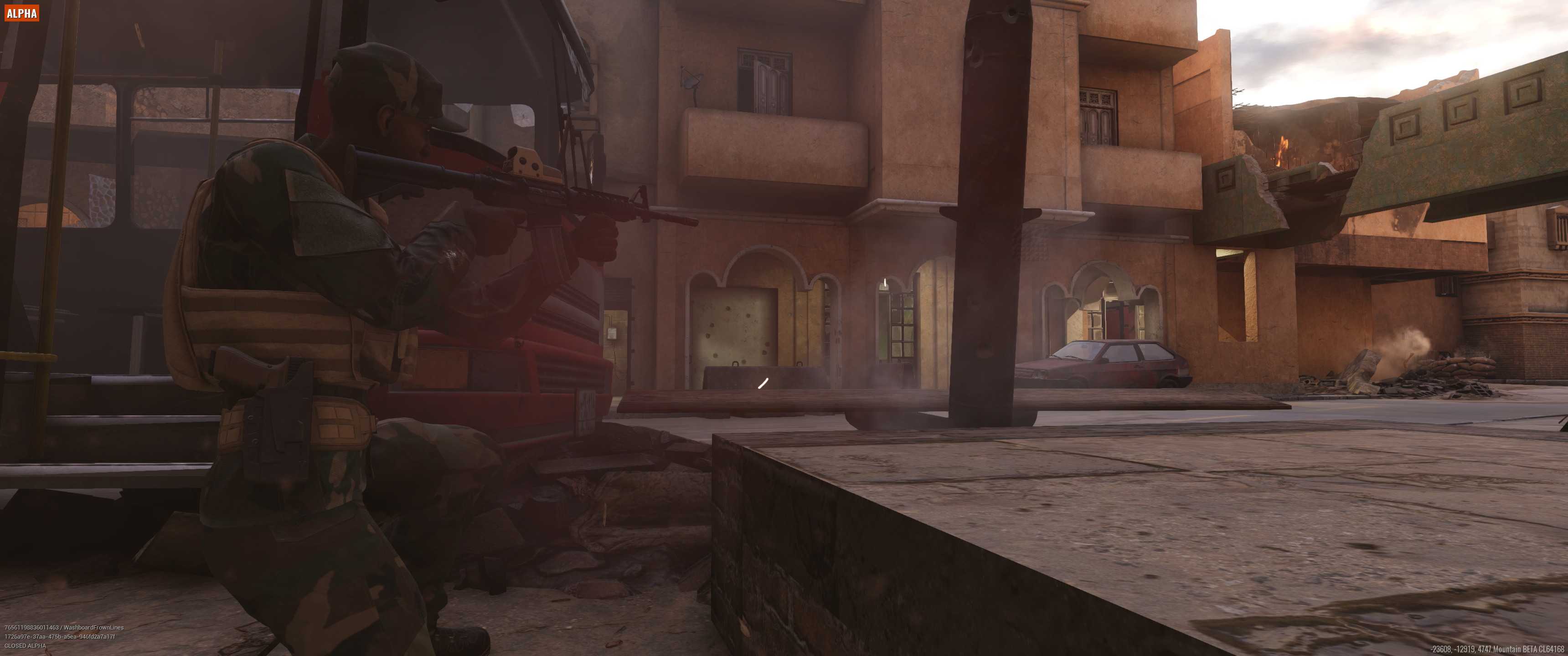
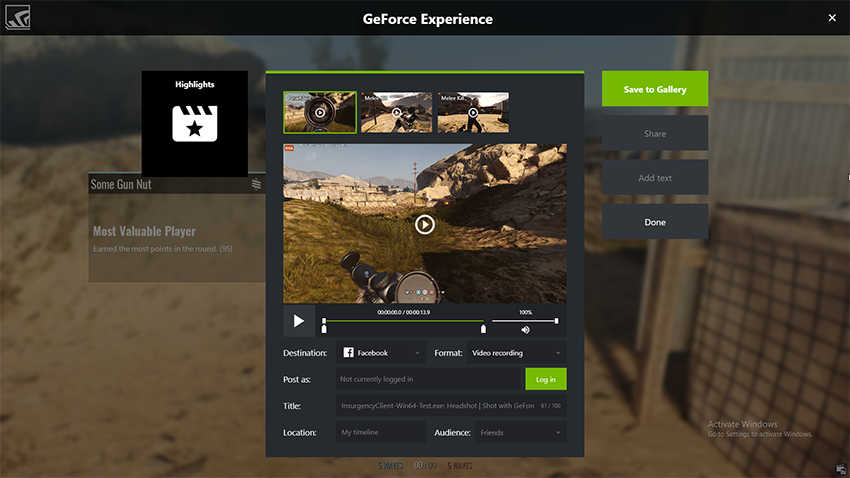
Battlefield V, Assetto Corsa Competizione, Metro Exodus, Hitman 2, and several other games are adding Photo Mode, bringing the total number of titles with native Photo Mode support to 66. As for Highlights, 15 games are adding support, including Battlefield V, Metro: Exodus, Hitman 2, Prey: Mooncrash, Islands of Nyne , Phantom Doctrine, and Insurgency Sandstorm, bringing the total number of titles with Highlights to 38. For details of each game’s Photo Mode or Highlights integration, keep on reading.
Capture Your Best Moments In Battlefield V With Photo Mode and Highlights
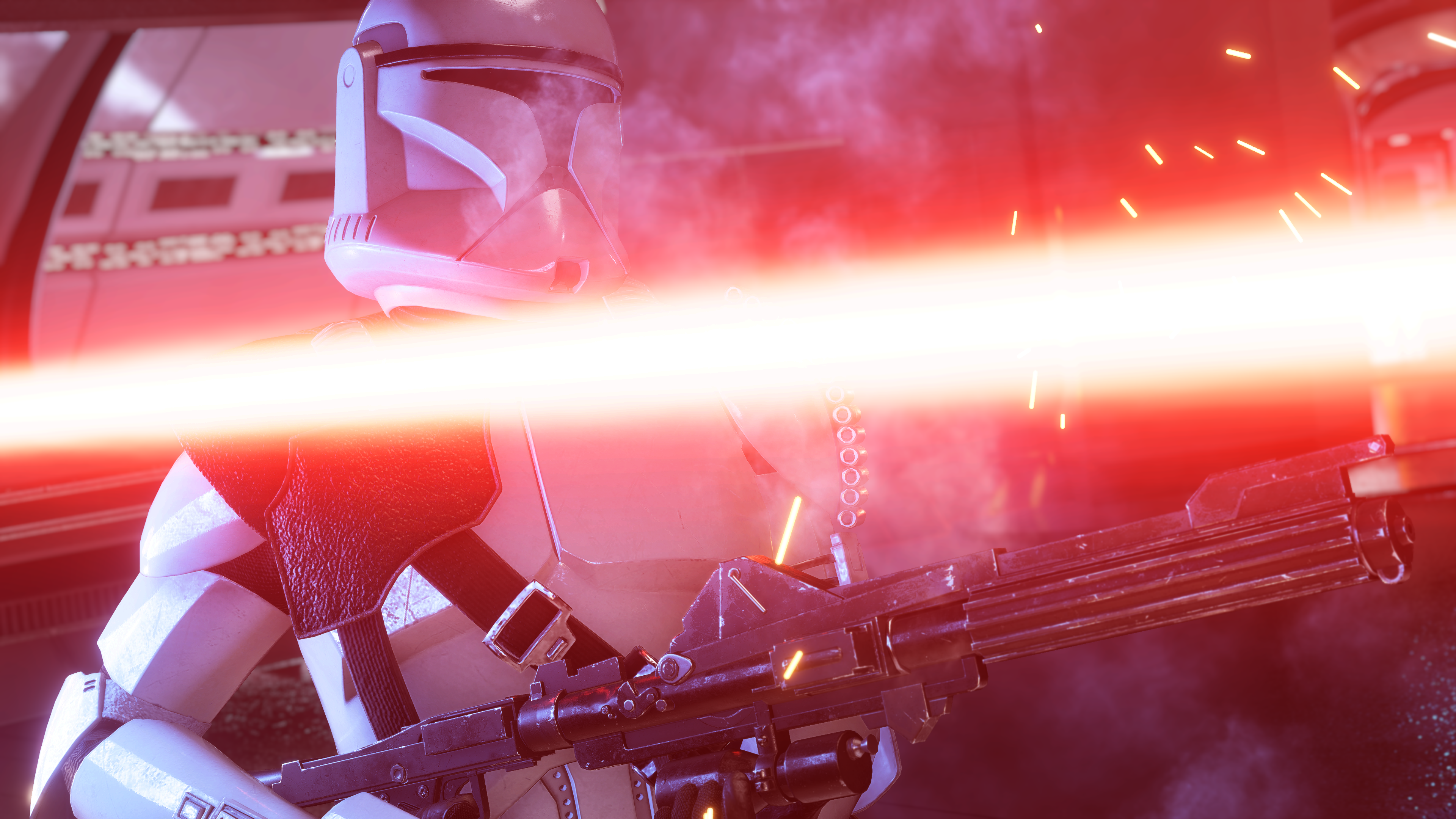
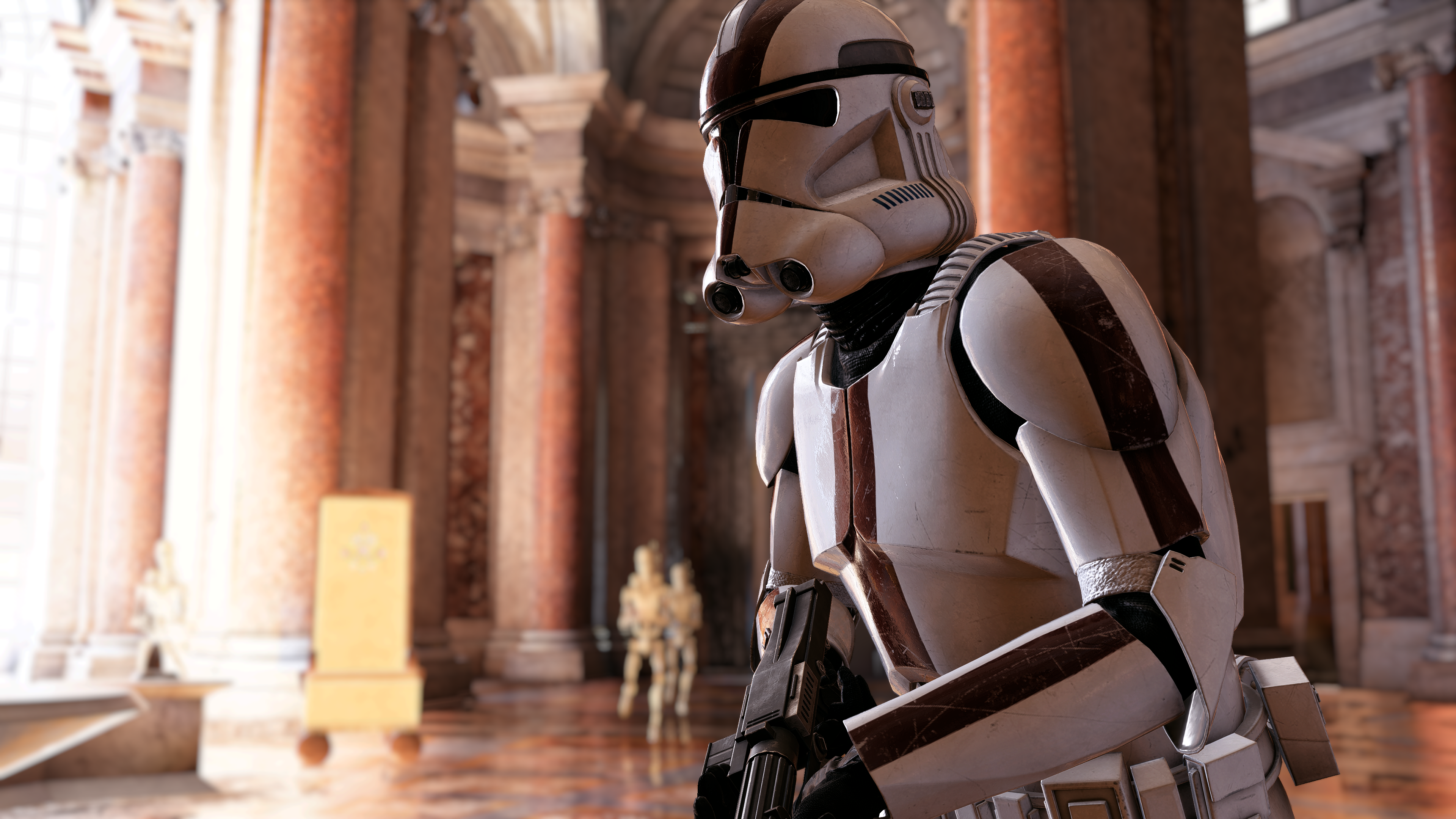
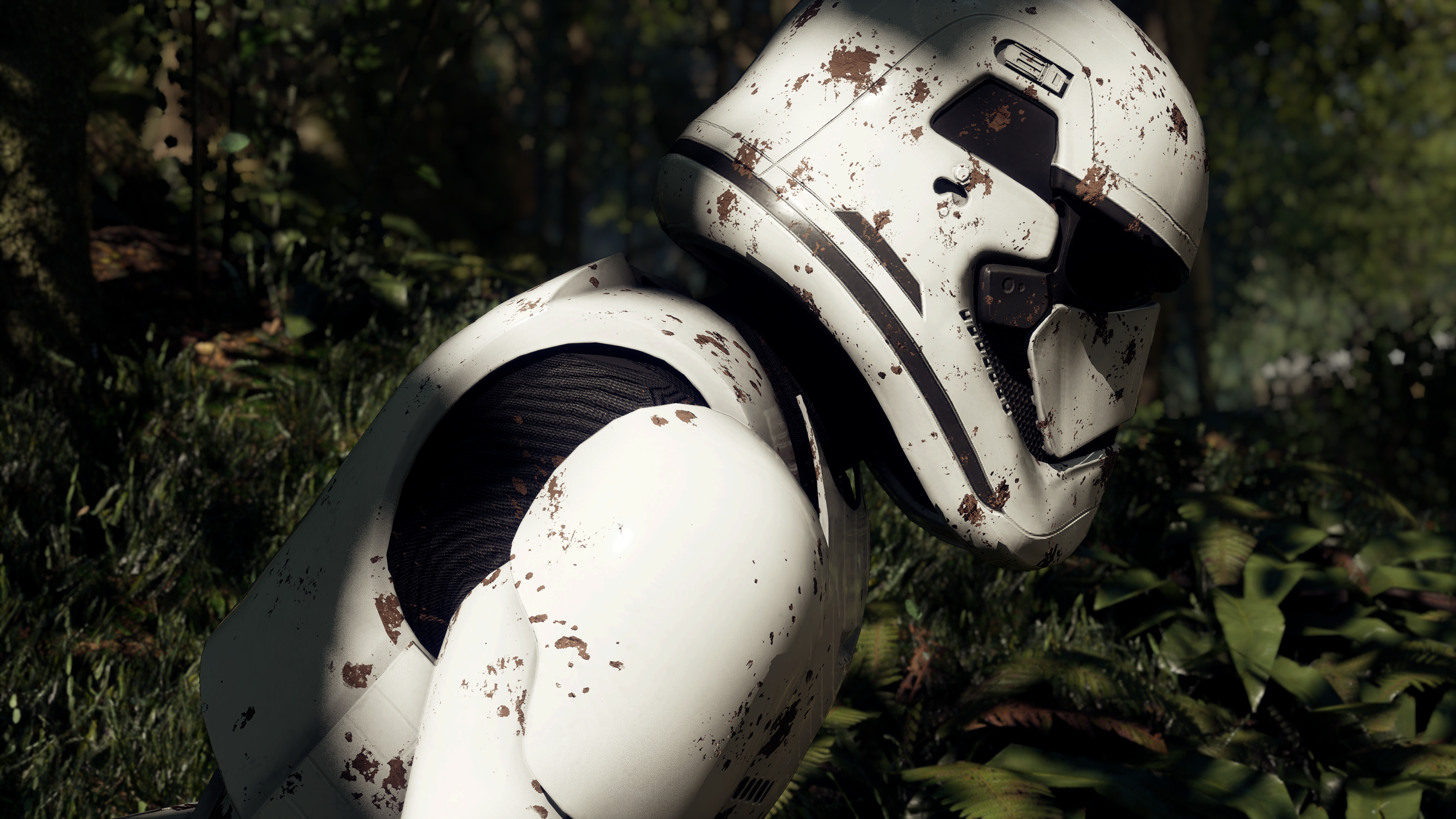
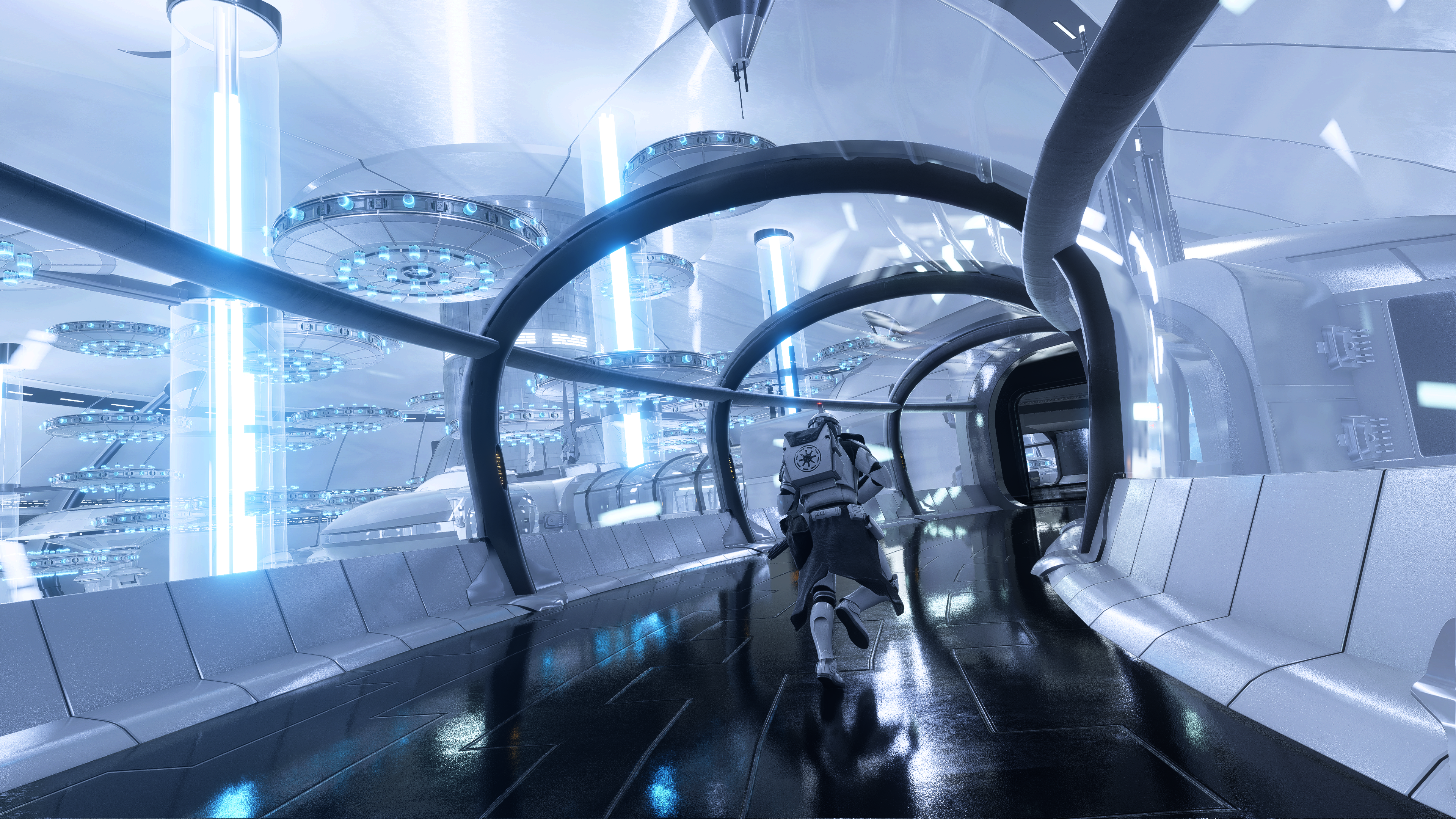
NVIDIA and DICE, the developers of Battlefield V, partnered earlier this year to make GeForce the definitive PC platform for Battlefield V. Today, we announced that the partnership will also include the addition of NVIDIA RTX Ray Tracing, NVIDIA Photo Mode and NVIDIA Highlights, giving players with GeForce GPUs an even-better experience.
For all the details, head on over to our dedicated Battlefield V RTX, Photo Mode and Highlights article.
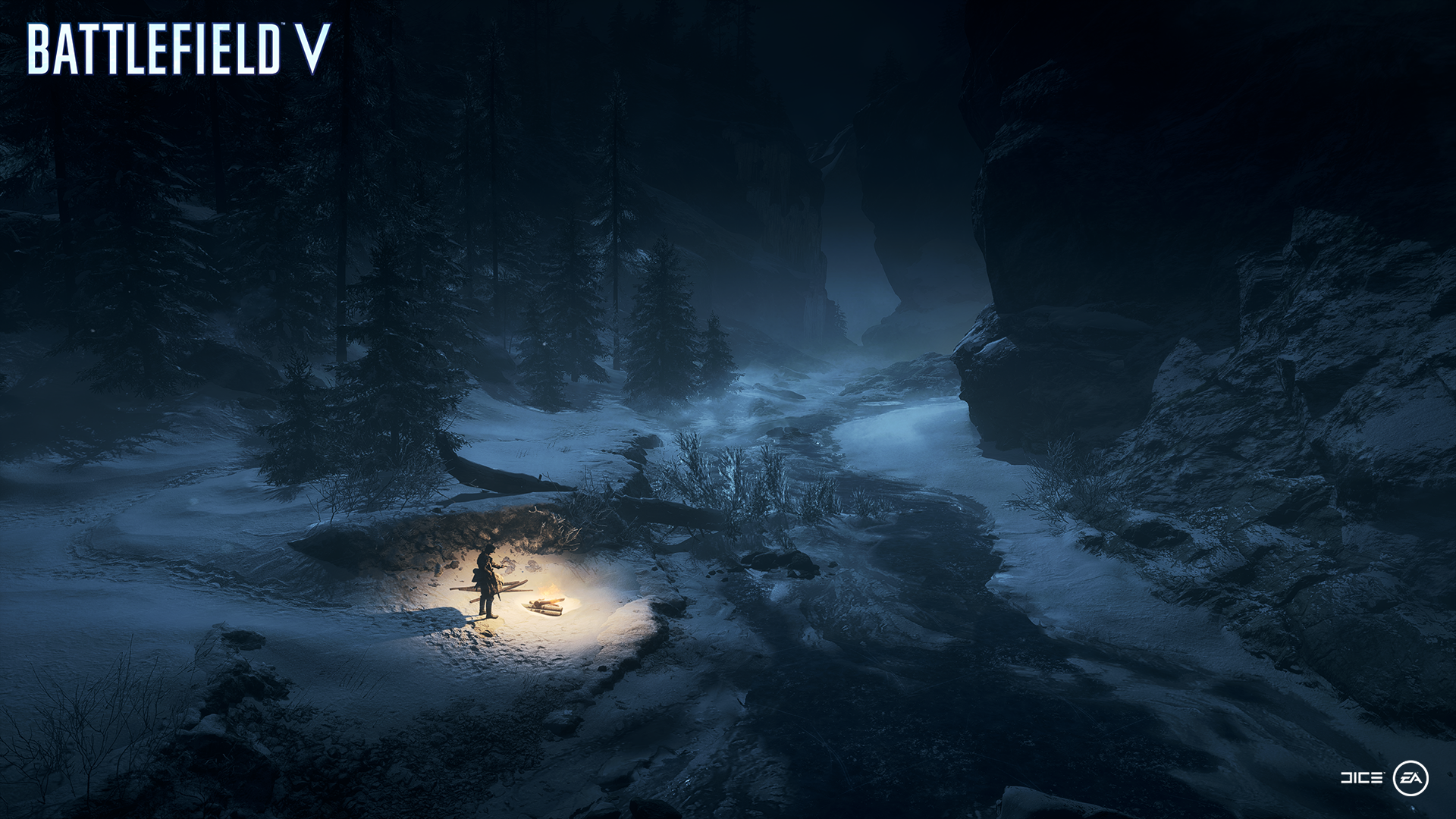
Capture The Grim Beauty of Metro: Exodus With NVIDIA Photo Mode
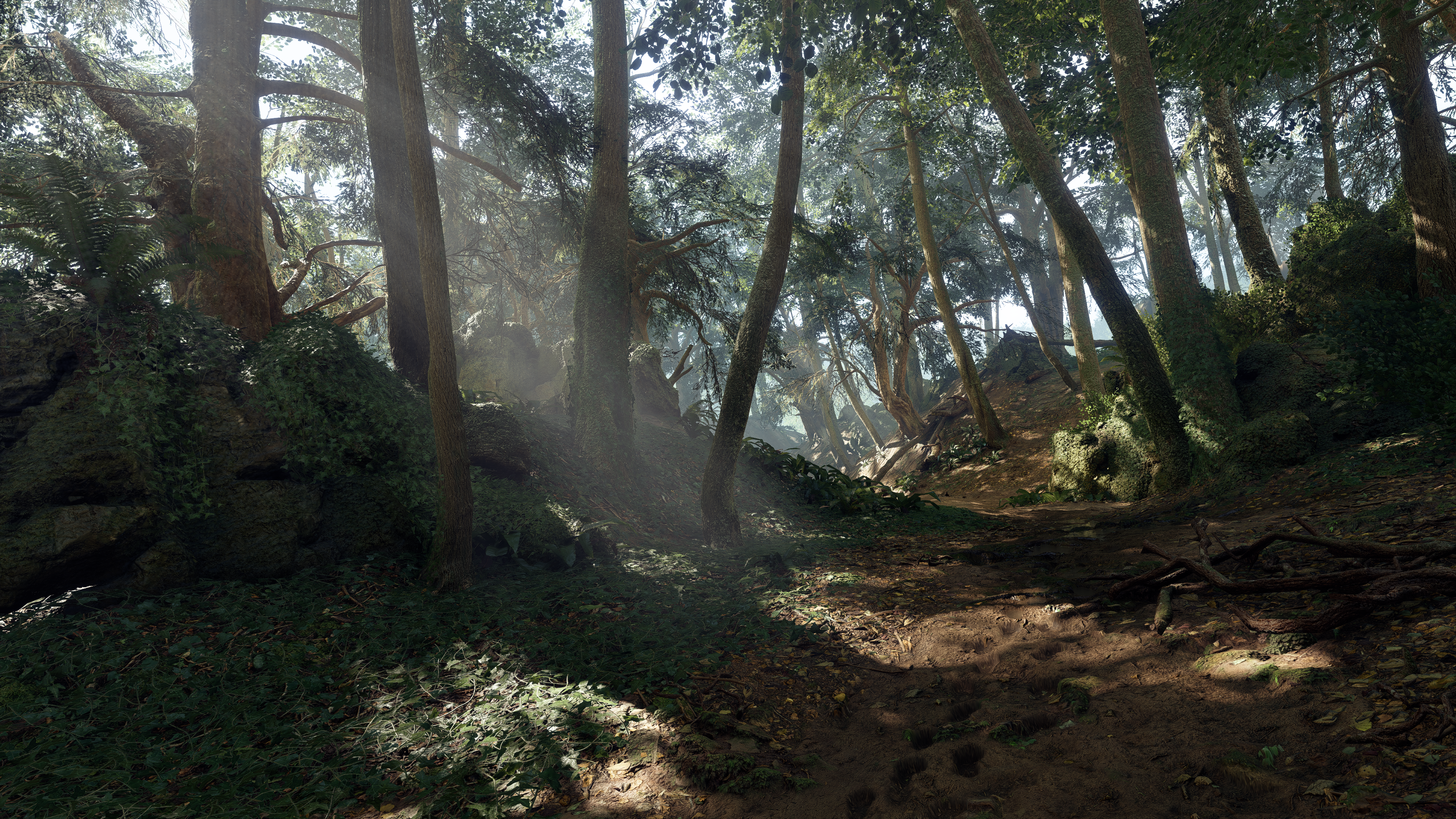
4A Games’ Metro 2033 and Metro: Last Light were among the best-looking single-player action games of their day, wowing players with stunning post-apocalyptic scenes that pushed technology and graphics cards to their limit. In 2019, 4A Games and Deep Silver will launch Metro Exodus, the latest game in the franchise, and we’re proud to announce that the long-awaited threequel will be enhanced with NVIDIA RTX Ray Tracing on GeForce RTX graphics cards.
We’re also announcing today that Metro Exodus will support NVIDIA Photo Mode, enabling gamers to take incredible in-game photos from the new title’s hyper realistic world. And while you’re playing, NVIDIA Highlights will automatically record your best gameplay moments, which you can later edit and share, or convert to GIFs.
Hitman 2 Captures Your Stealthy Takedowns With NVIDIA Highlights And Photo Mode
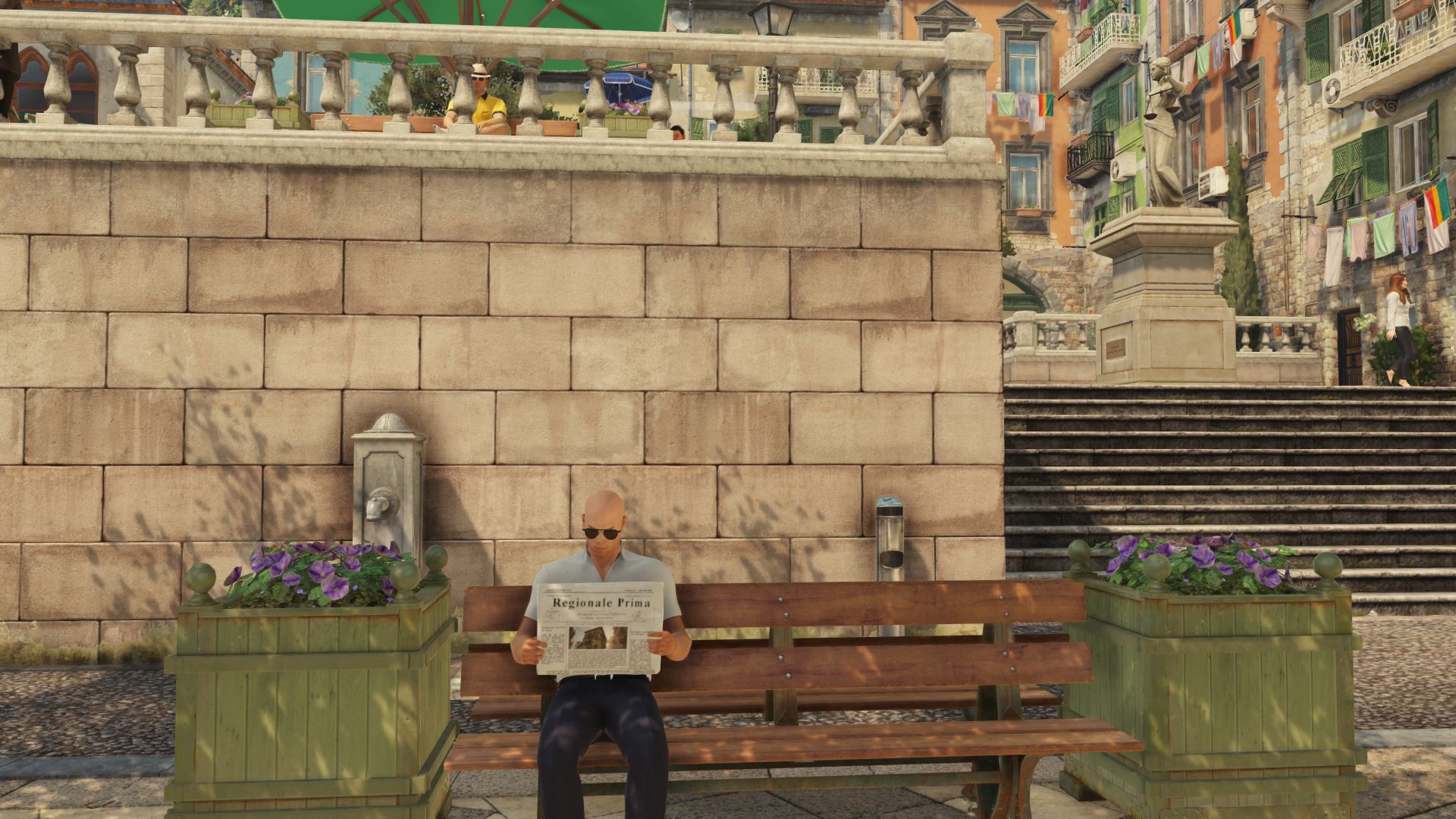
In 2016, developer IO Interactive reinvented the Hitman franchise with an episodic, repeatable, replayable take on the game’s structure. Later this year, Hitman 2 will see a return to that same world. You’ll once again take on the role of the lethal Agent 47 as you use every means at your disposal to take down enemies, and plan the ultimate assassination. And as in previous entries in the series, how you take down your enemies is entirely up to you.
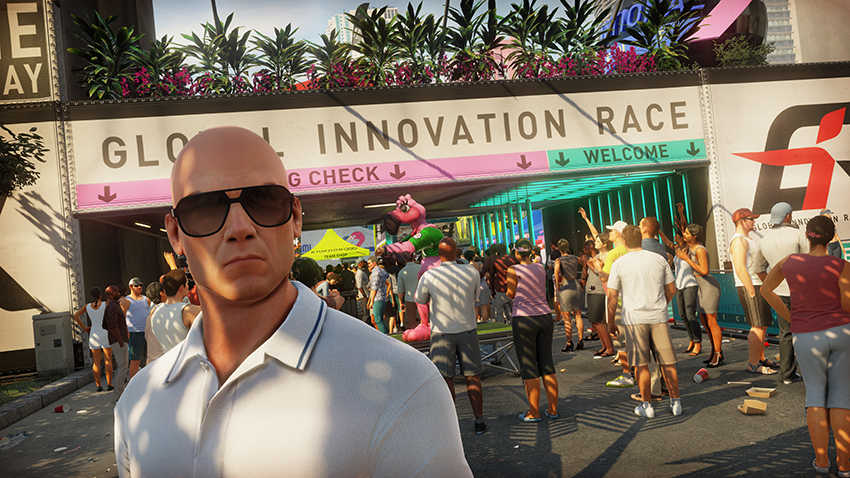
With NVIDIA Highlights support, those unique moments will automatically be captured as they happen. And for a perfectly posed in-game photo, use NVIDIA Photo Mode to ensure you get a glamorous high resolution shot.
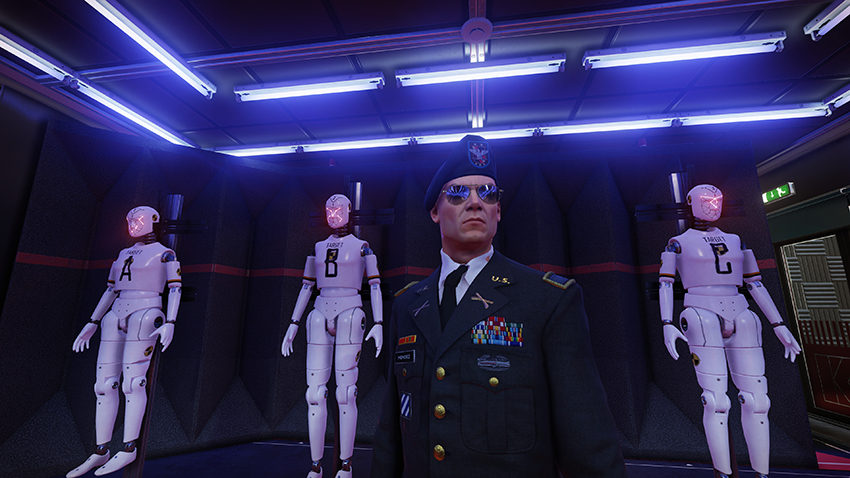
Conan Exiles Adds NVIDIA Highlights To Show Off Your Brutal Battles
Conan Exiles is a game known for its bloody combat and hostile environments. Capturing and sharing clips of your favorite encounters is getting even easier thanks to NVIDIA Highlights, which will be coming to the large-scale action-survival game in the future. Just check your highlight reel at the end of your session to see your collection of brutal encounters.
Showcase Your Survival Skills Automatically When Highlights Comes To DayZ
DayZ is a game that takes all of the elements of an open world survival game, and adds the threat of zombies to the mix. You’ll spend your time scavenging for food, water, and weapons as you fight off zombies and other players in a fictional Soviet landscape. The game is currently in early access, and will be getting a full release later this year. With NVIDIA Highlights, automatically capture the most exciting moments, so that you can focus on staying alive.
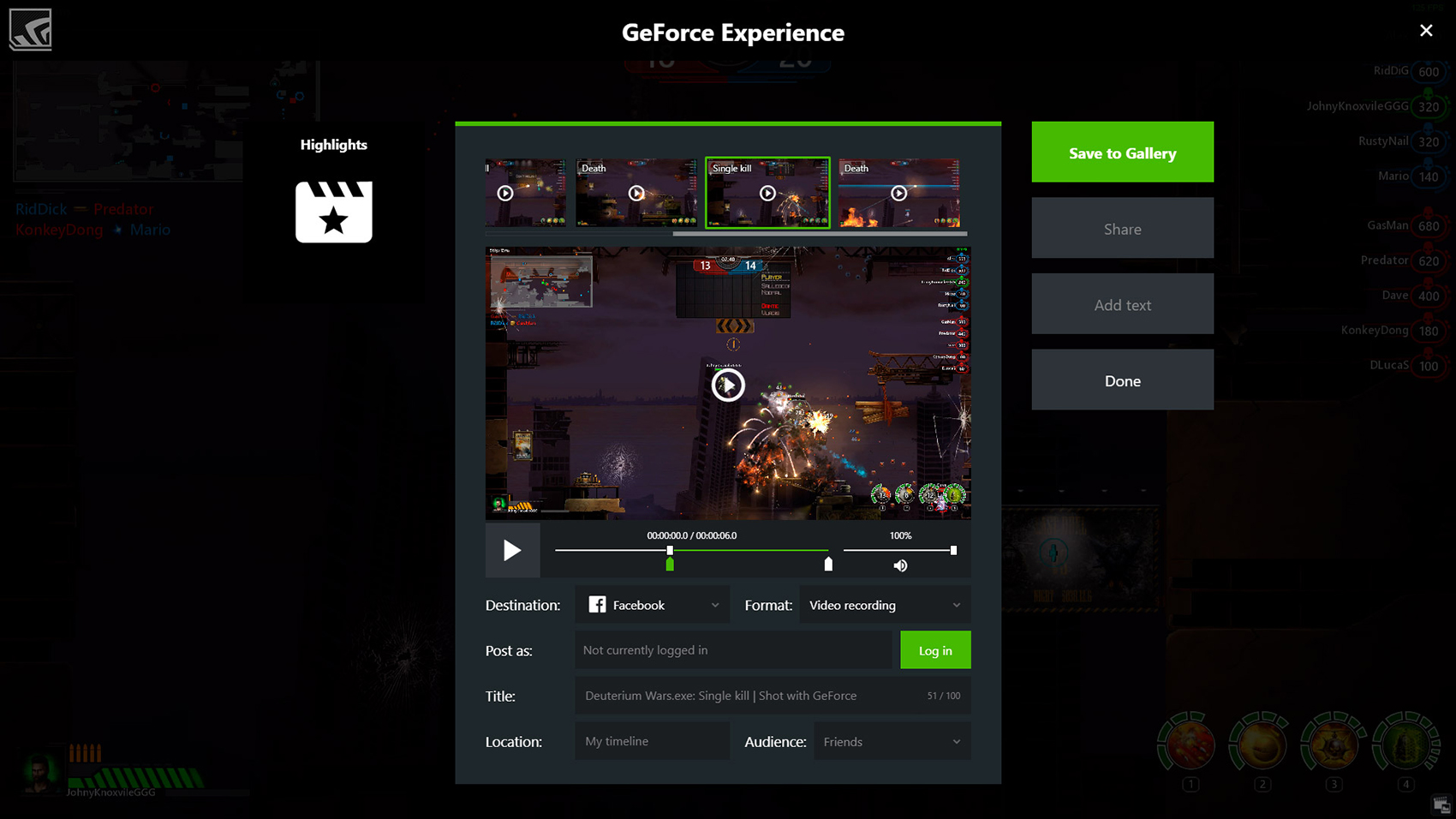
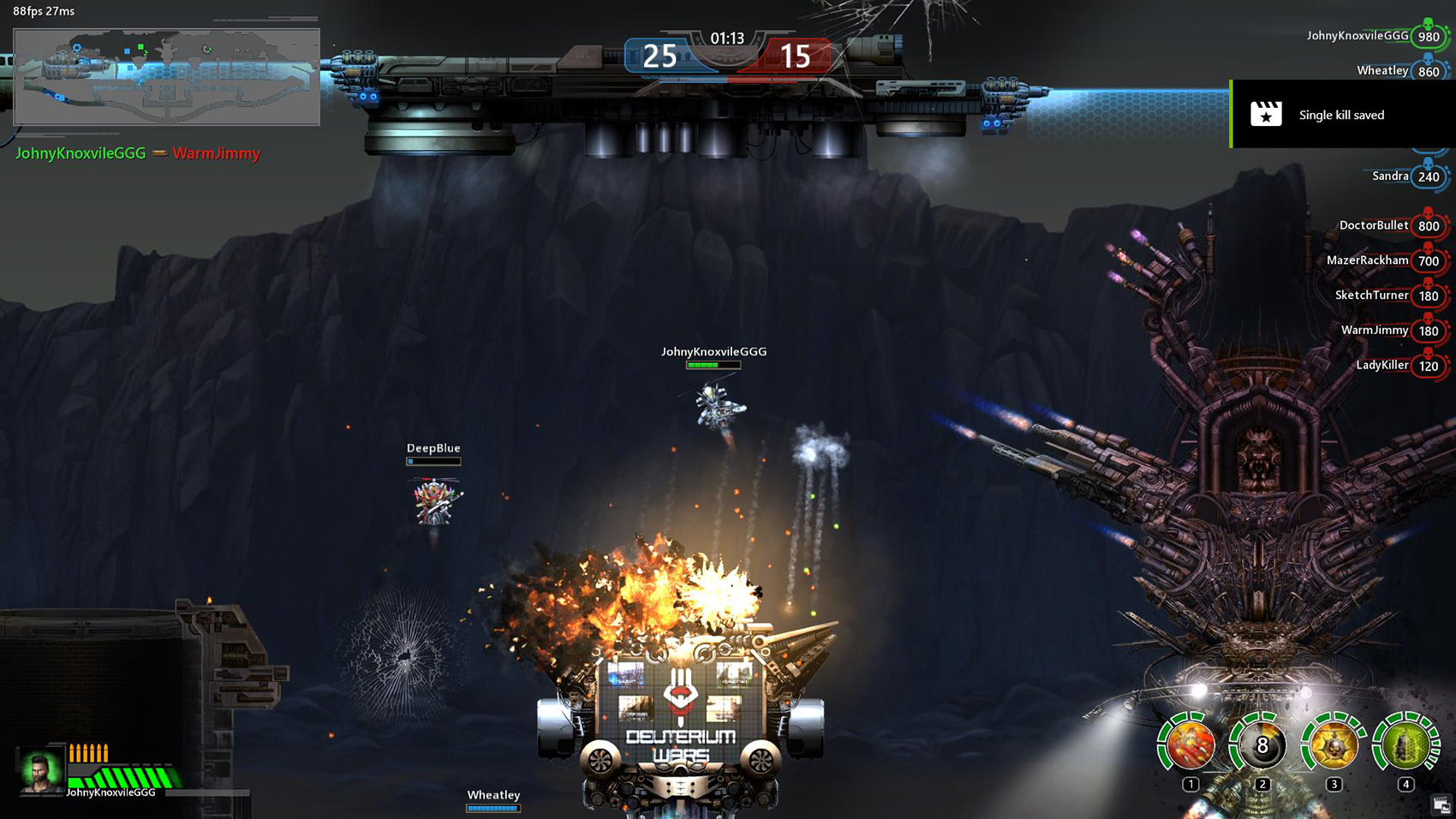
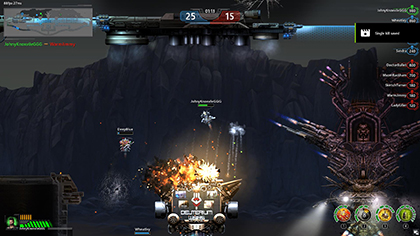
Capture Each Kill and Streak In Deuterium Wars
Deuterium Wars is a cross-platform multiplayer shooter with breakneck pace that combines high dynamic fights with an extensive role-playing system. Work your way up from rookie in a rust bucket to experienced pilot in a high-tech combat aircraft that’s equipped with lots of deadly gadgets. With a variety of combat modes, futuristic arenas, multi-level craft, developed trading, and a social eco-system, you’ll never have time to be bored!
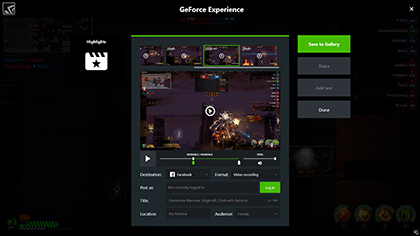
And with NVIDIA Highlights, each kill, kill streak, and death will be automatically recorded for instant, easy sharing.
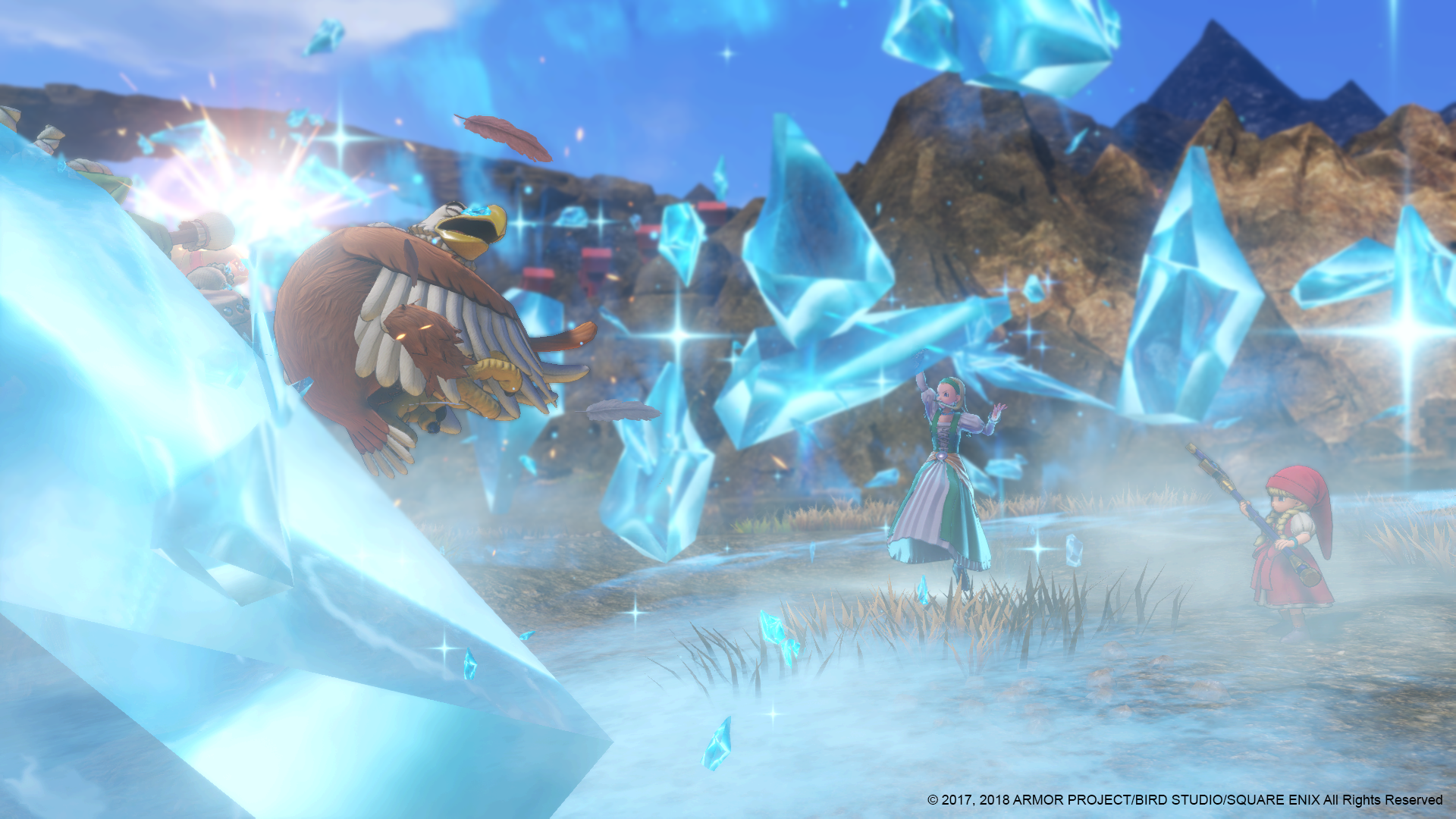
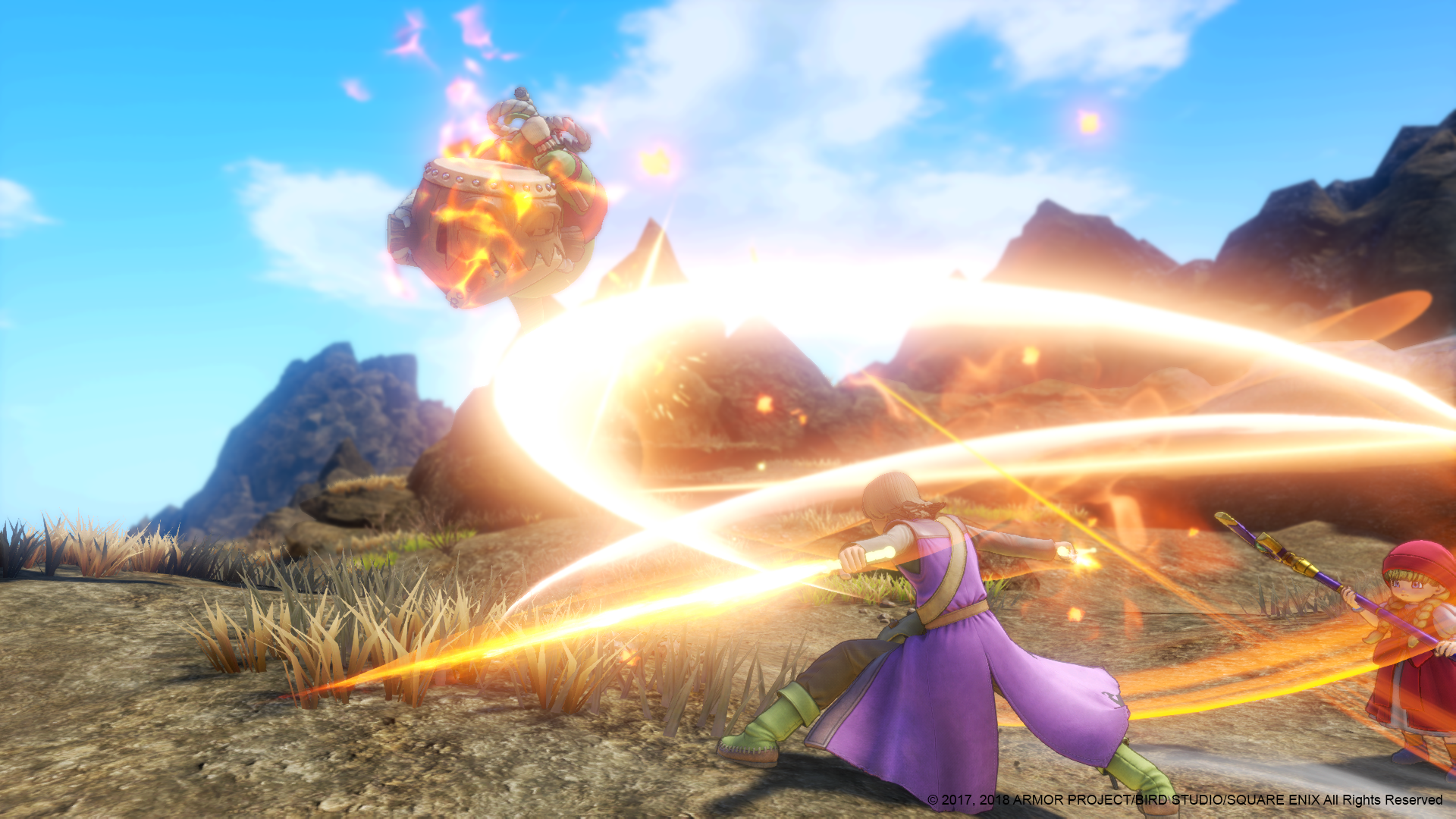
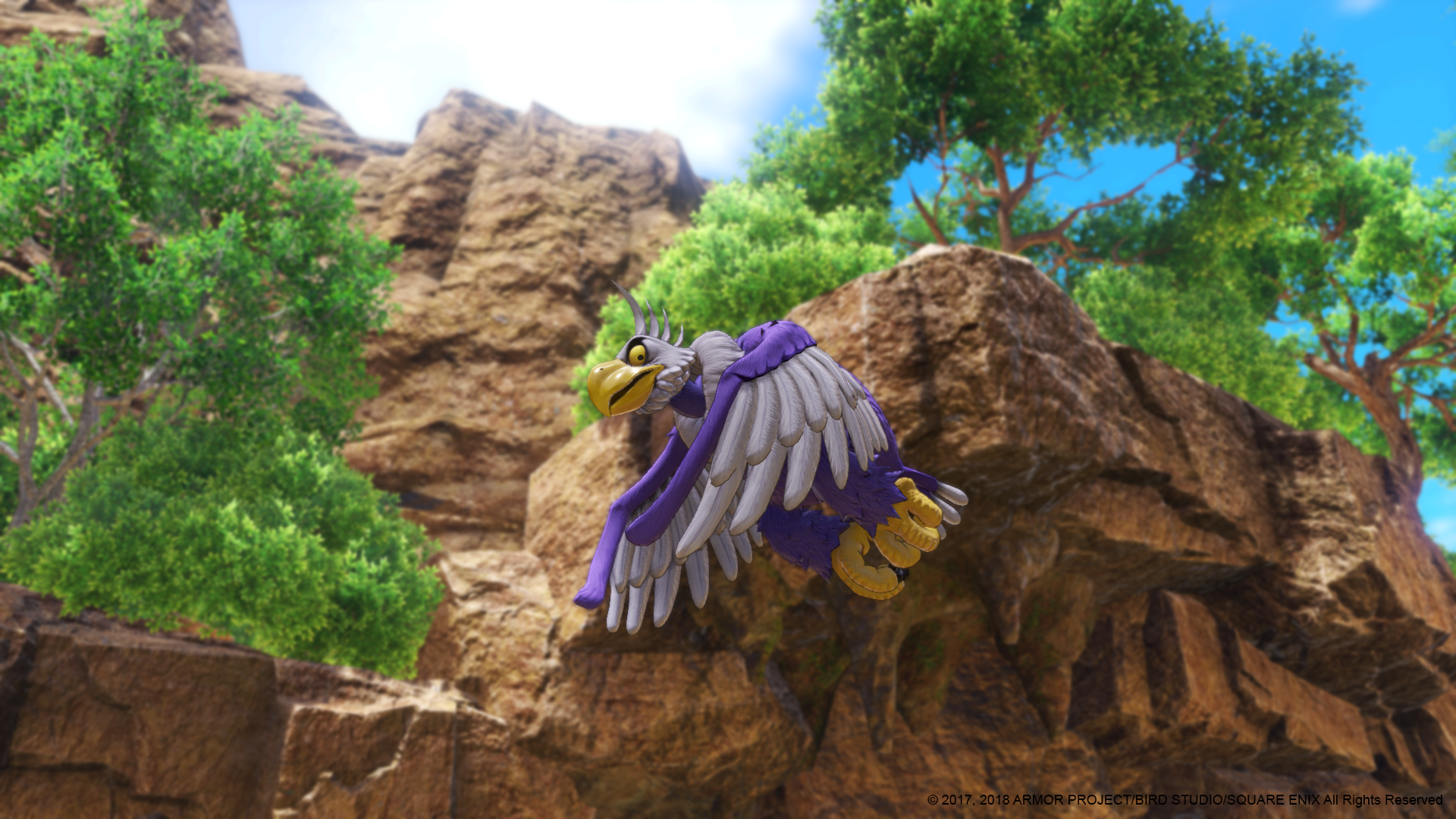
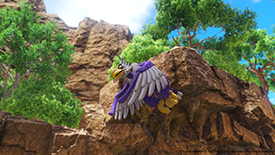
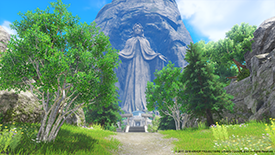
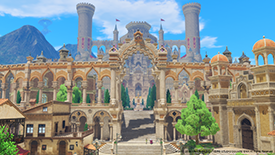
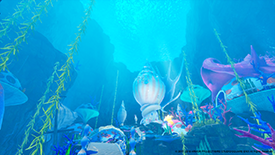
Capture The Beauty Of Dragon Quest XI With NVIDIA Photo Mode
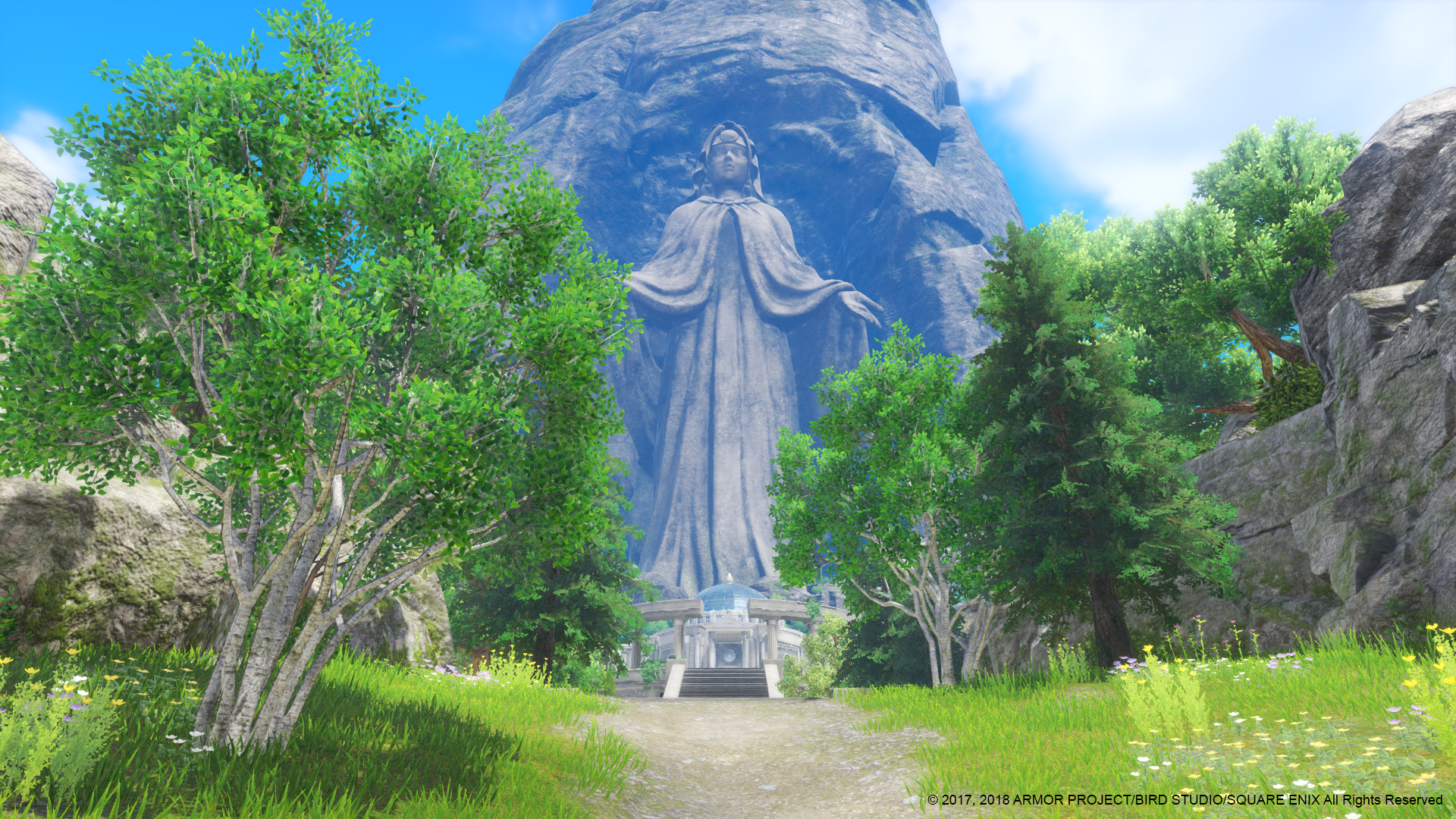
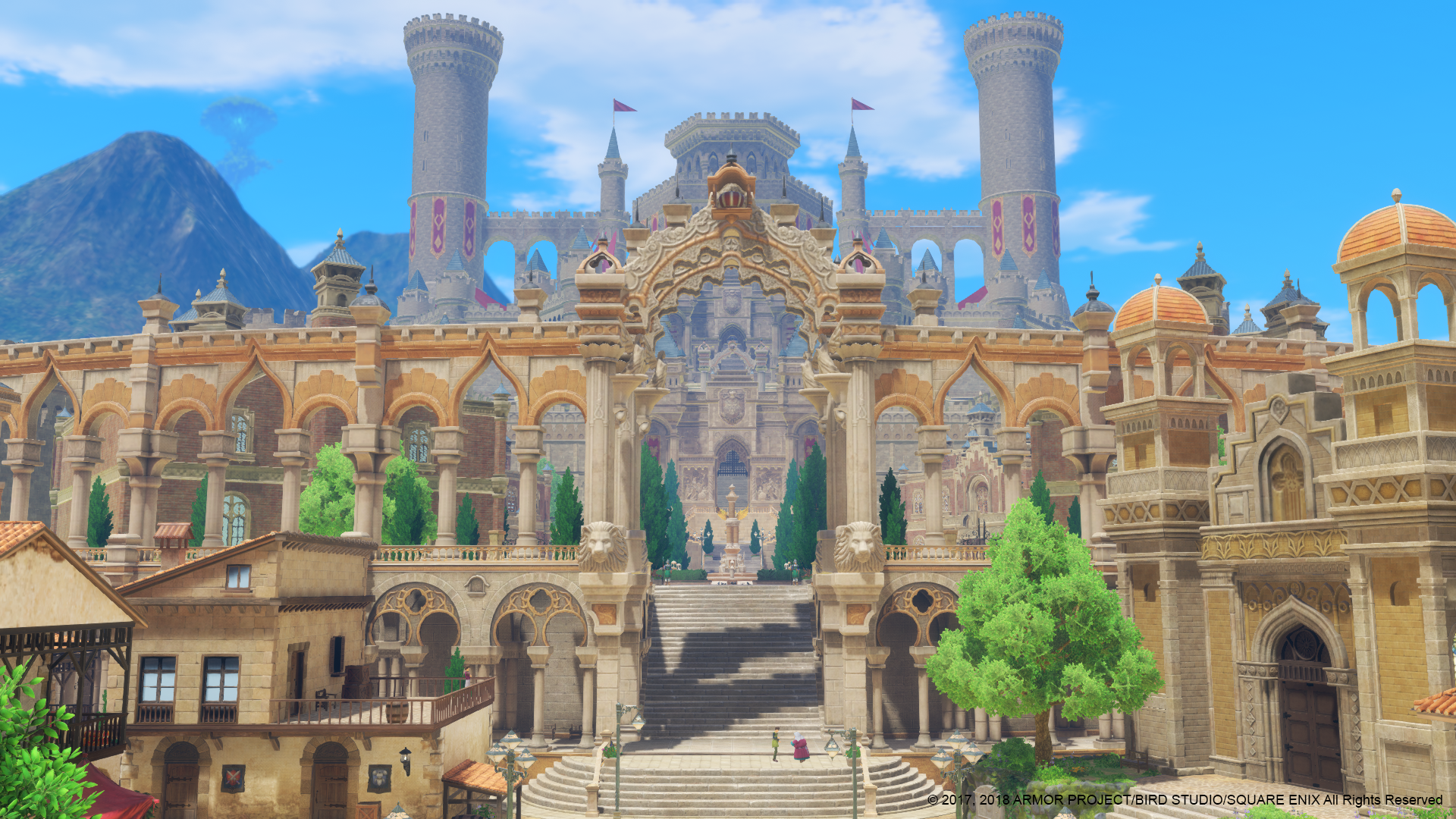
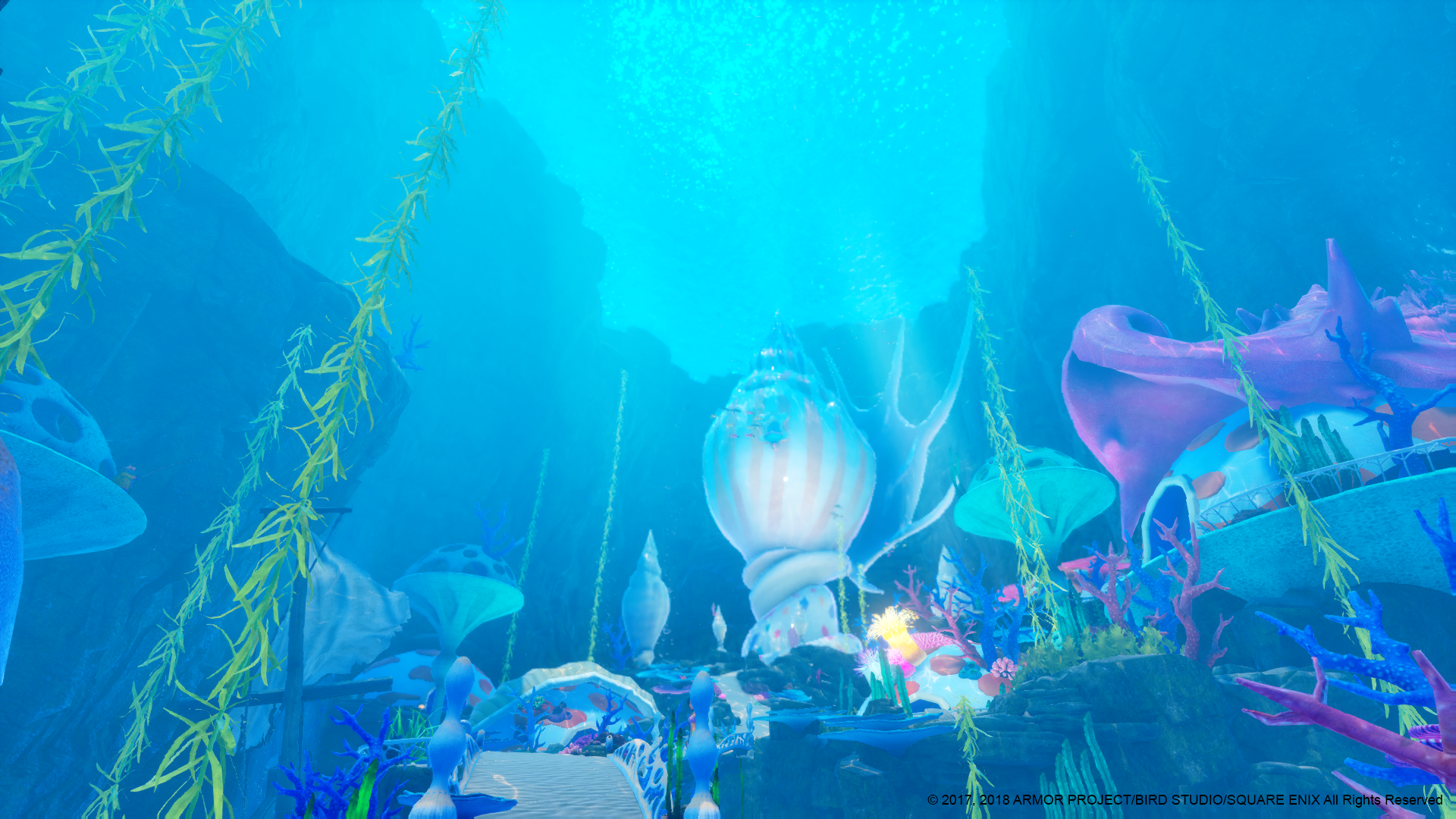
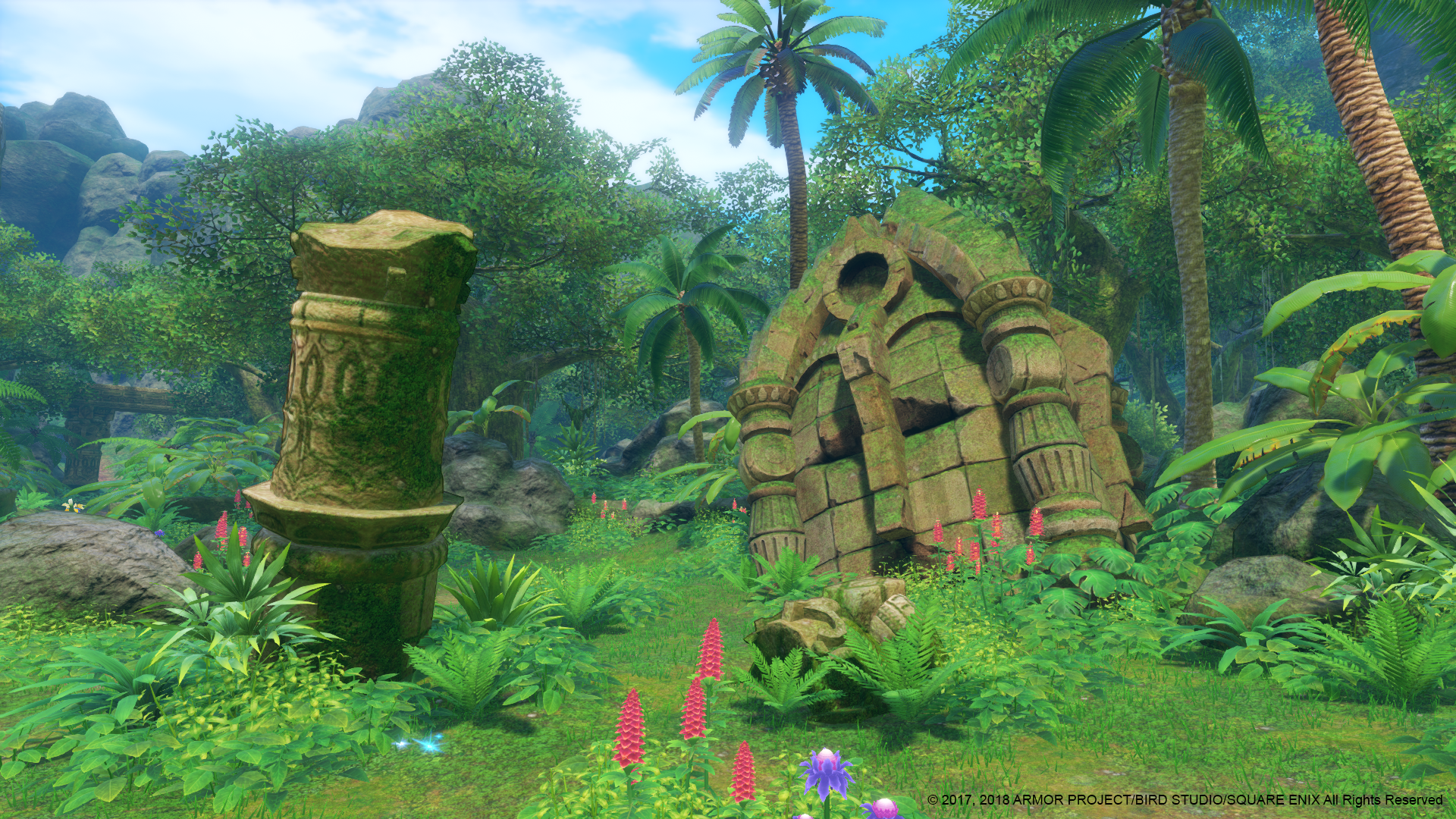
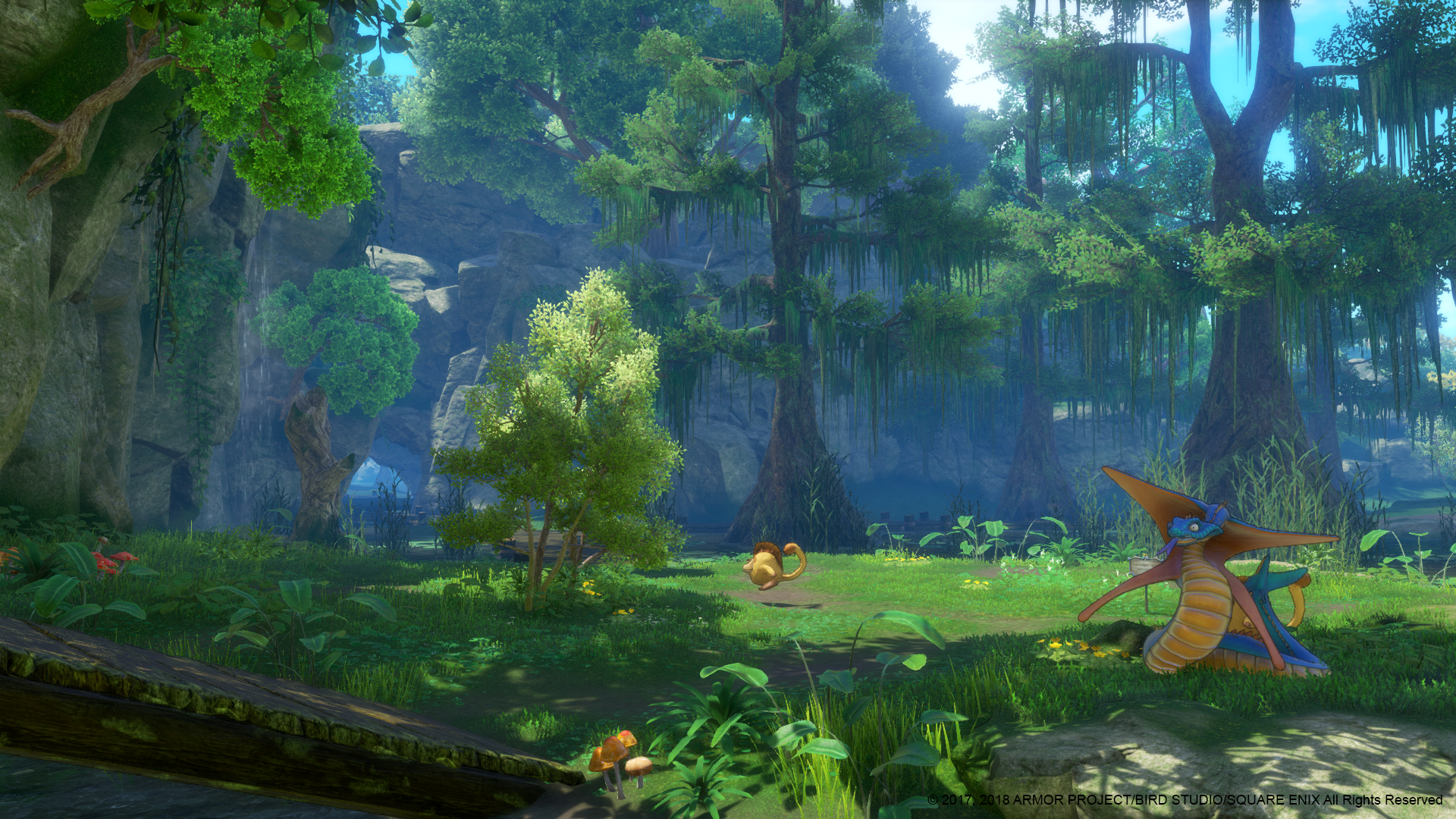
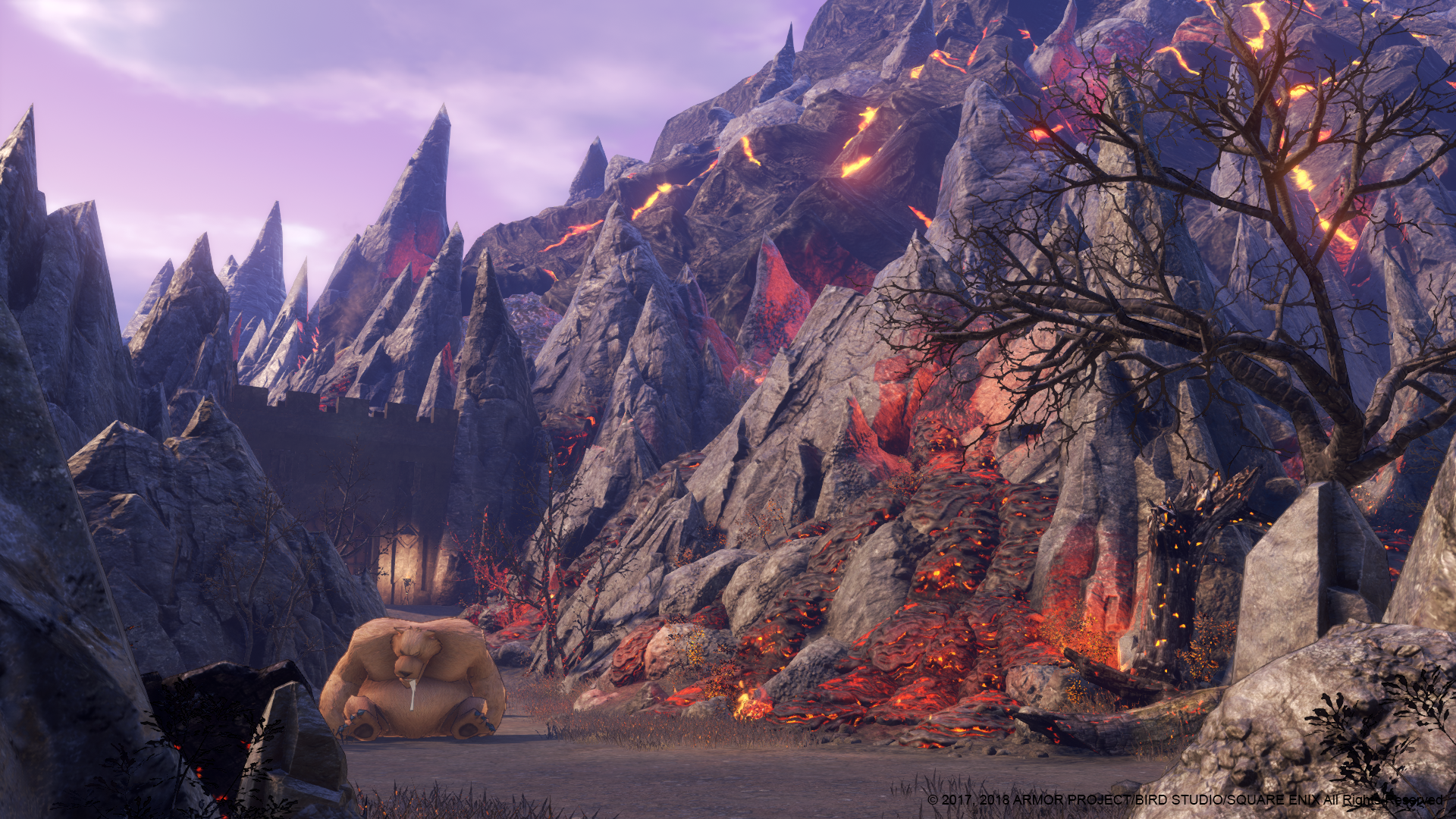
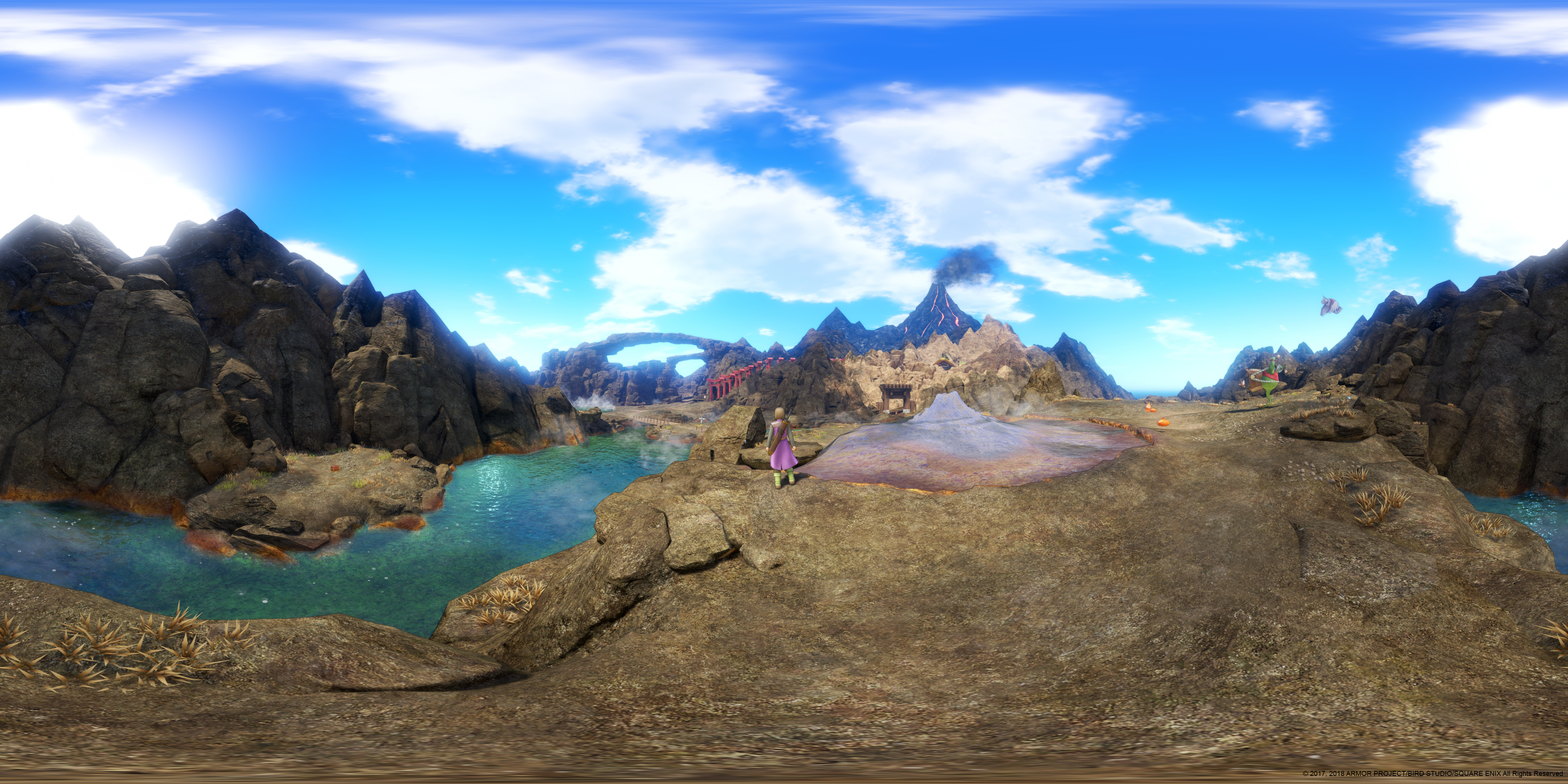
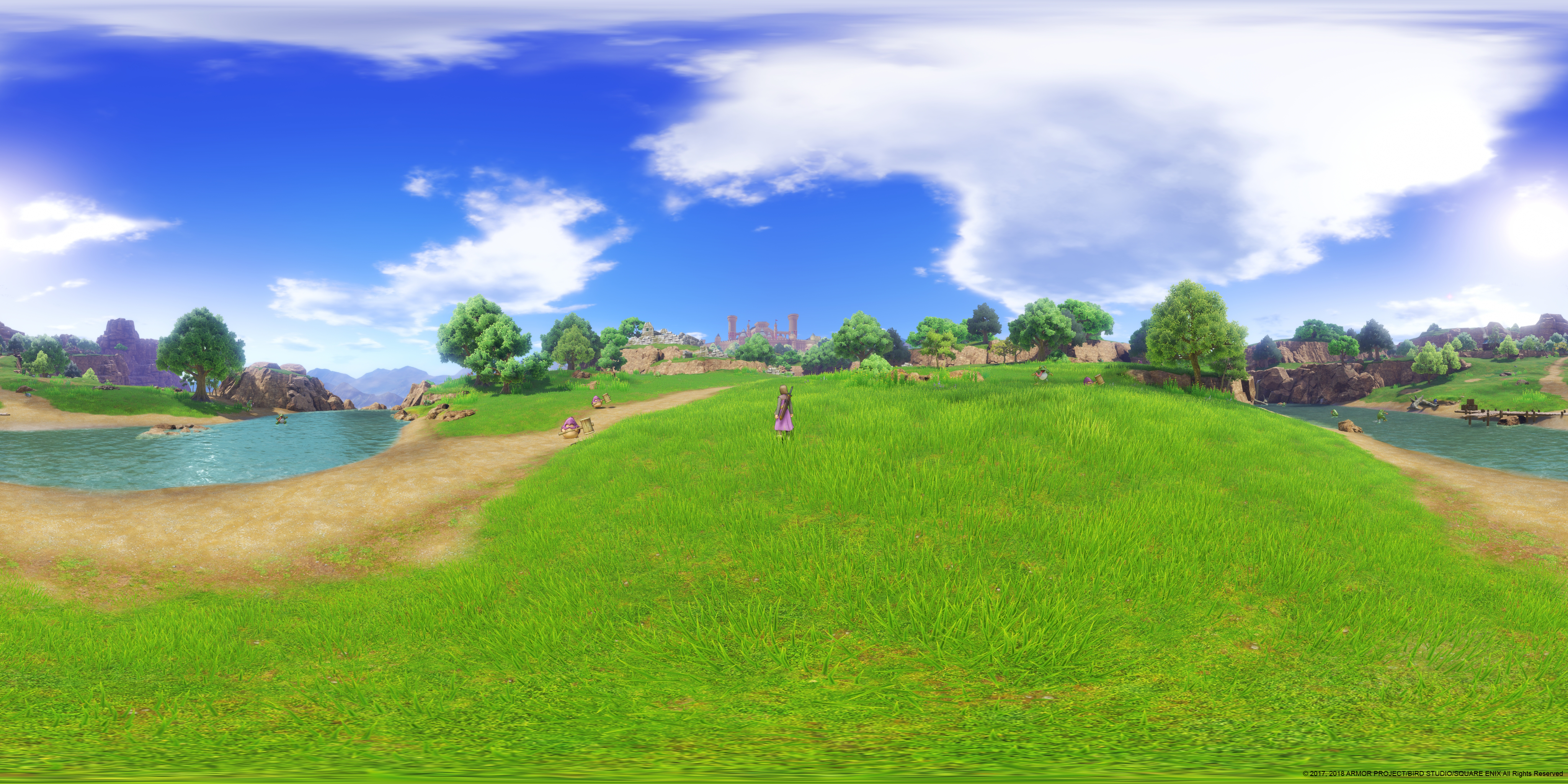
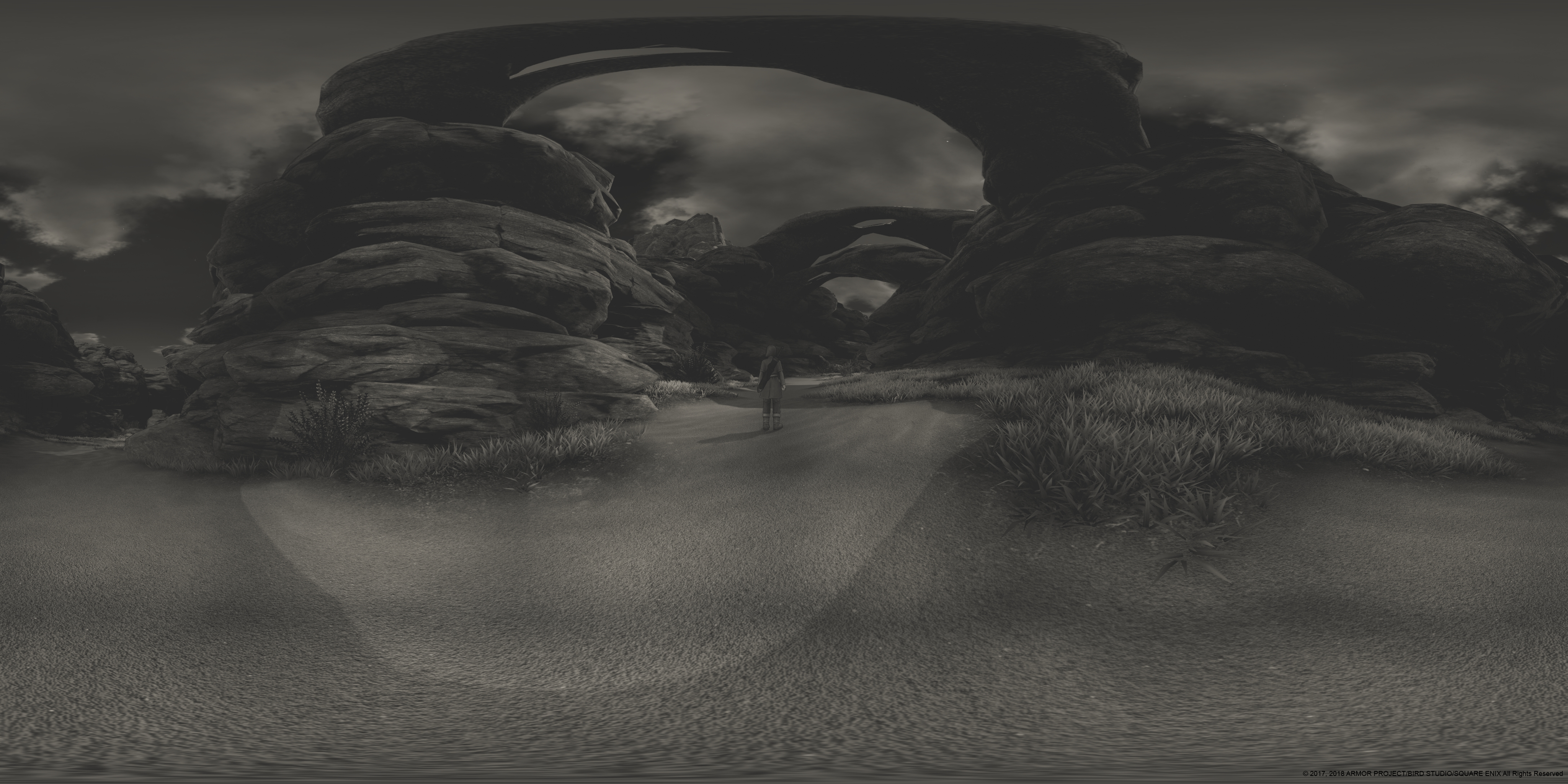
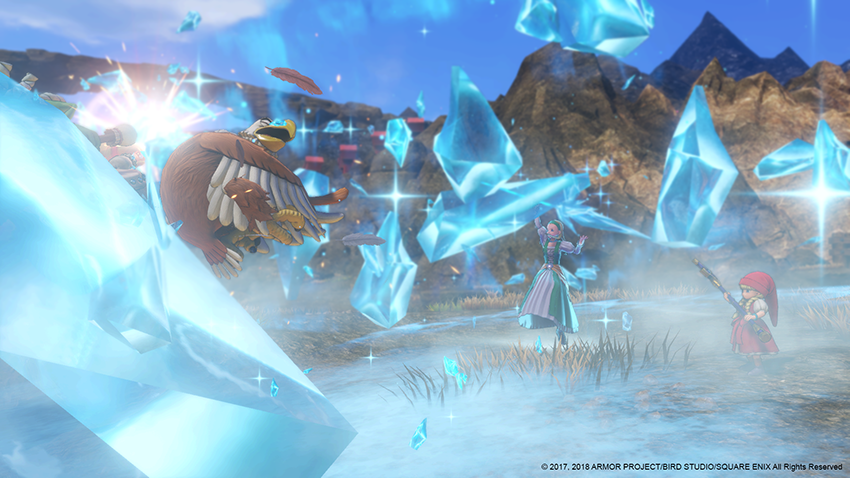
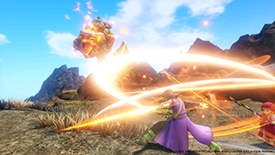
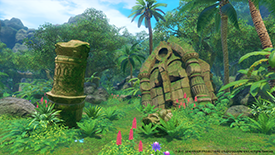
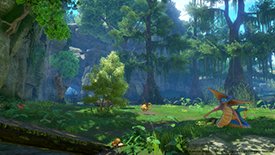
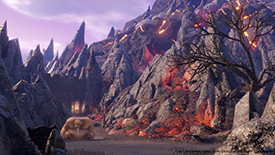
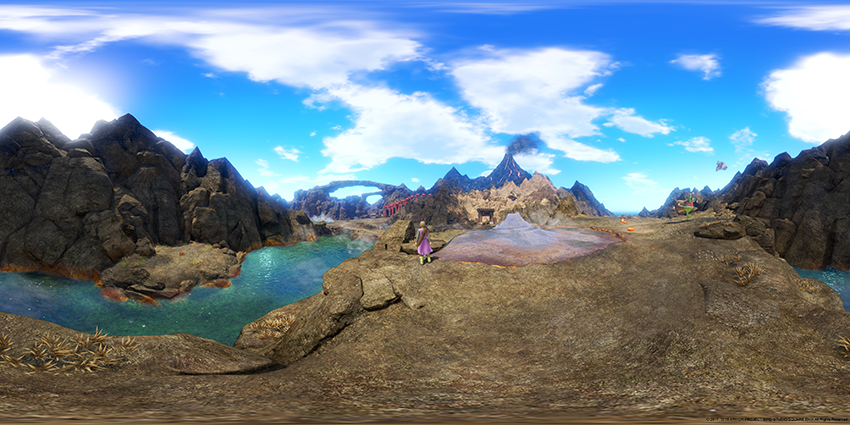
Early next month, Dragon Quest XI: Echoes of an Elusive Age will become the first game in the main Dragon Quest series to be released on PC in the US. To make this special release even better, you will be able to use NVIDIA Photo Mode to take amazingly-detailed shots of your party, awesome battles, and gorgeous landscapes. Then share them with the world on the Shot With GeForce website.
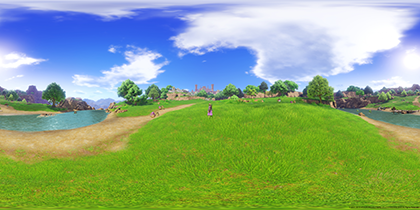
Dying Light: Bad Blood Gets Demoed At GamesCom, Features Highlights
As we announced back at GDC, Dying Light: Bad Blood will be adding NVIDIA Highlights support when it launches later this year. This means every kill, death, and successful extraction will show up in your highlights reel for your viewing pleasure.
Gamescom attendees will have the opportunity to demo the expansion this week on one of 60 machines on the show floor.
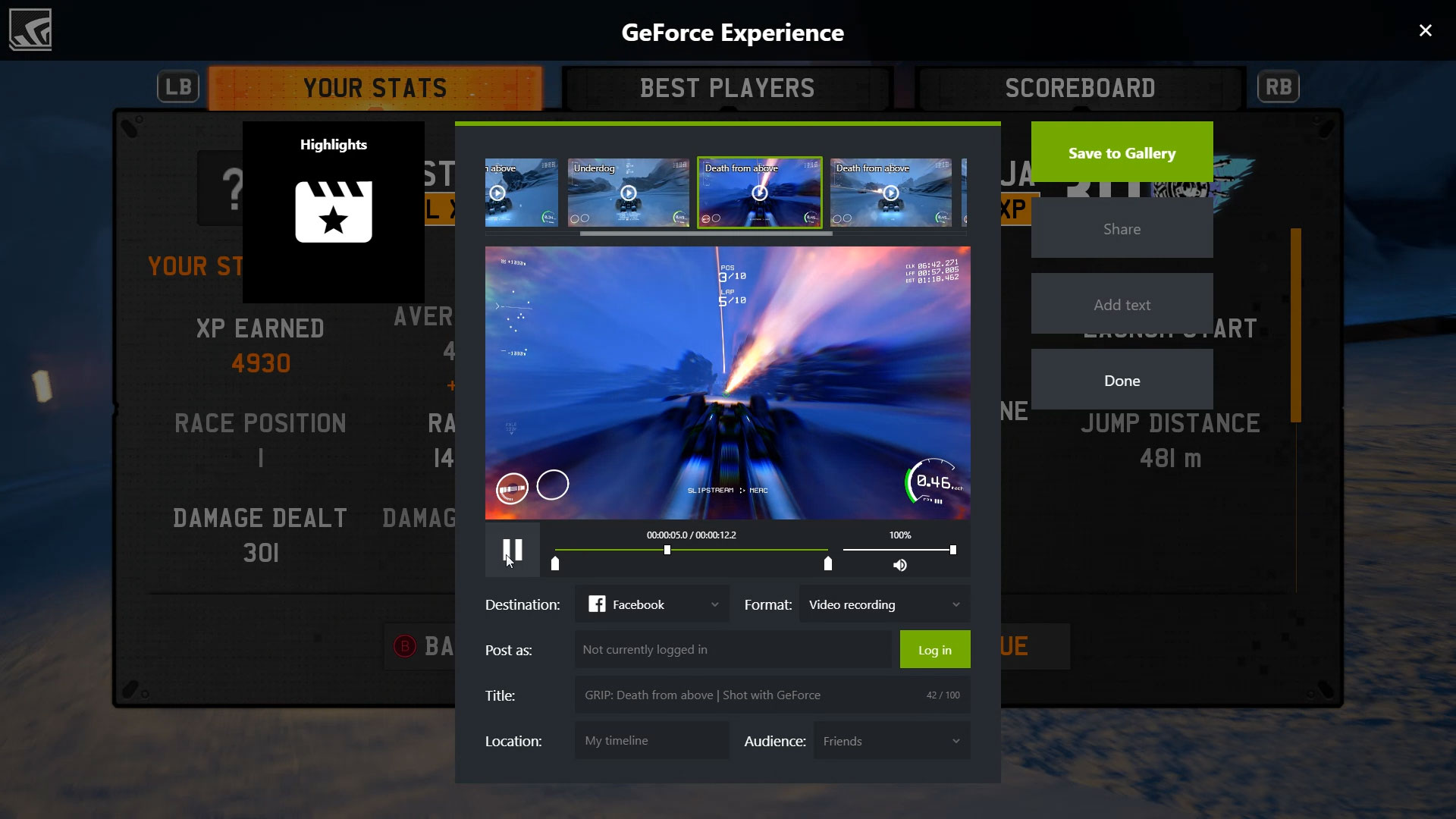
NVIDIA Highlights And Photo Mode Will Capture Your Death-Defying Races in GRIP
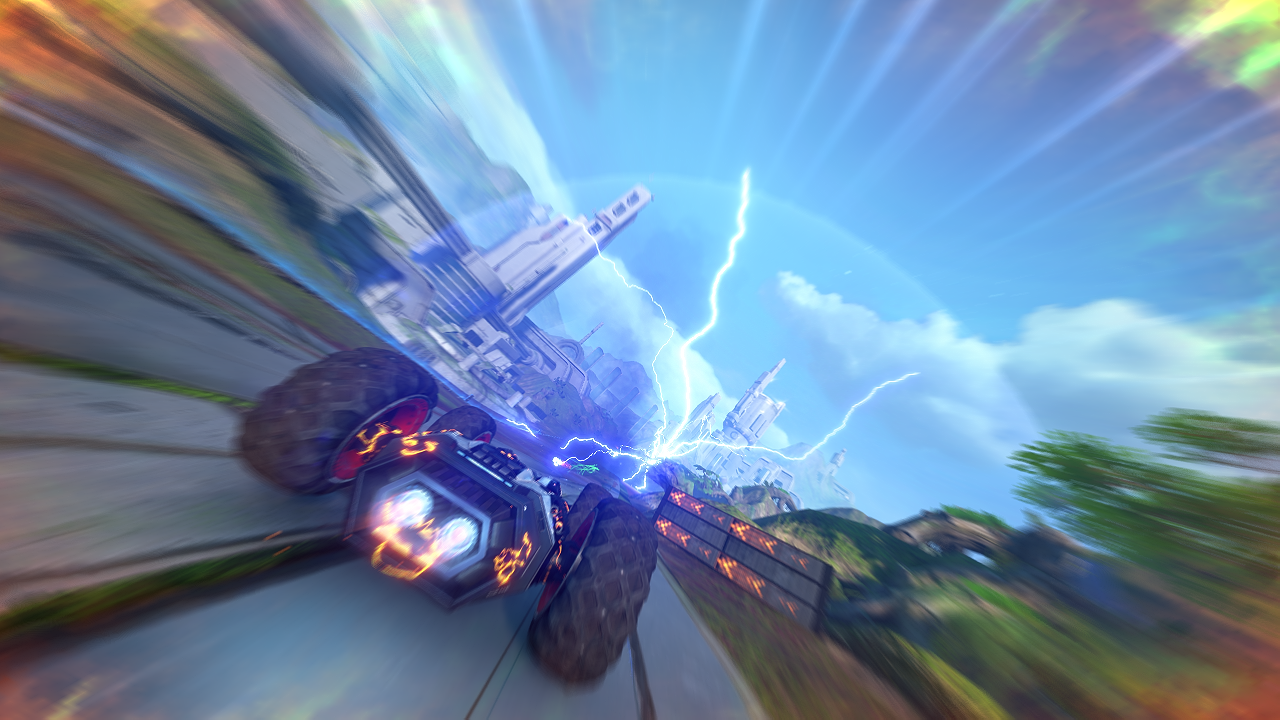
GRIP, inspired by 1999’s Rollcage, is far from your average racing game. With a heavy focus on combat, GRIP will have you fighting for your life as you speed around one of the game’s many beautiful and unique tracks.
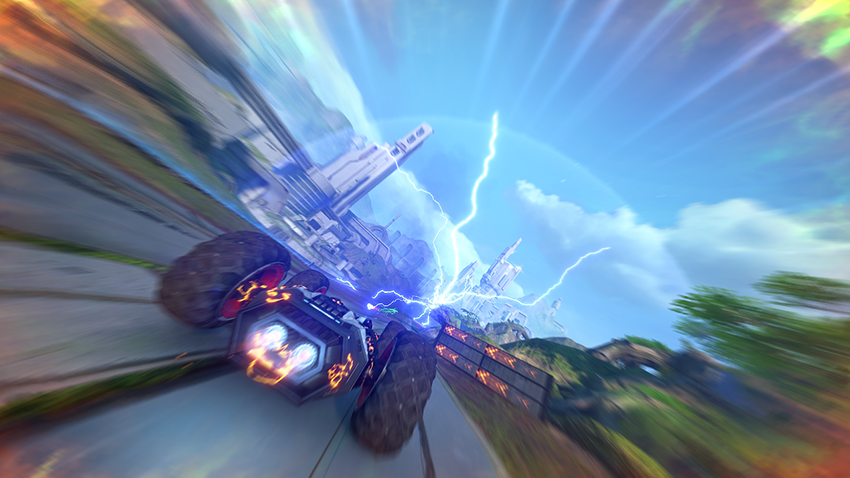
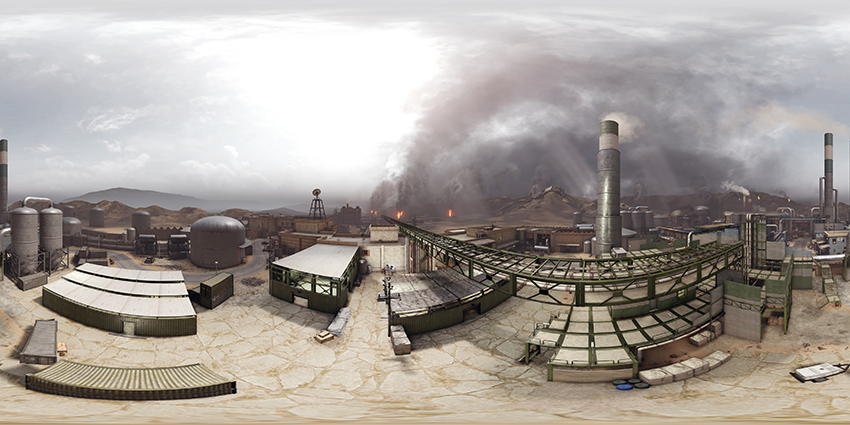
Whether you’re dodging explosions or creating your own form of mayhem, NVIDIA Highlights will capture every breathtaking moment as you battle other racers. And use NVIDIA Photo Mode to step into a 360-degree stereo image with your choice of VR headset to experience a photo finish like never before, or use Photo Mode’s freecam and post-process filters to craft the perfect photo of your car.
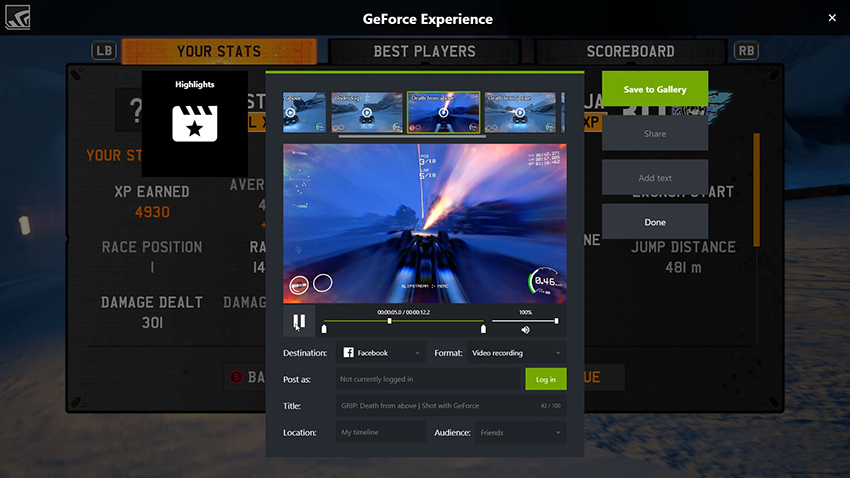
Insurgency Sandstorm Gets Photo Mode, Highlights, And A GamesCom Demo
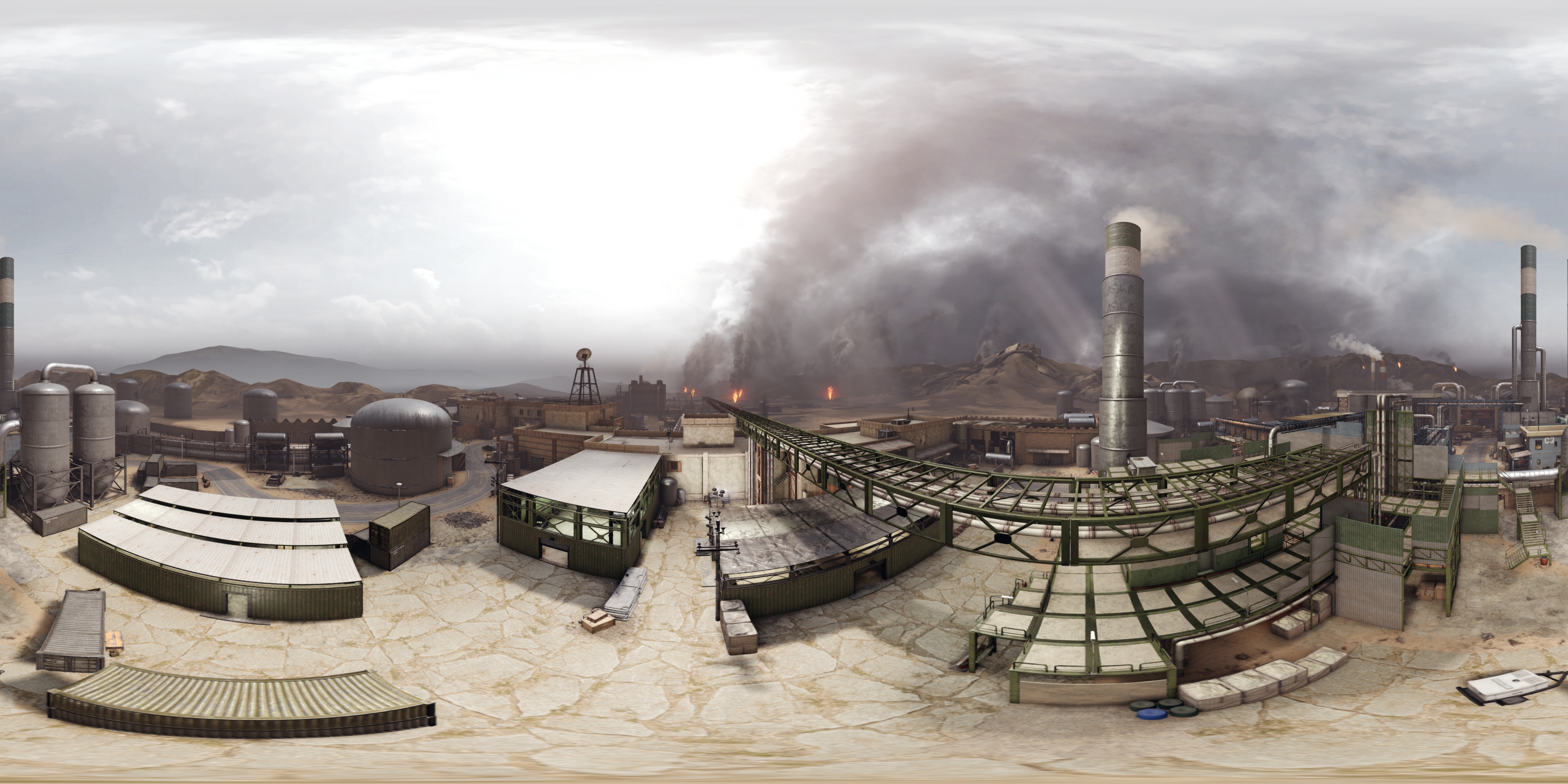
Insurgency: Sandstorm is a realistic, tactical online shooter, which builds upon its predecessor by adding a full single-player campaign, and new multiplayer updates and changes.
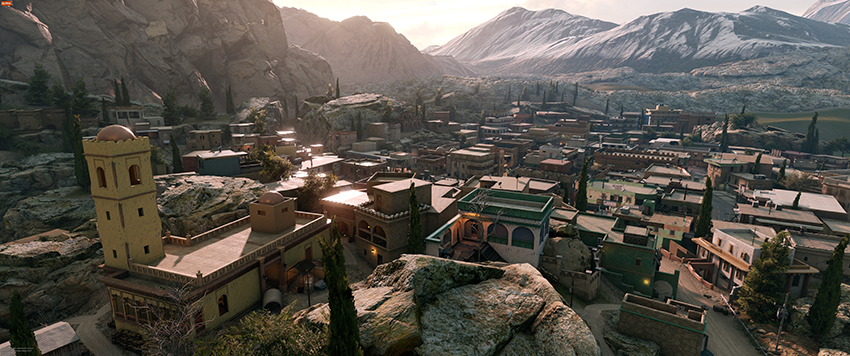
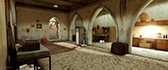
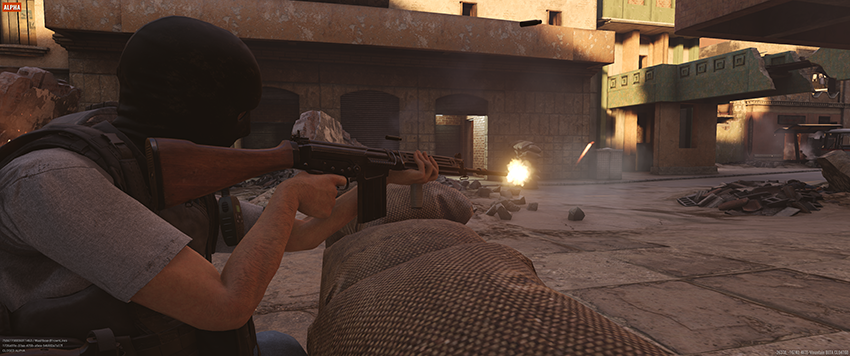
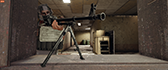
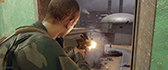
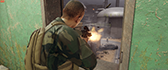
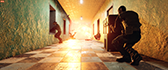
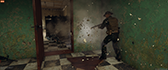
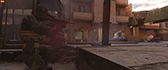
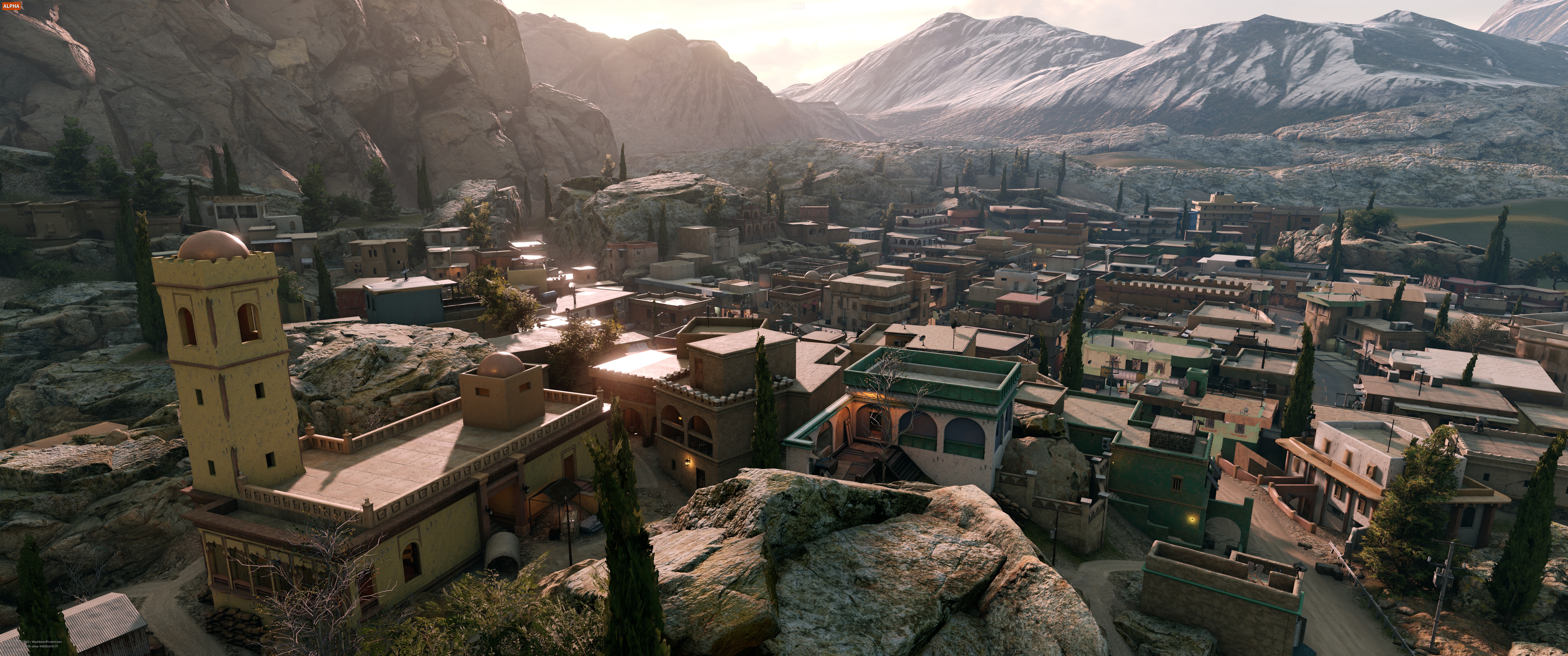
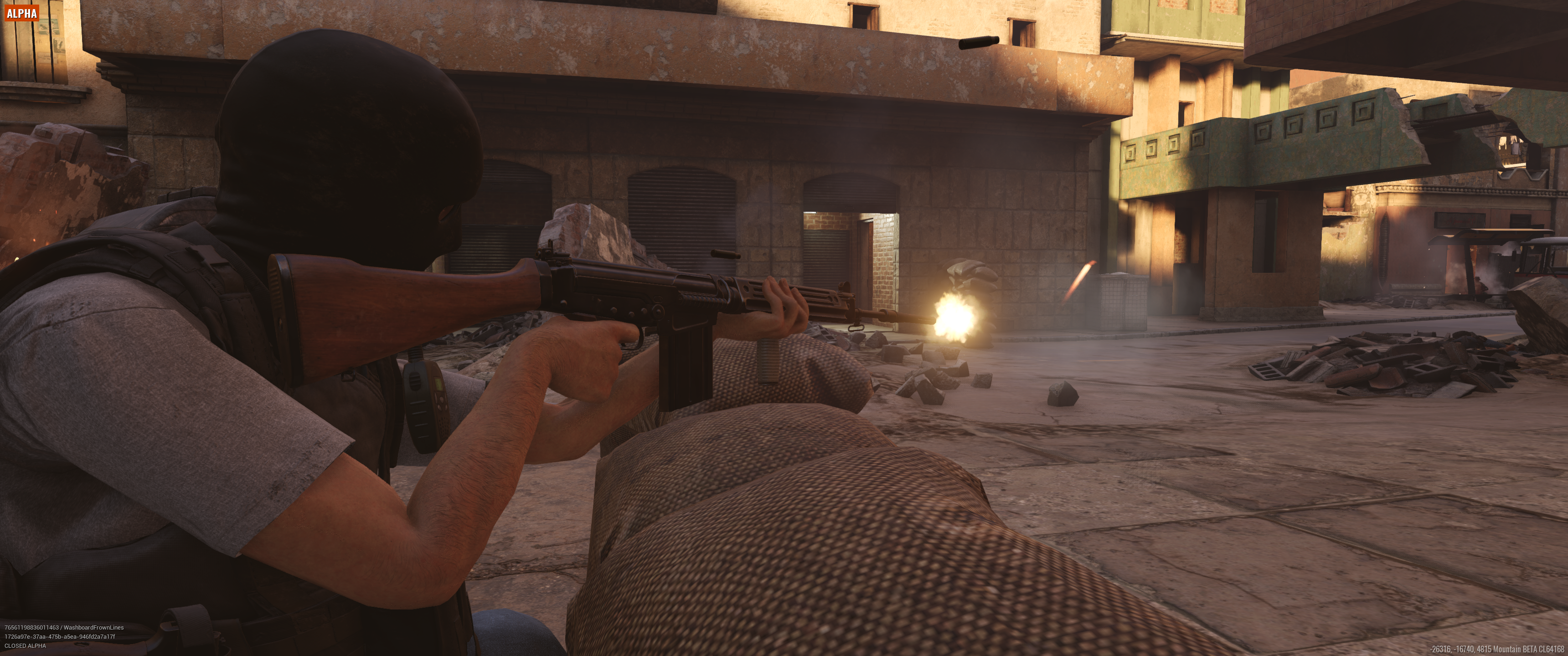
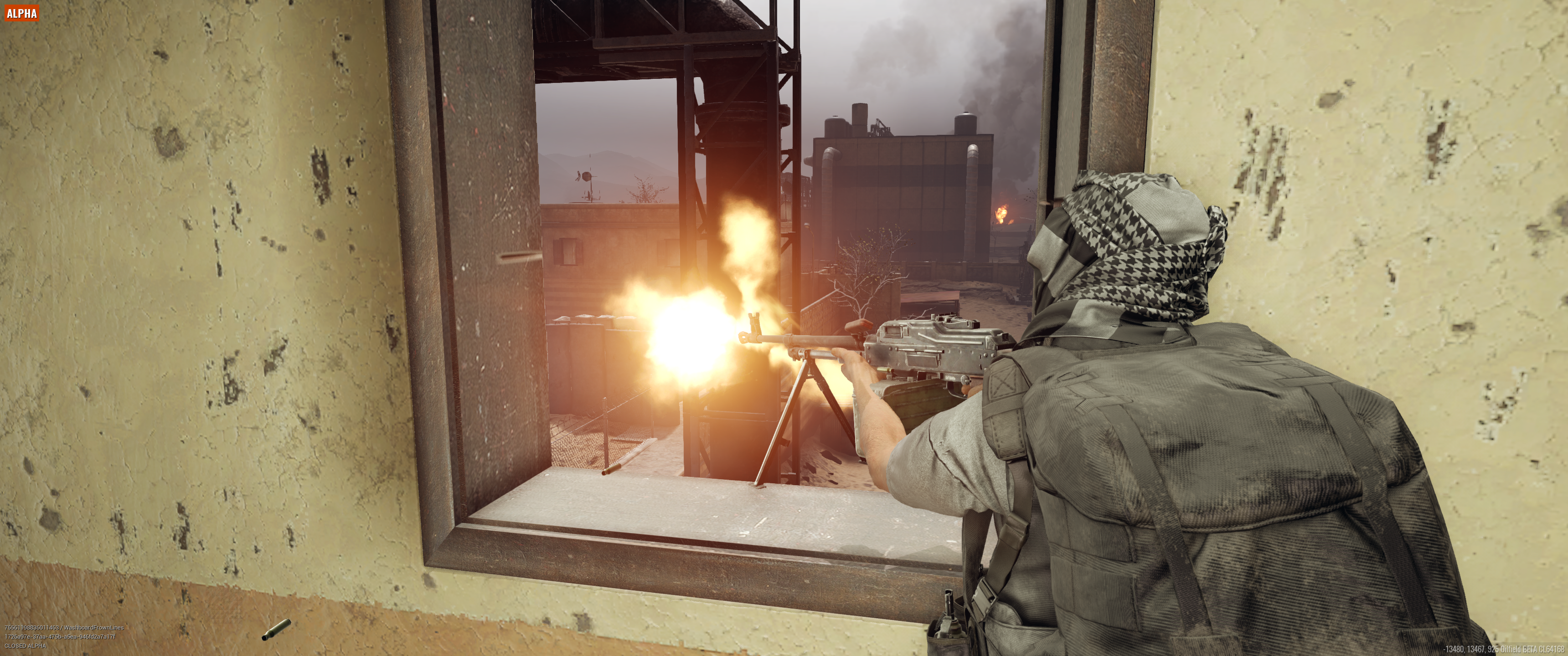
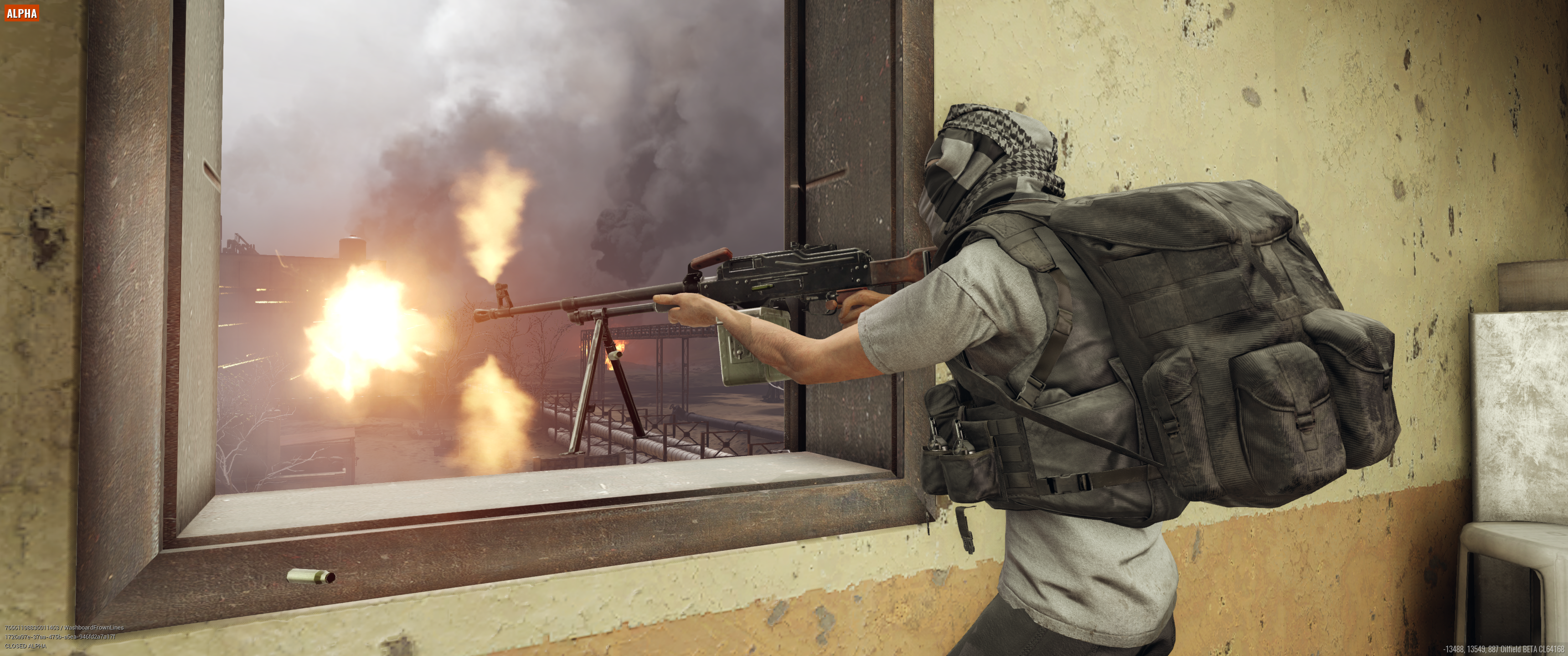
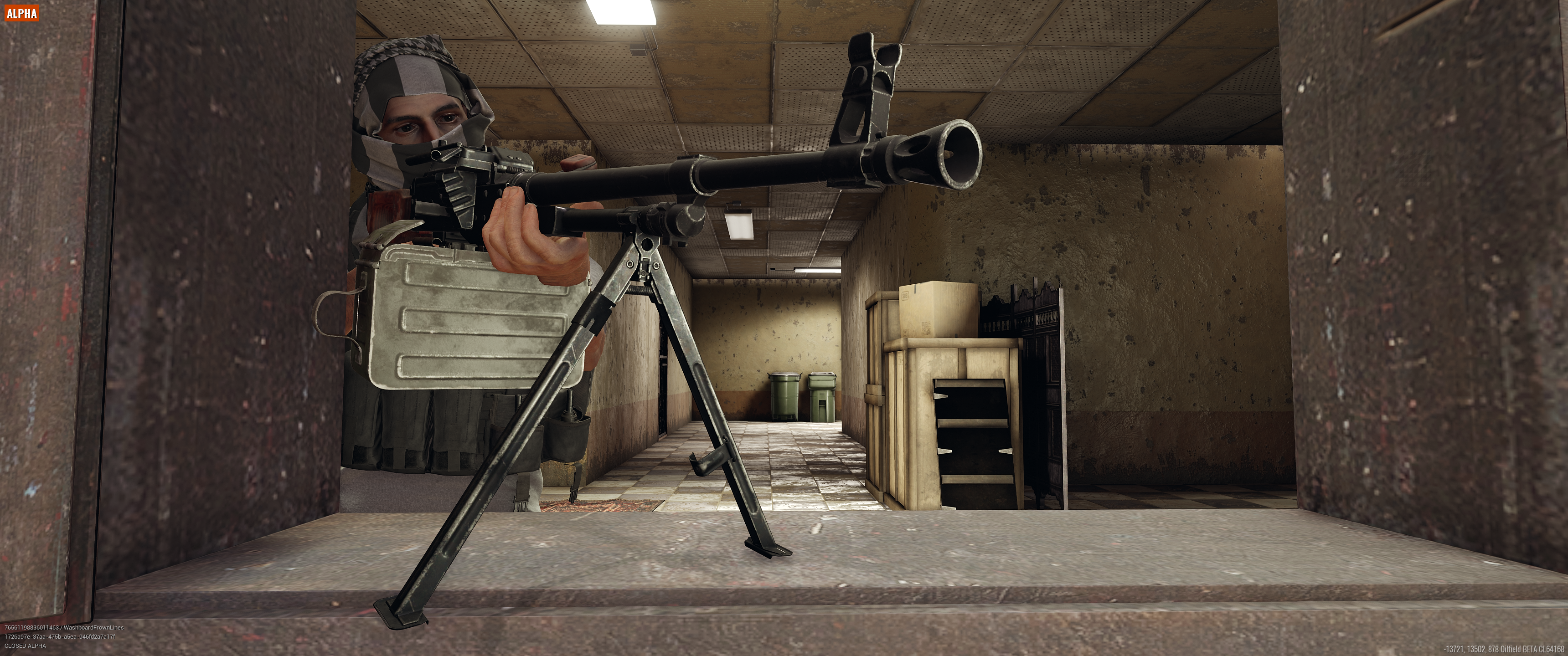
With NVIDIA Highlights you won’t have to worry about saving every tense firefight. Instead, Highlights will automatically select clips to capture and add to your highlight reel. And thanks to NVIDIA Photo Mode support you'll be able to create stunning wallpapers and save your favorite moments in the highest possible resolution.
Preserve Kills And Victories In Islands of Nyne: Battle Royale Using NVIDIA Highlights
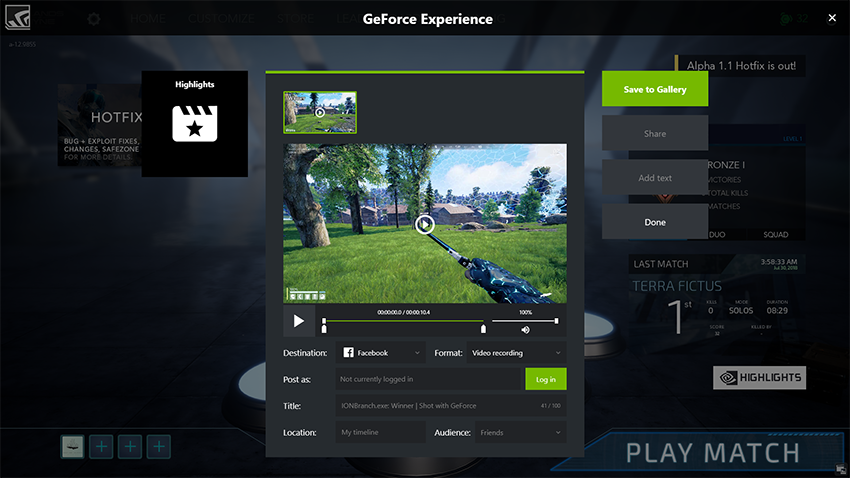
Islands of Nyne: Battle Royale is a fast-paced first-person-only shooter that aims to put a sci-fi twist on the popular battle royale genre. Set in one of several unique and very alien arenas, you’ll be fighting for your life from the moment you touch the ground. The game is currently in Early Access, and now includes NVIDIA Highlights support. This means that every death, downed enemy, kill, knocked down enemy and match win will be automatically saved by NVIDIA Highlights for later bragging rights.
Learn To Stop Worrying And Love The Bomb, When Highlights Comes To Phantom Doctrine
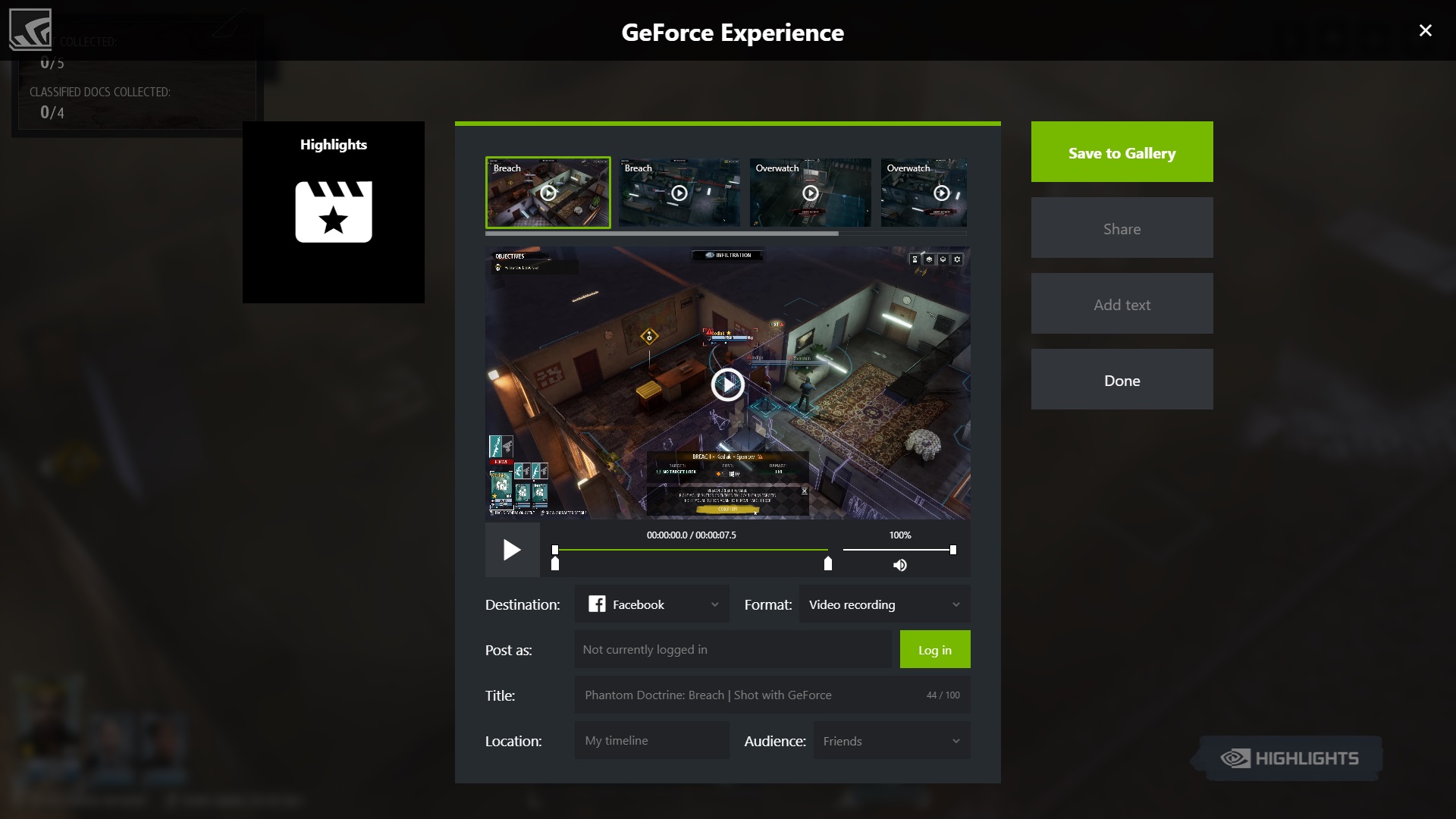
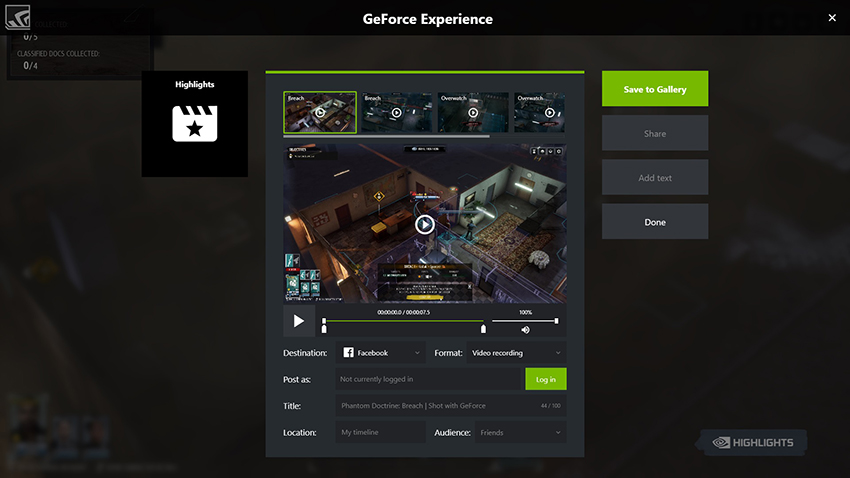
Drawing on inspiration from classic spy thrillers, Phantom Doctrine is a strategic turn-based espionage game set at the height of the Cold War. In addition to sneaking around and playing spy, you’ll manage resources around the globe to help uncover a sinister plot. The game launched last week, but will be receiving an update to ensure you’ll be equipped with the tools to capture every breach, air strike, explosion, defeat, overwatch, and casualty, thanks to NVIDIA Highlights.
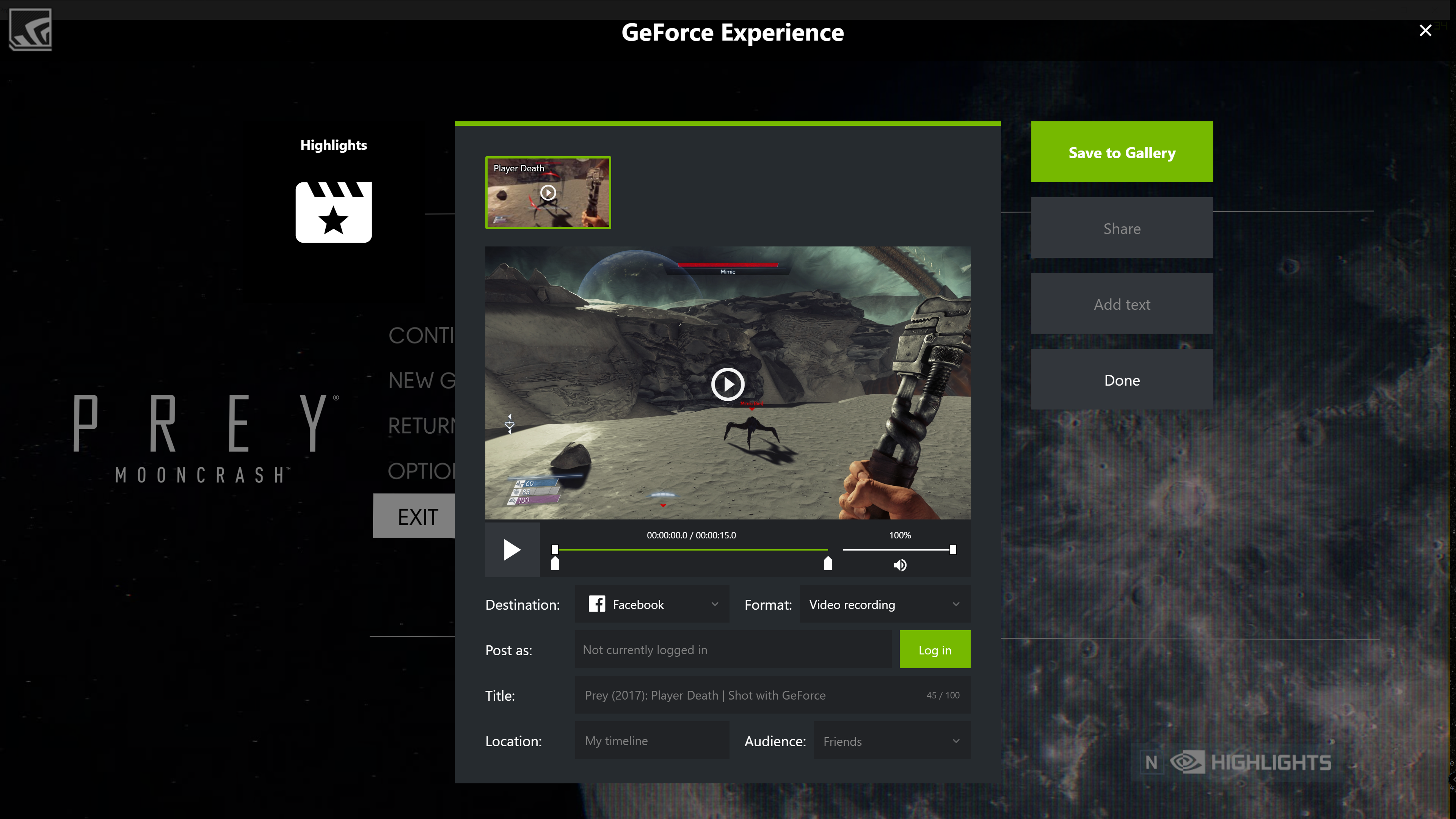
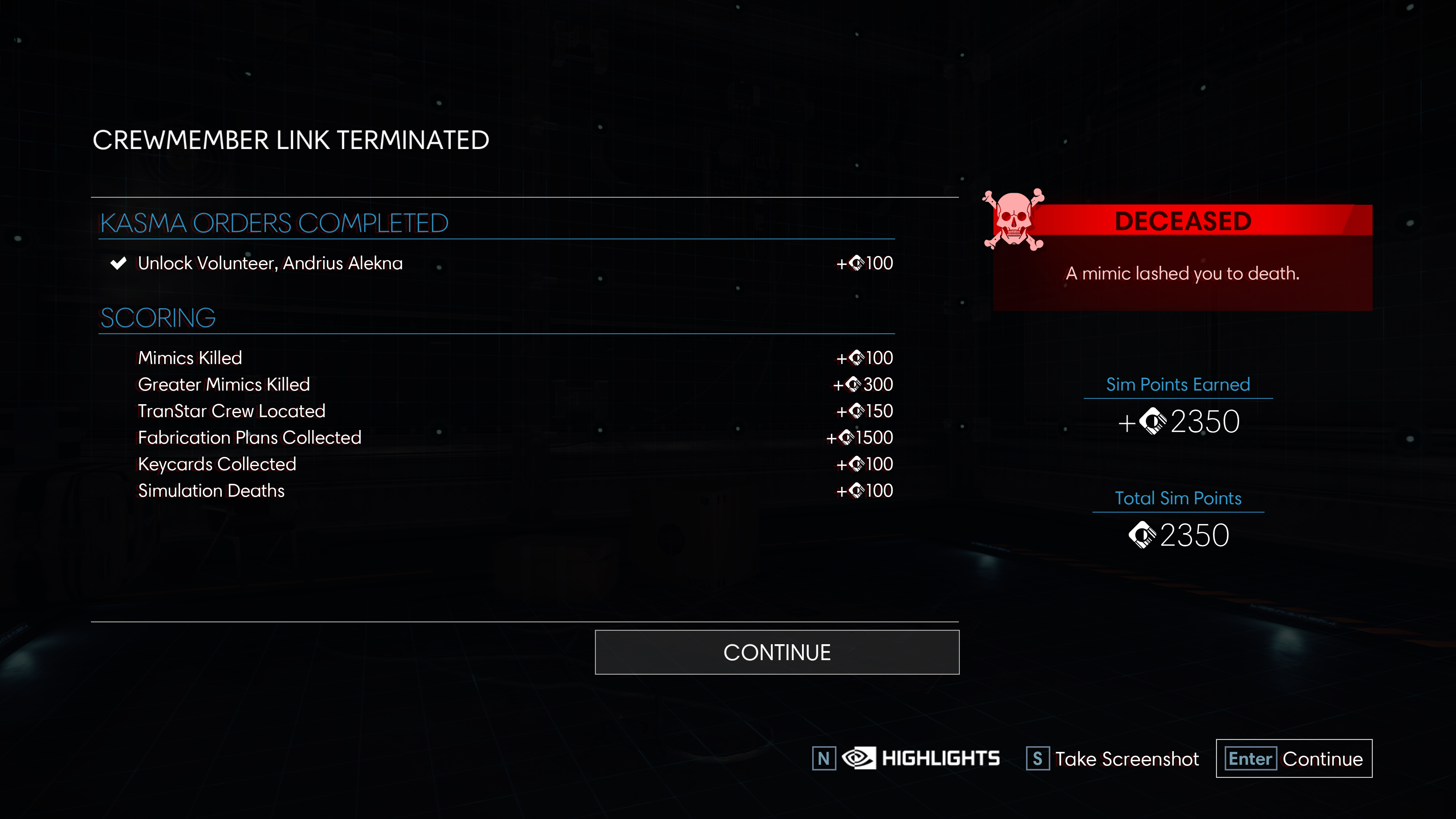
Prey: MoonCrash Allows You To Relive Your Roguelite Replays Automatically Thanks To Highlights
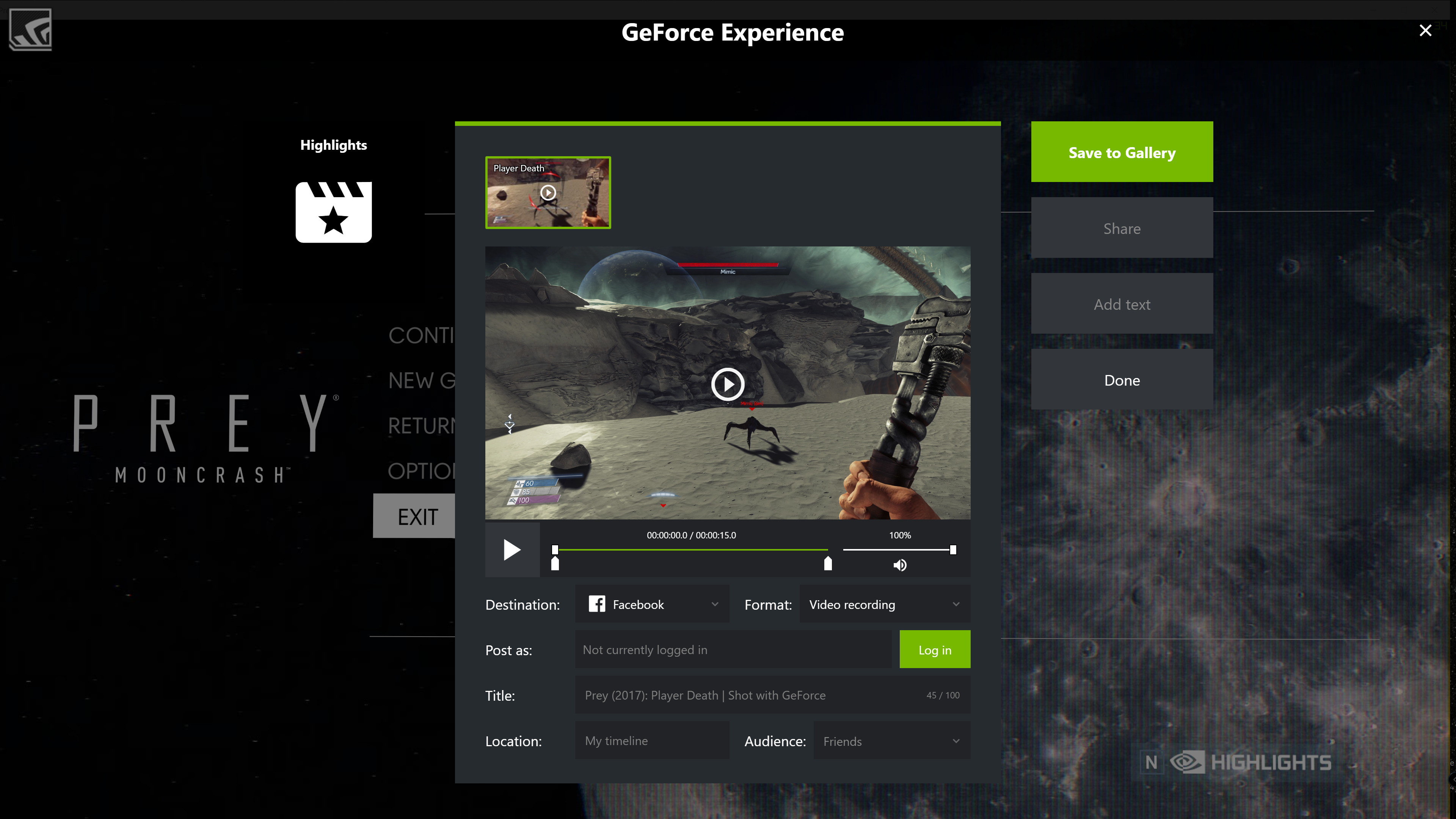
Mooncrash is a new DLC for the 2017 sci-fi shooter, Prey. The expansion effectively turns the survival FPS title into a roguelike, thanks to a clever story involving a looping simulation. Each time the simulation resets, skills and points collected on the previous run will carry over, allowing you to get a bit further each time. Combined with a total of five playable characters with unique abilities, each run is almost certainly going to be different. To capture those one-of-a-kind runs, Mooncrash will soon be updated to include NVIDIA Highlights.
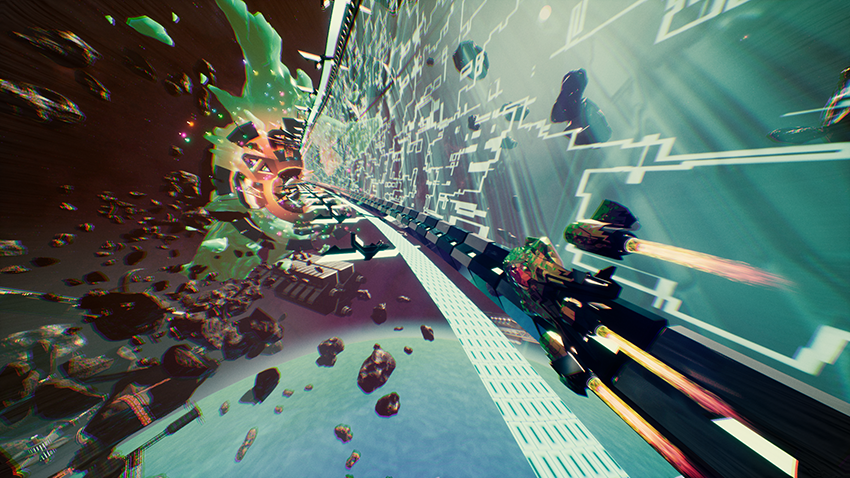
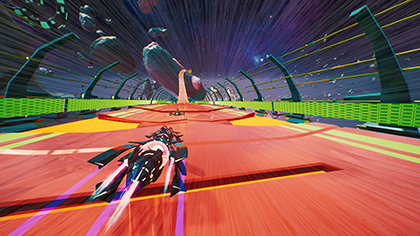
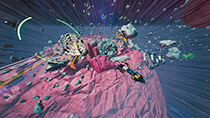
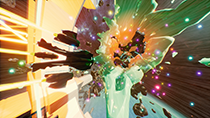
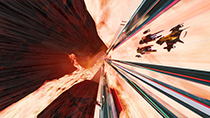
NVIDIA Photo Mode Lets You Slow Down And Enjoy The Scenery In Redout
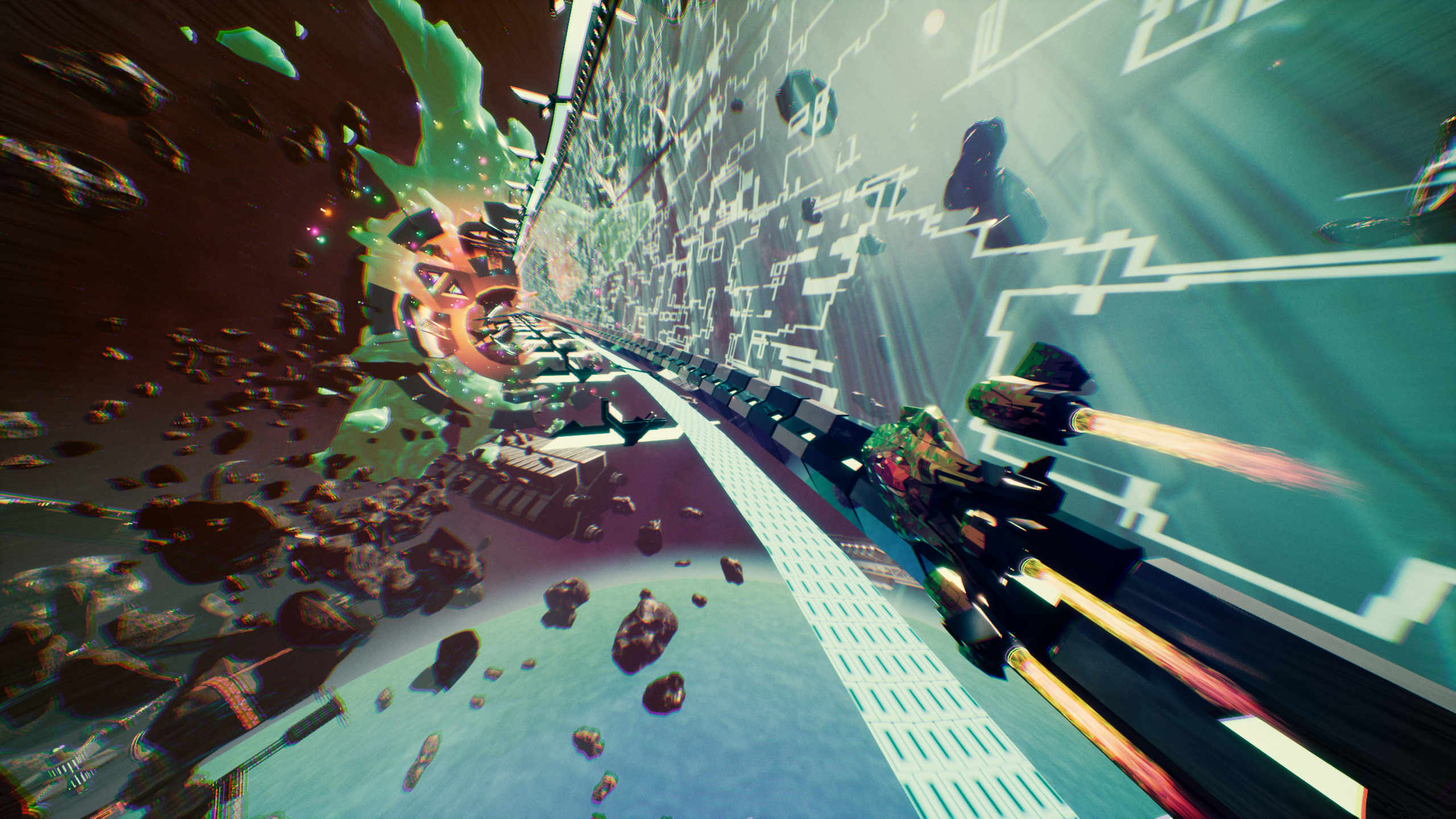
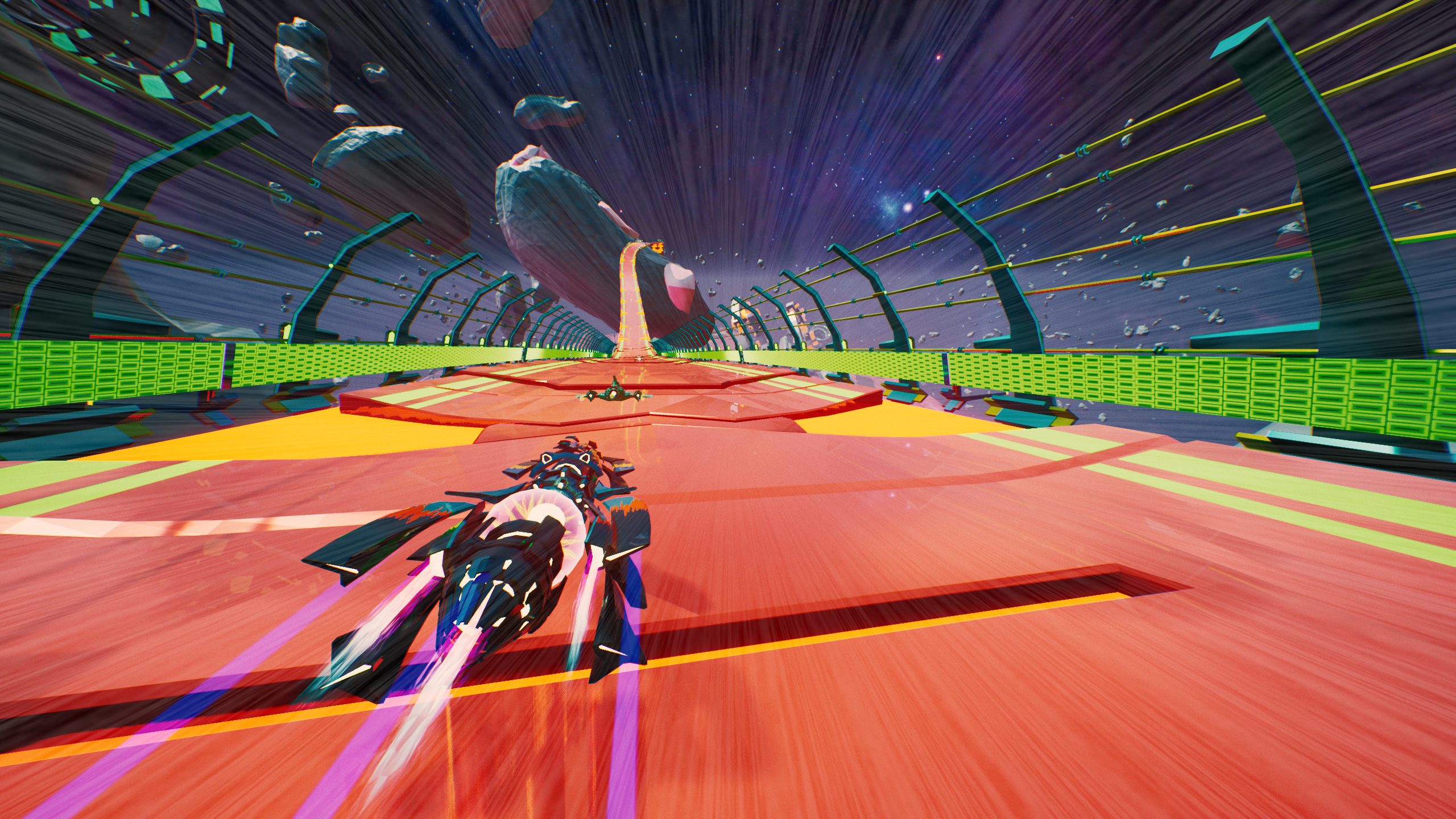
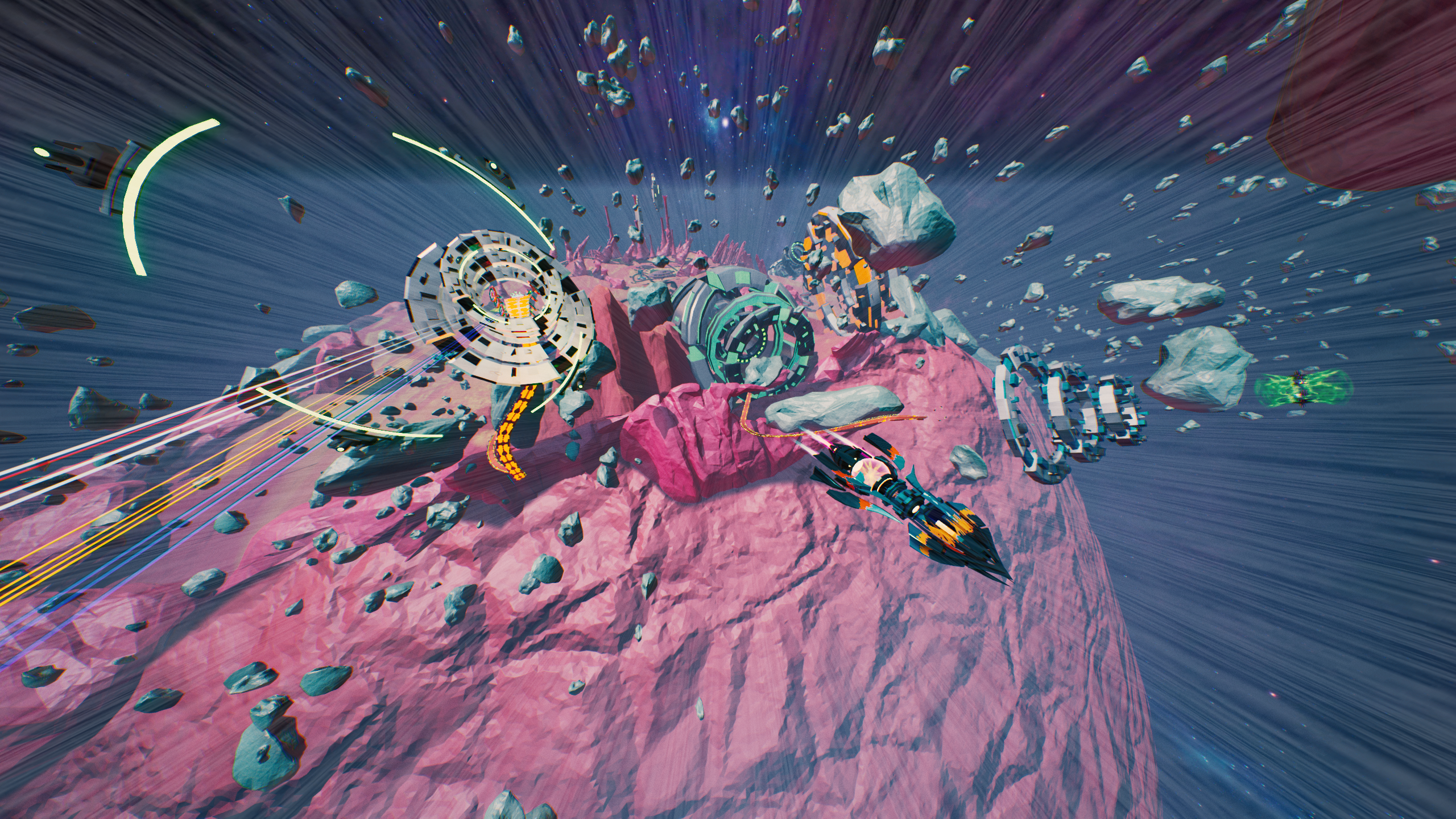
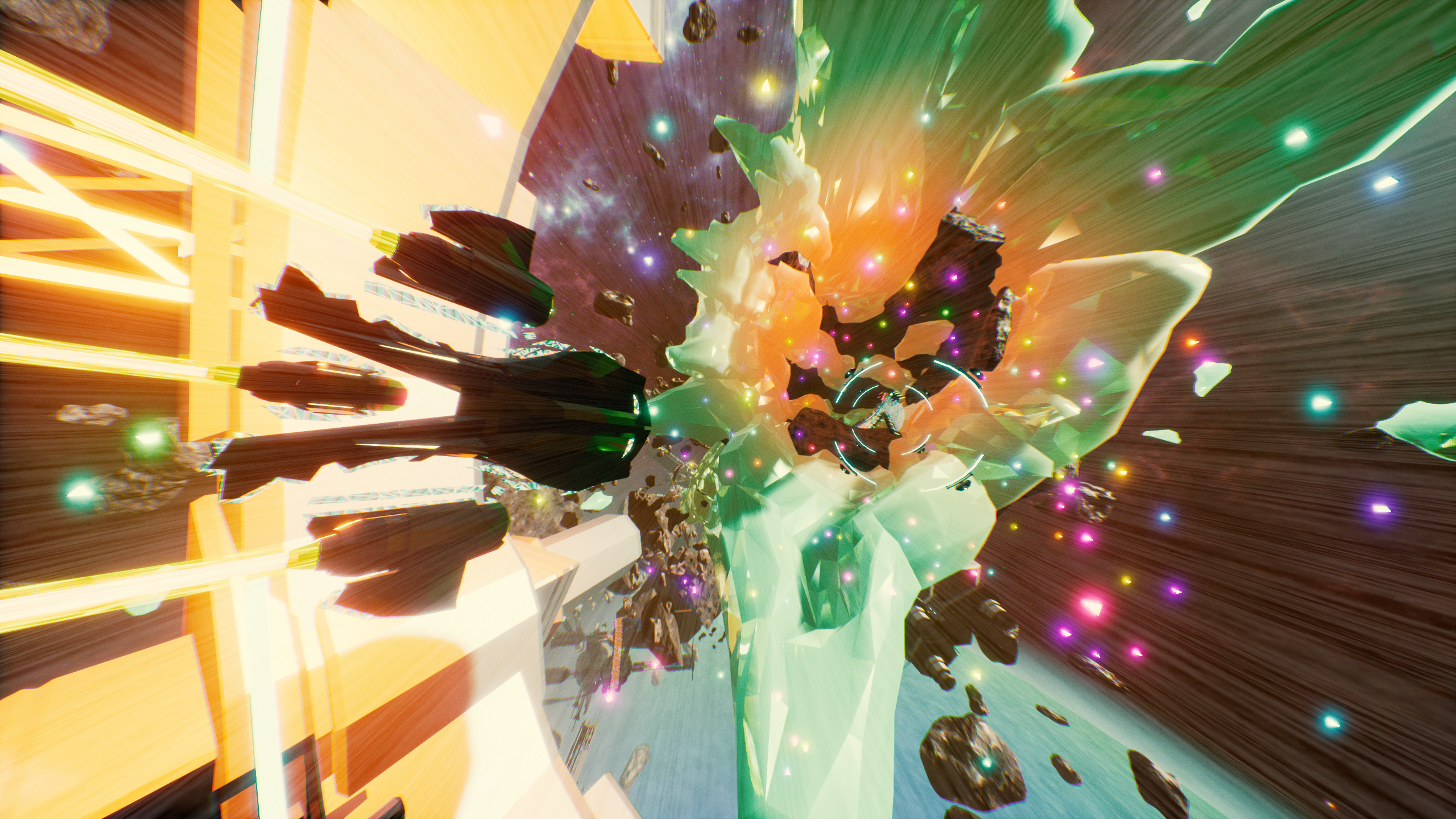
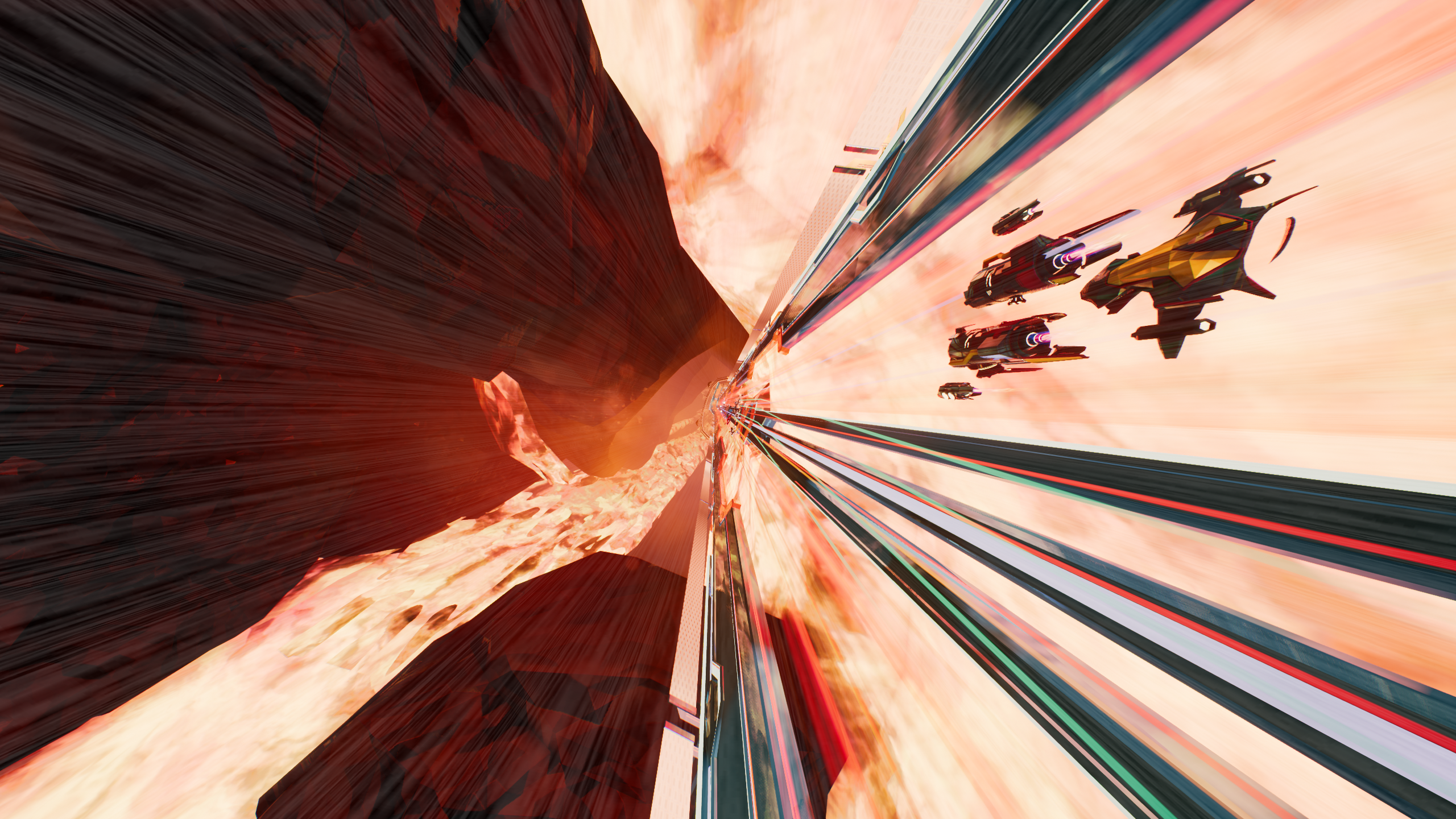
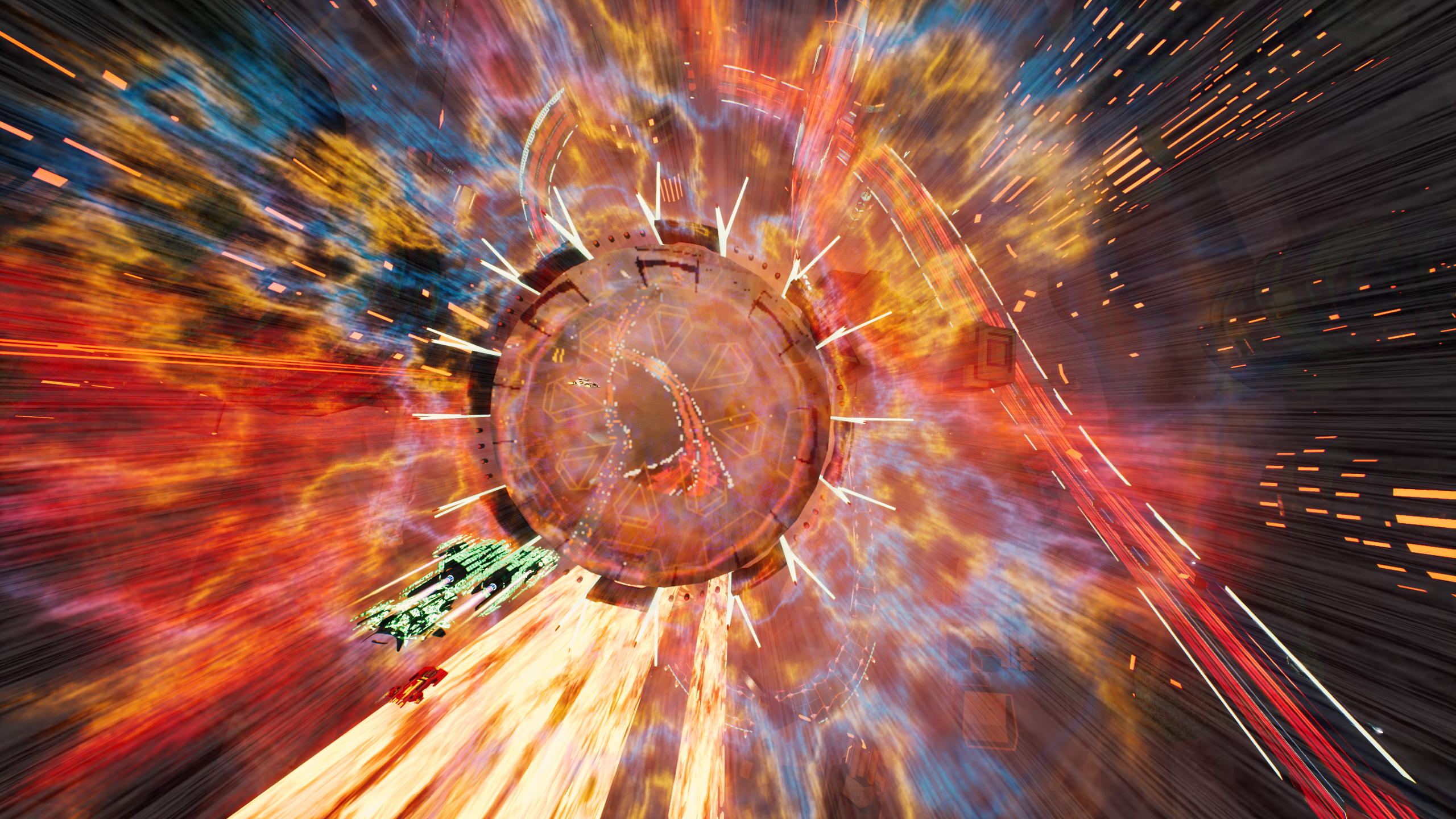
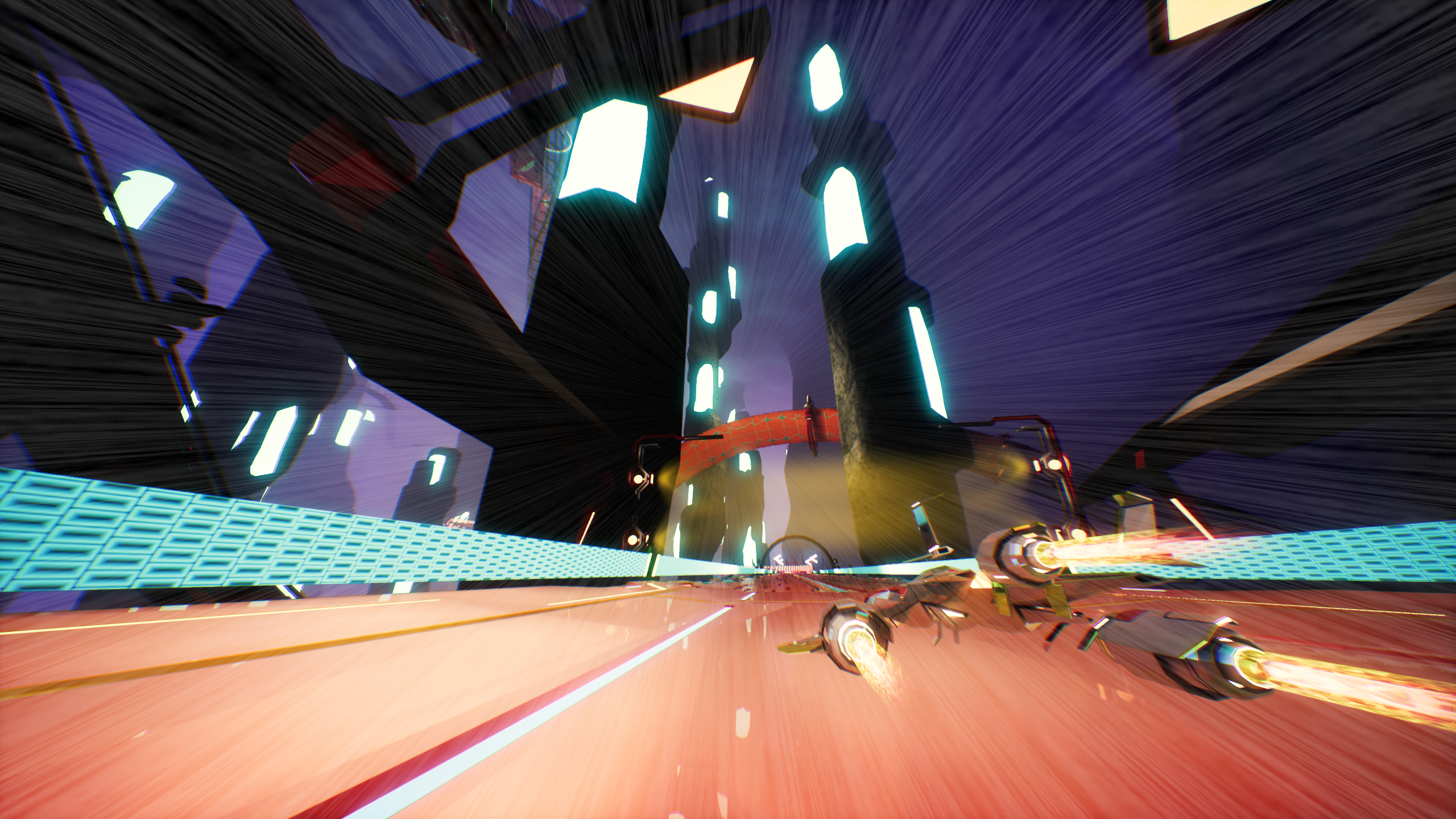
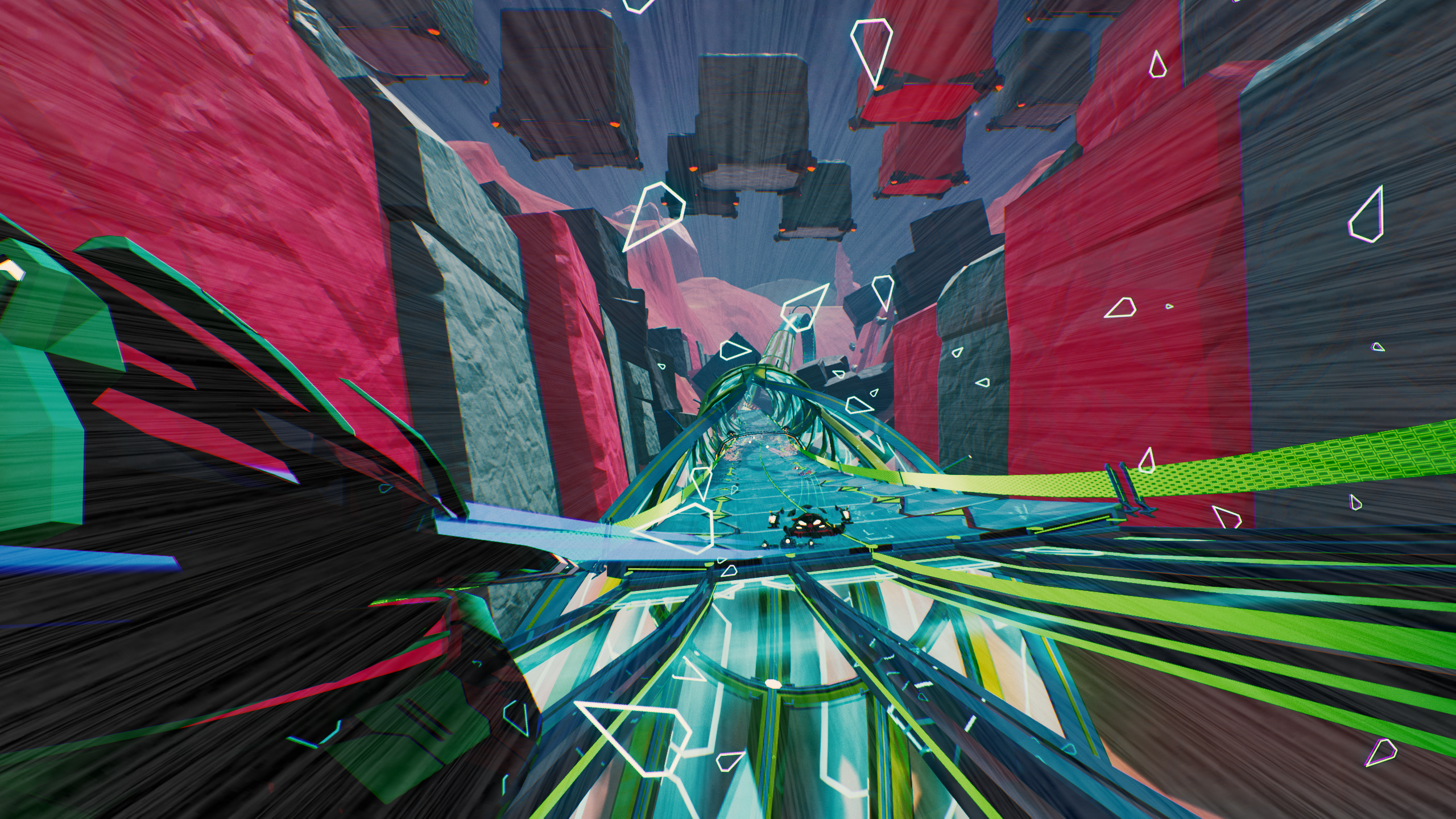
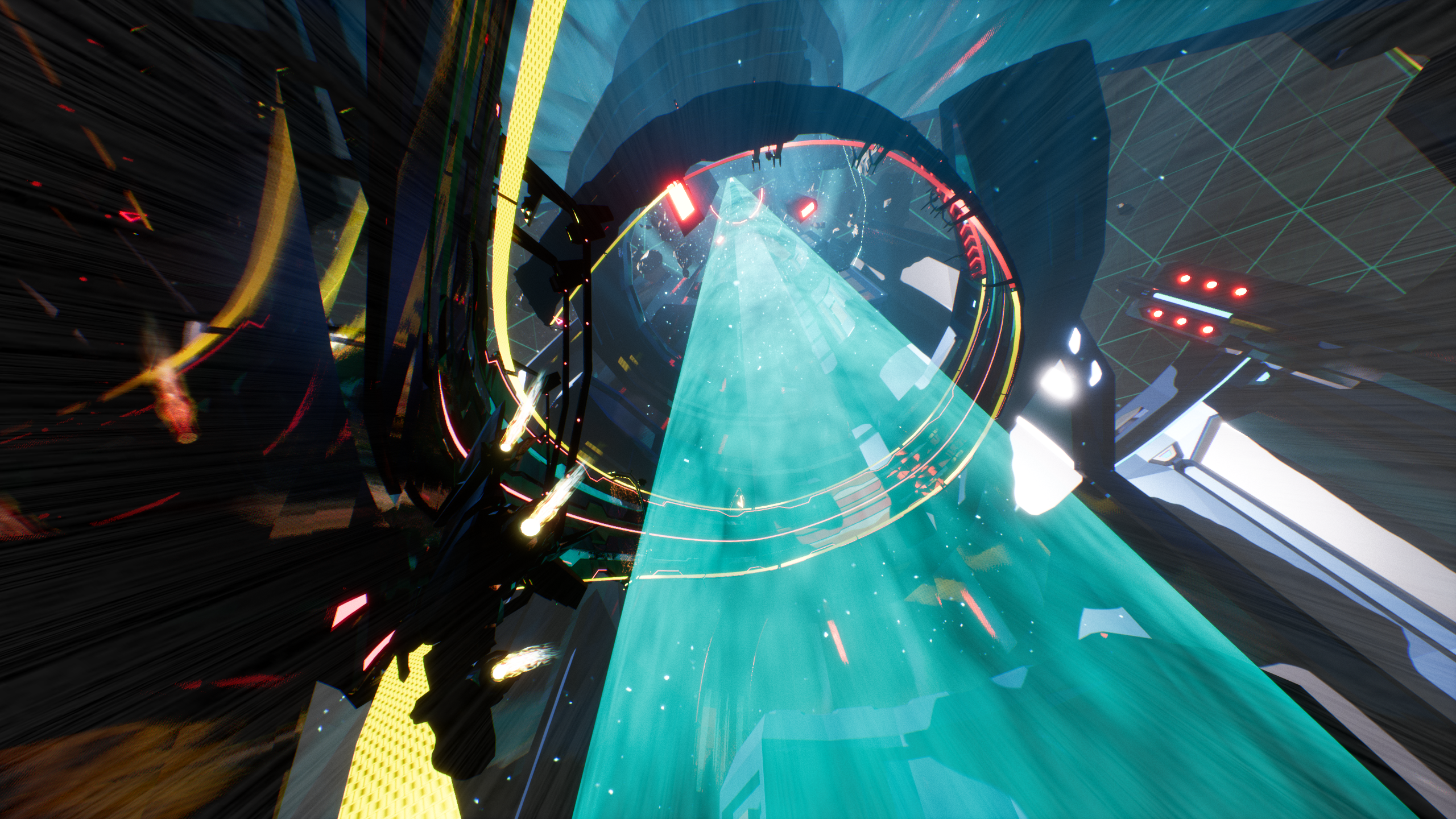
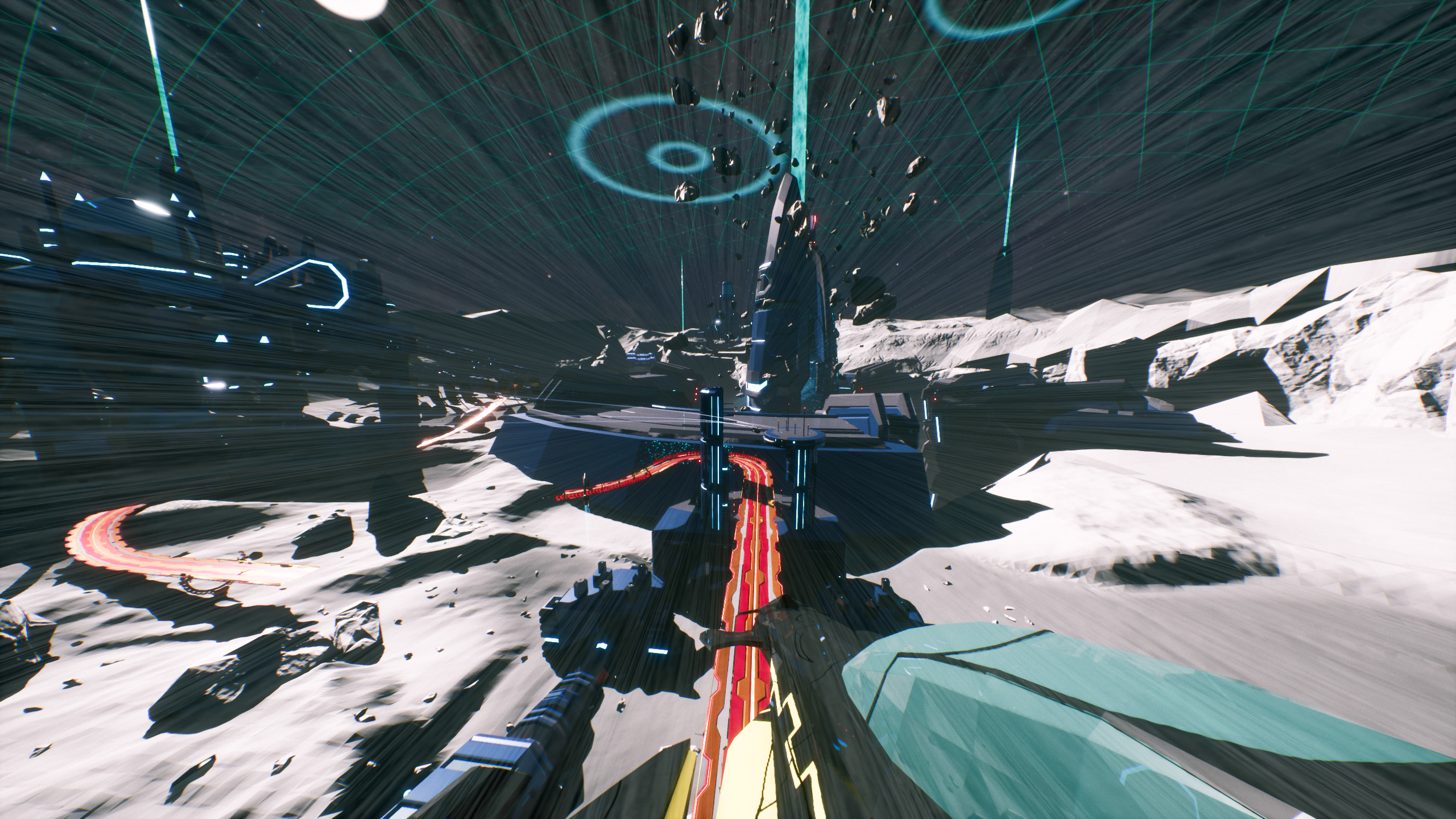
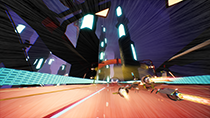
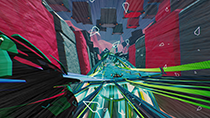
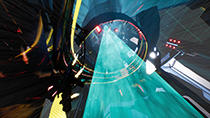
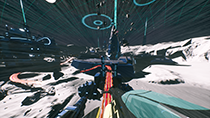
If you have a need for speed and a love for sci-fi racing games, Redout promises to deliver a fast-paced homage to the 16-bit era of arcade racers. Set in a dystopian future, the game features breathtaking backdrops as you race through the ruined landscape. Using NVIDIA Photo Mode, you can capture those views and add any number of post-processing effects to create one-of-a-kind wallpapers.

Focus On TV Ratings As NVIDIA Highlights Captures Your Best Plays In SCUM
Releasing in Early Access this month, SCUM brings a new twist on the open world survival genre. The game puts you inside of a TV show where you must fight not only for your life, but for ratings as well. No good show is complete without a highlight reel, so the game will be launching with NVIDIA Highlights to automatically capture your best moments.
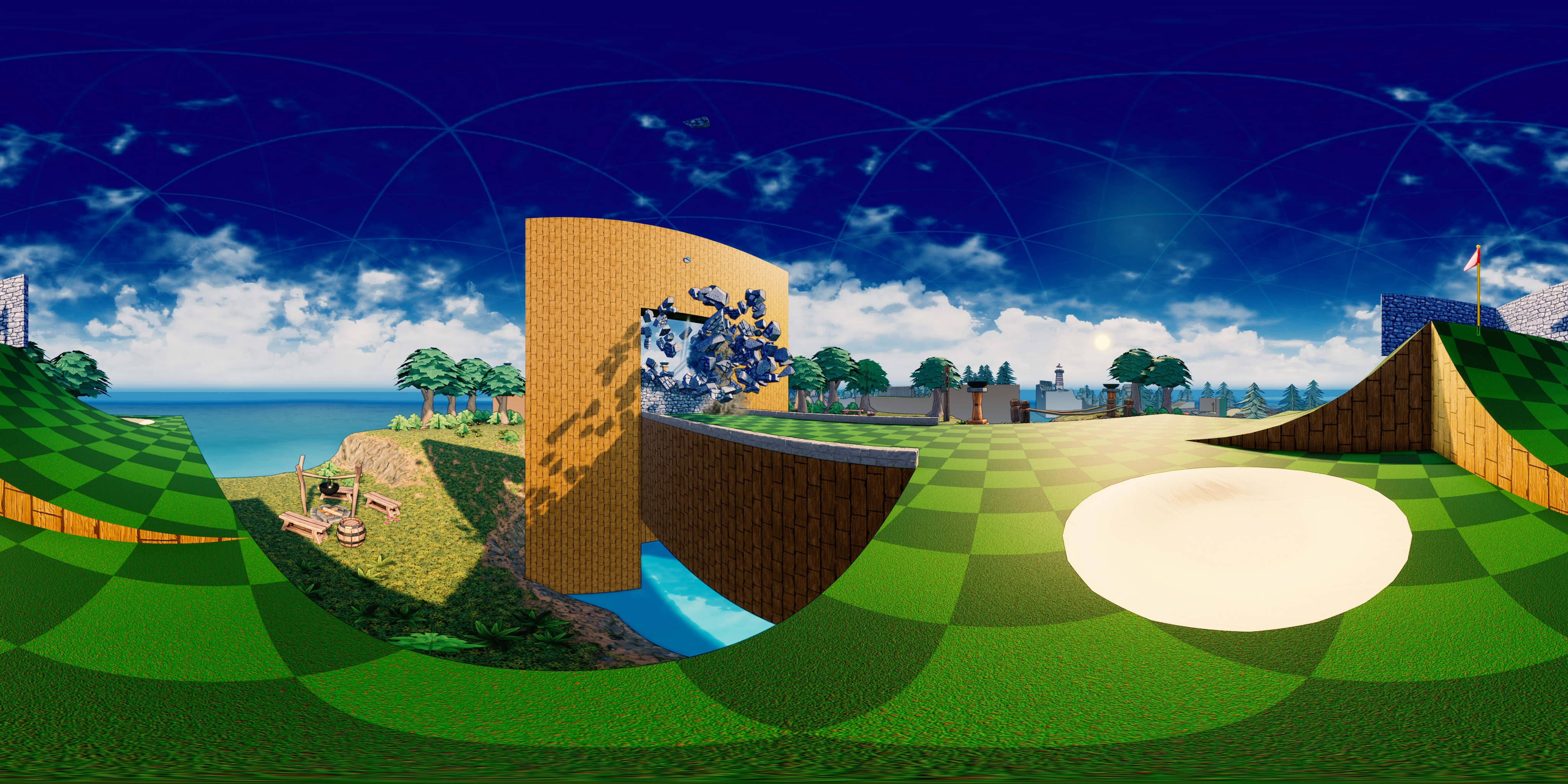
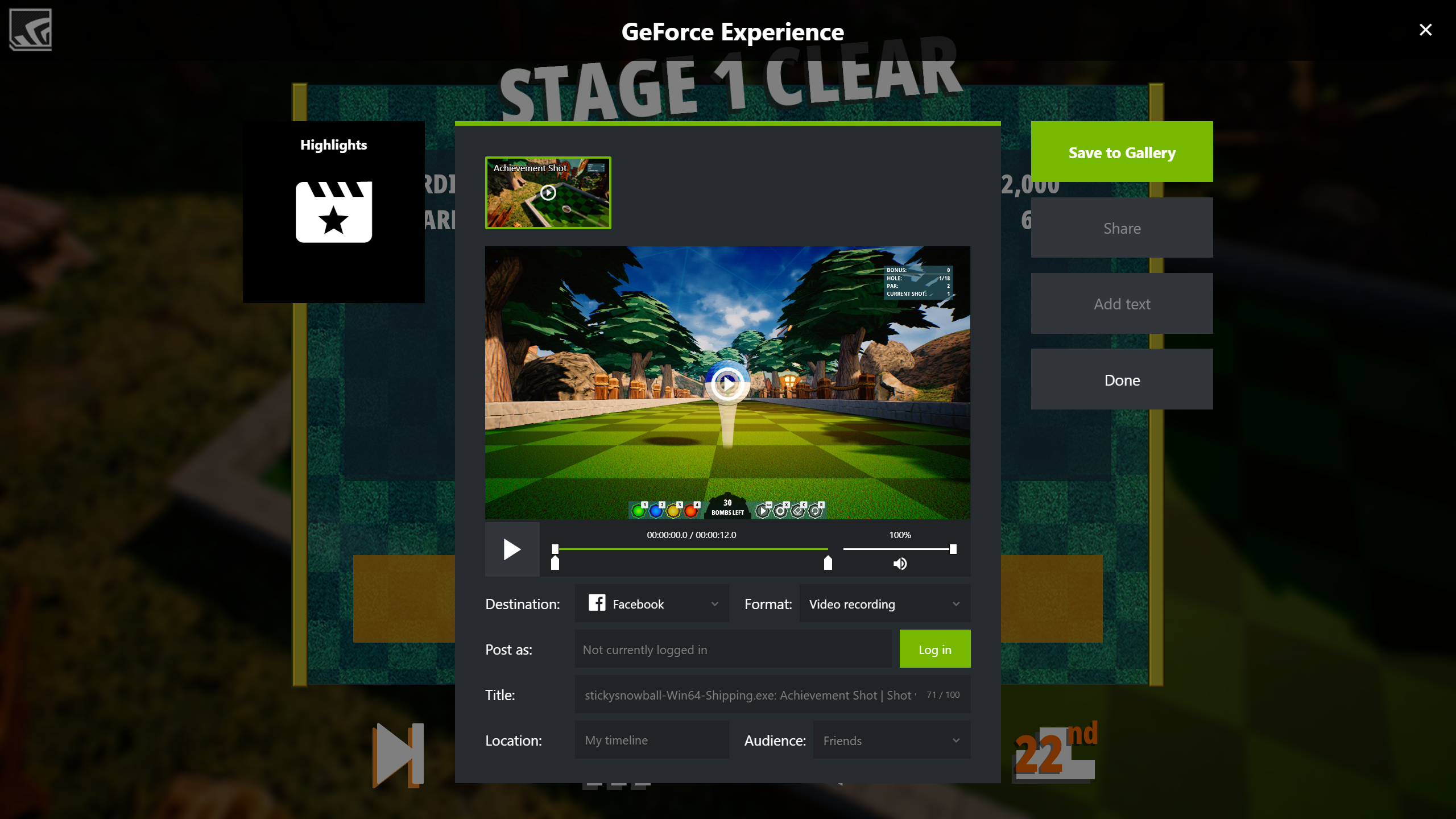
Show Off Your Mastery Of Super Inefficient Golf’s Unique Gameplay With Highlights
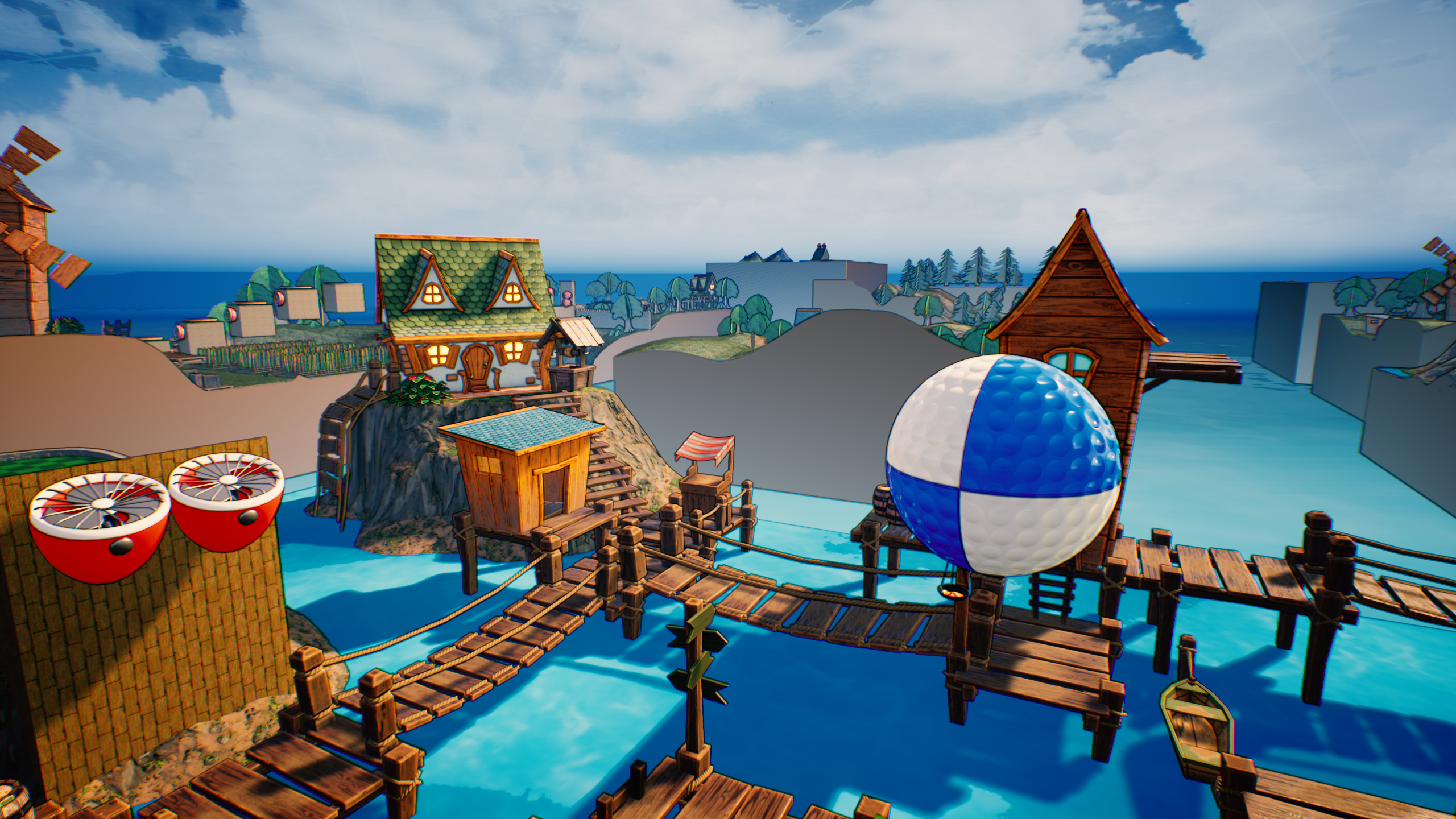
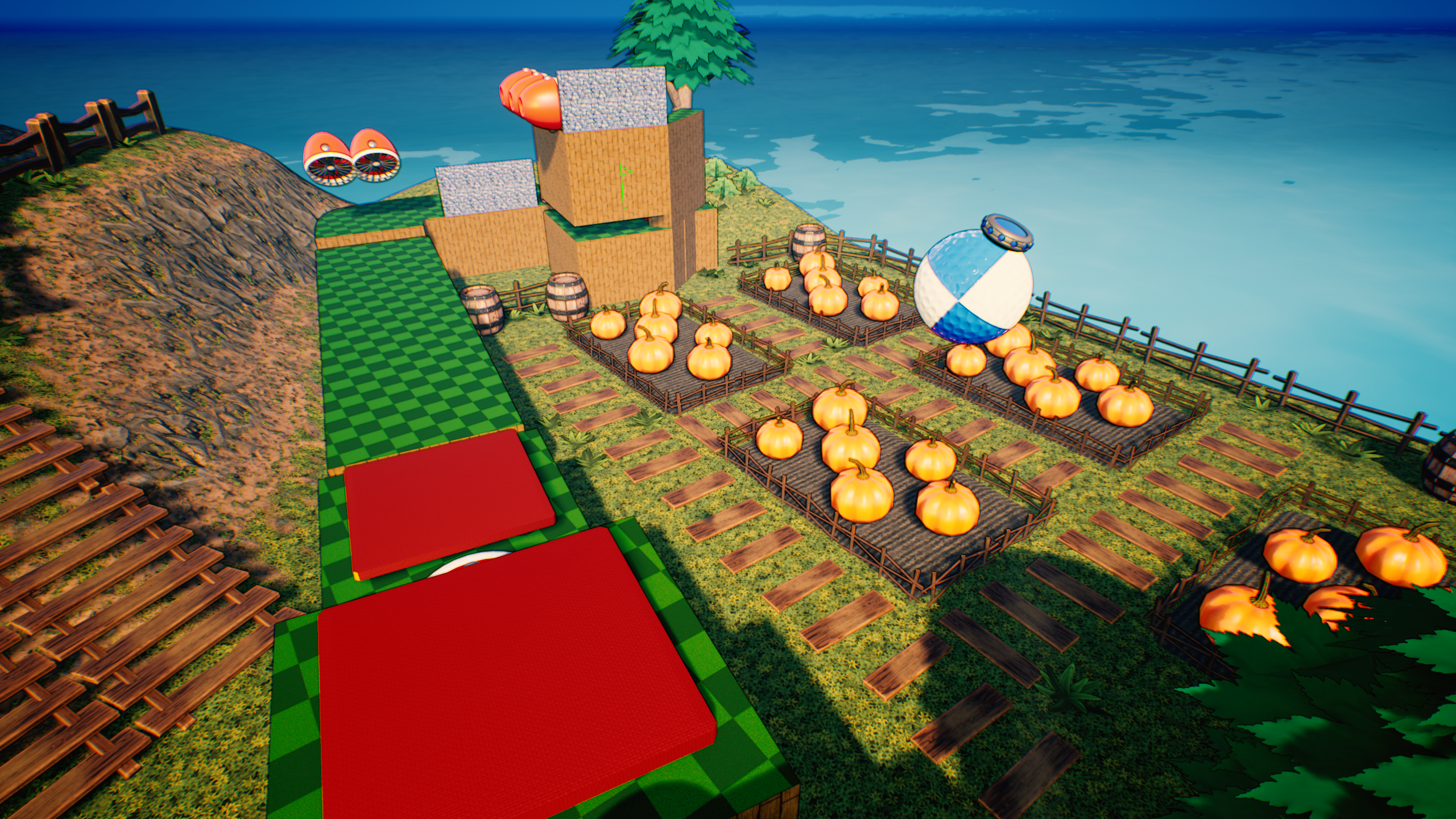
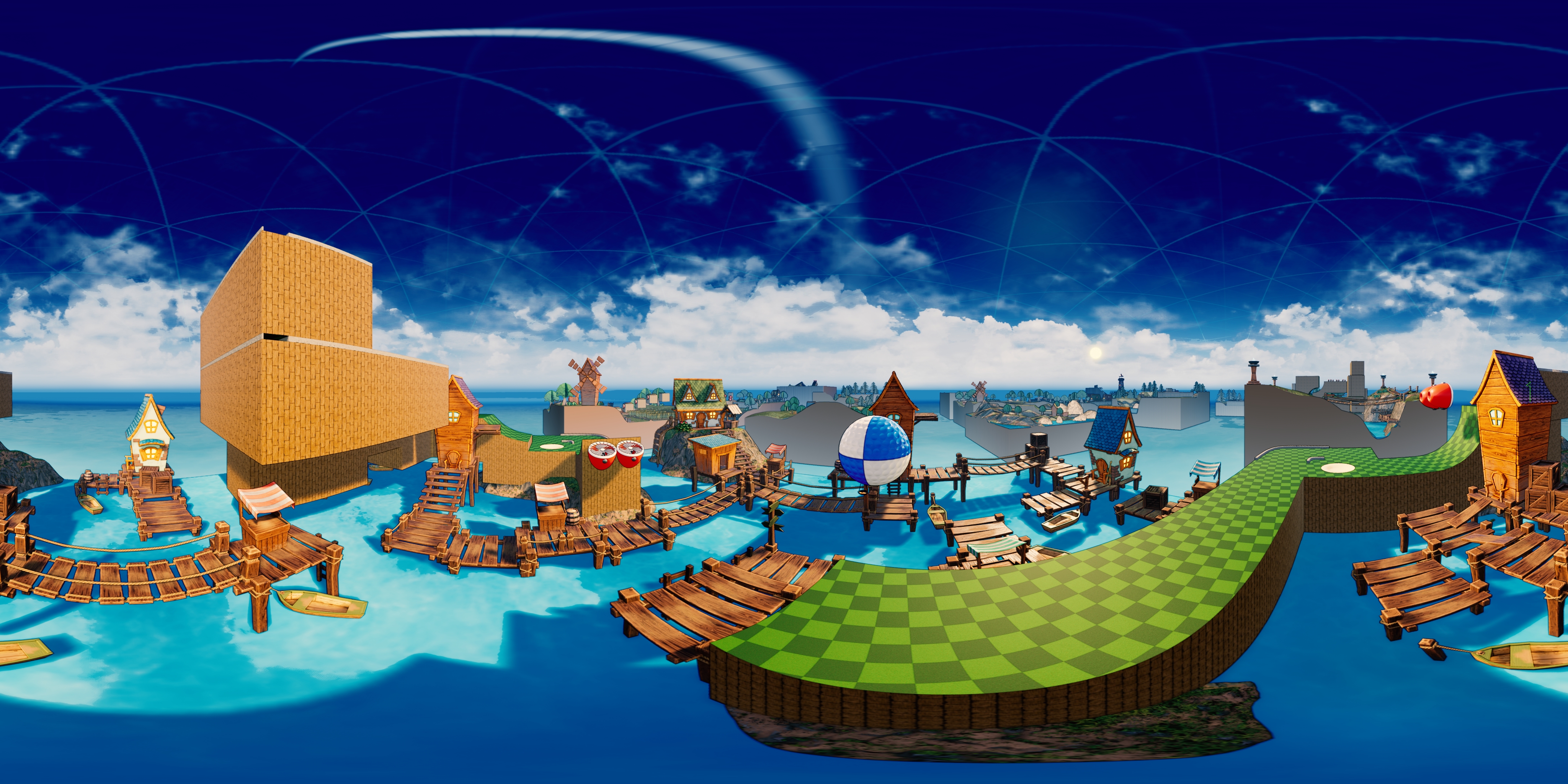
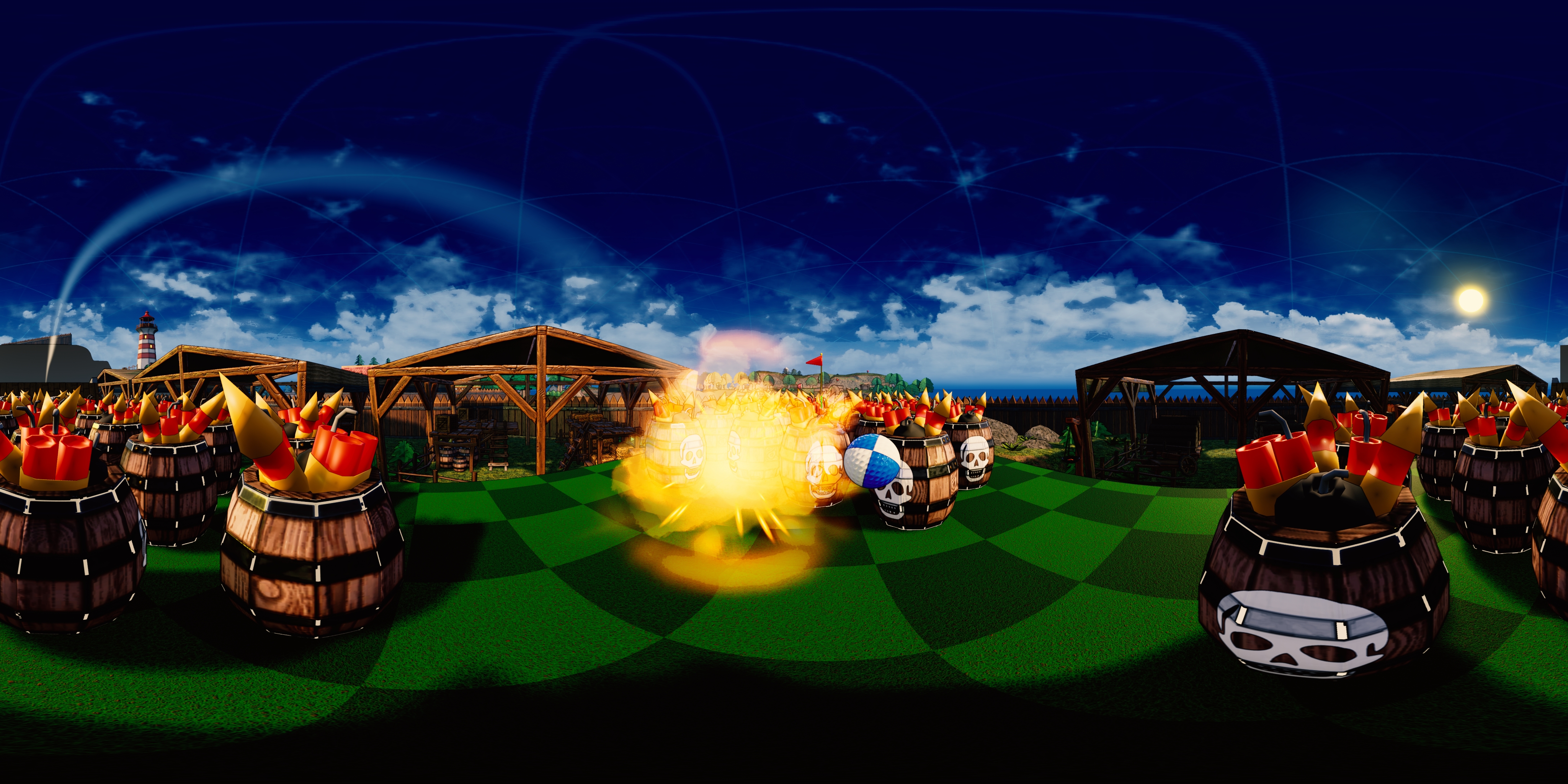
When you think of golf, you probably imagine someone using a club to strike a ball towards a hole. Super Inefficient Golf aimed to change all of that when it launched earlier this year. Ditching clubs for explosives, you’ll attach small mines to your ball and use those to blast it towards the hole.
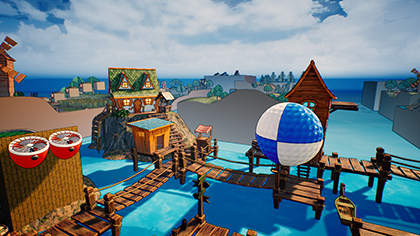
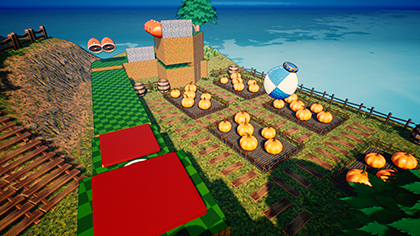

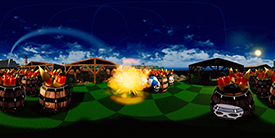
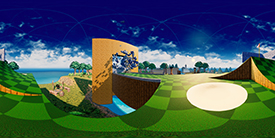
Your best shots will be automatically saved by NVIDIA Highlights, as it will capture each one that ends up under par. You can also use NVIDIA Photo Mode to take high resolution shots of the wacky holes and colorful scenery with a quick click of Alt+F2.
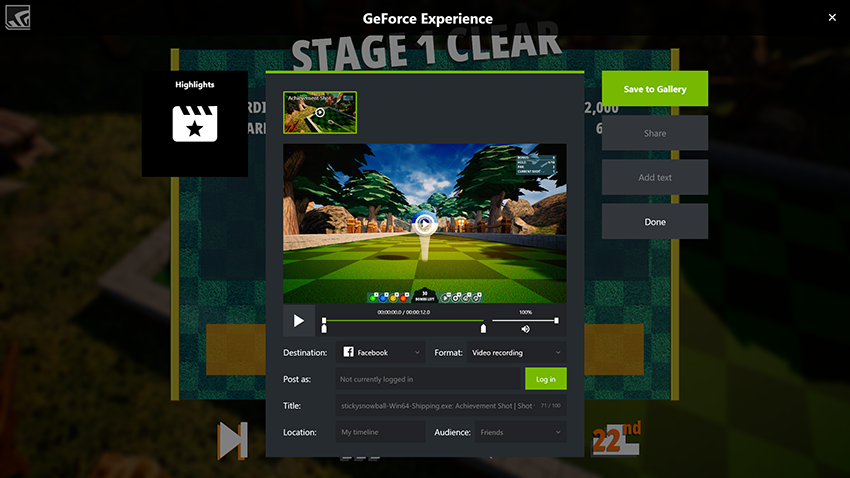
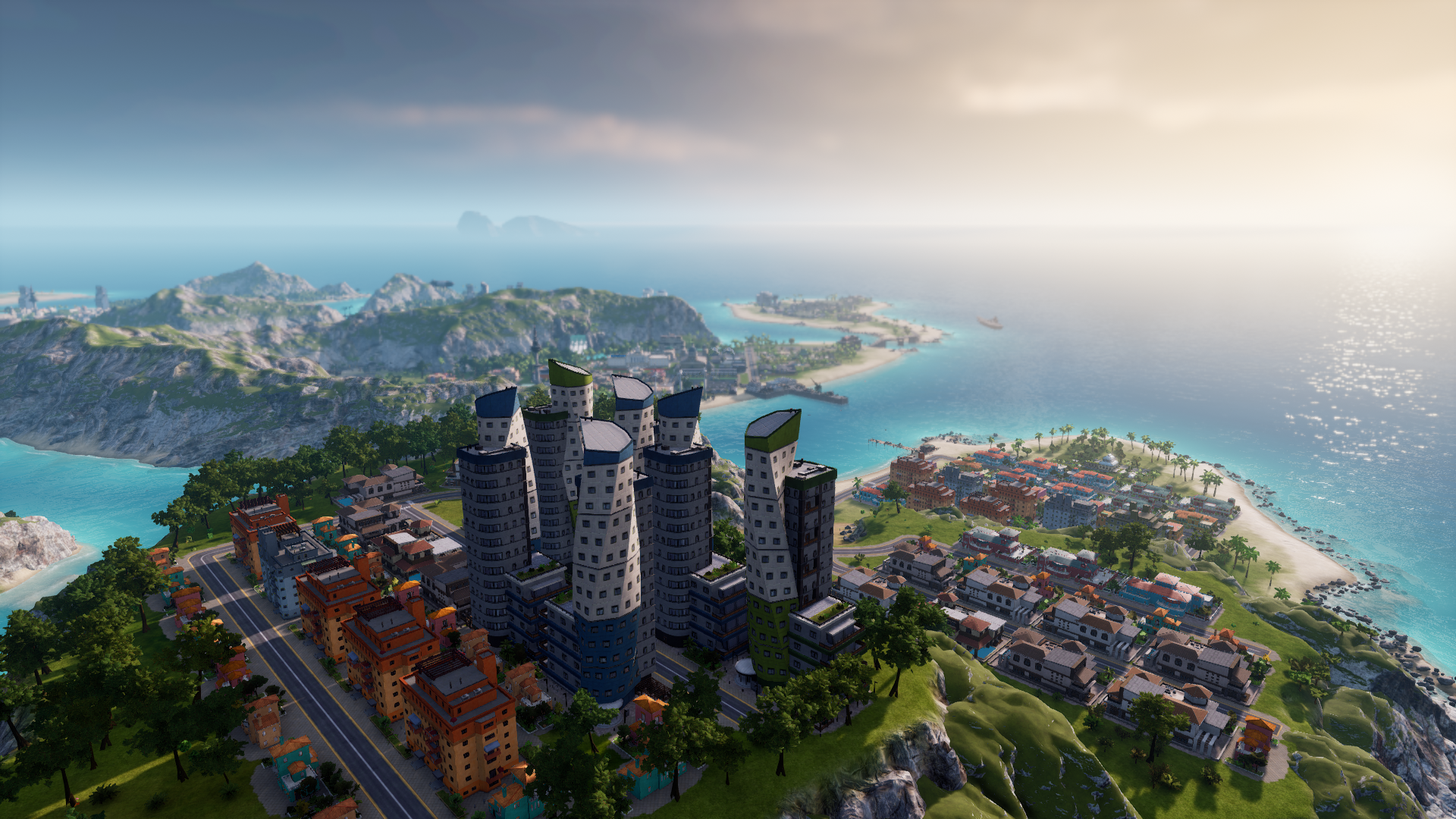
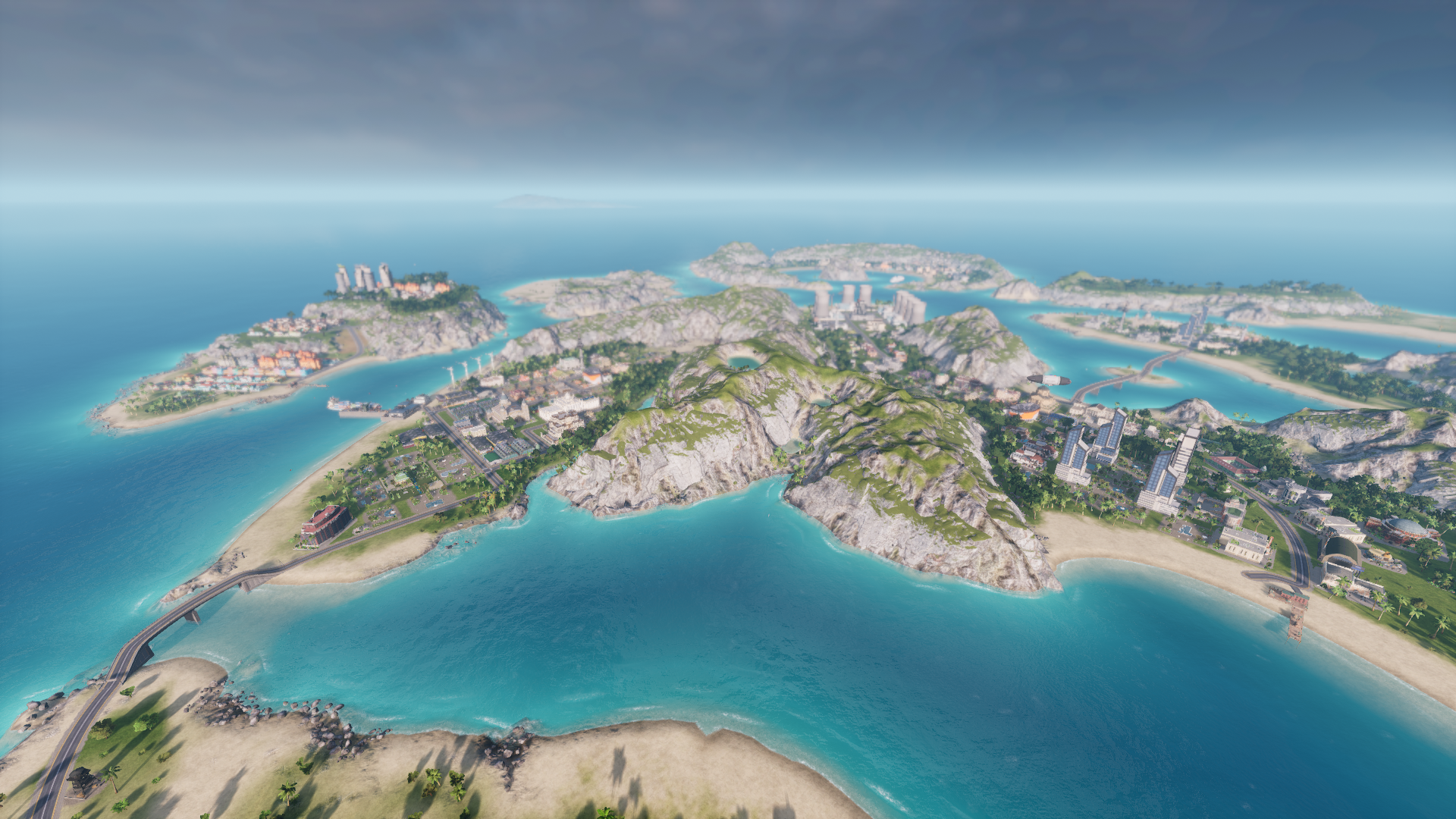
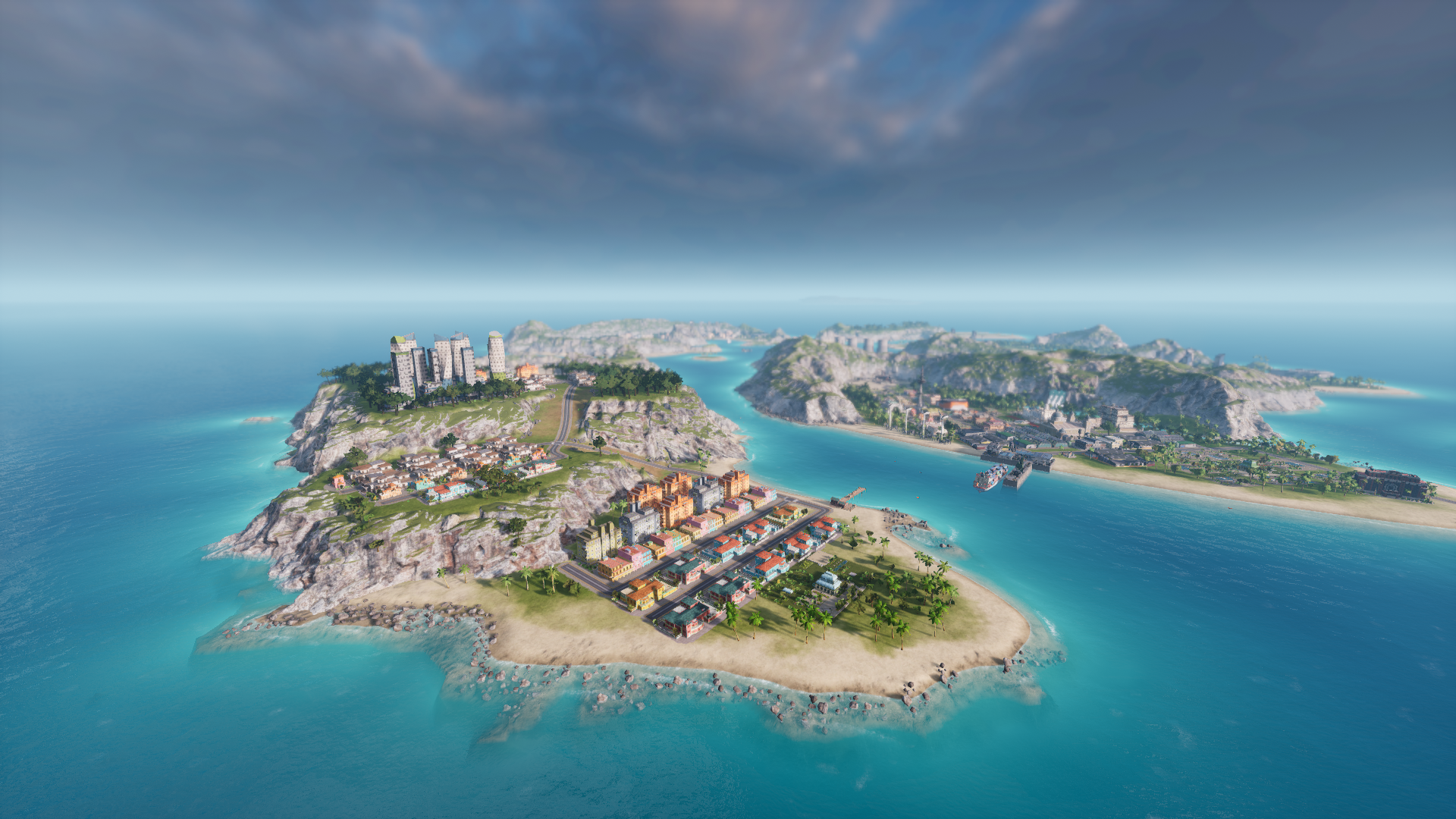
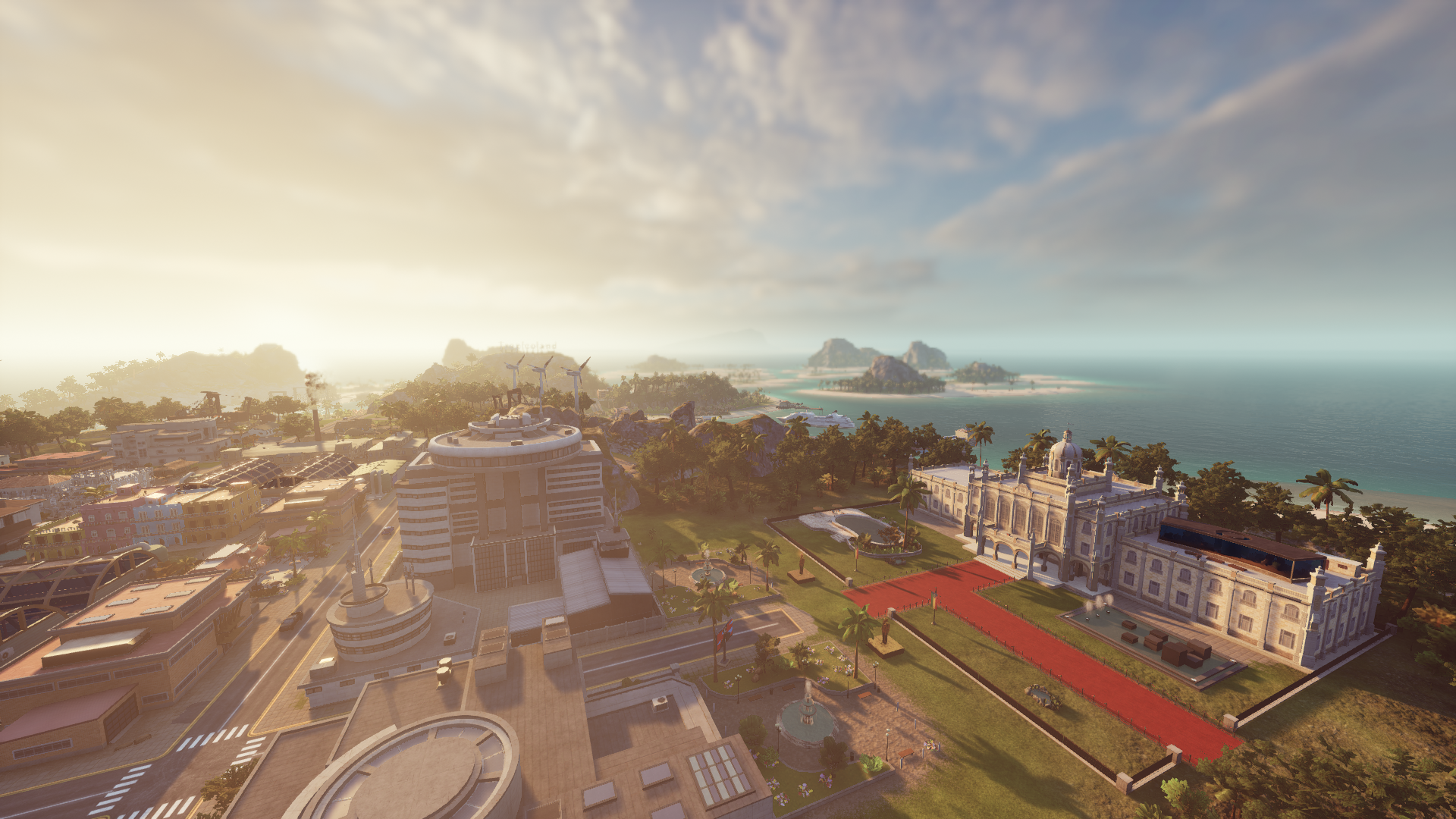
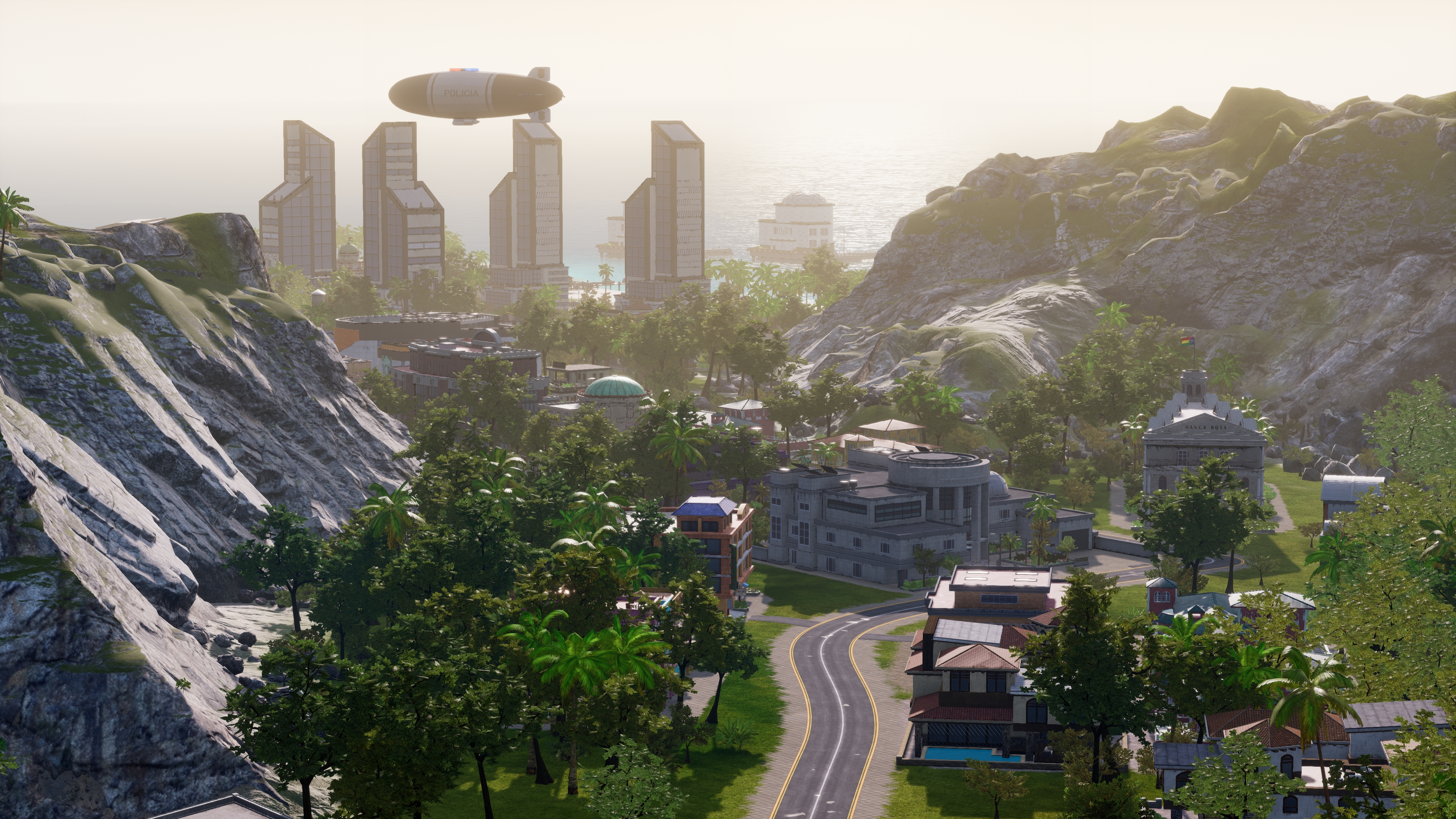
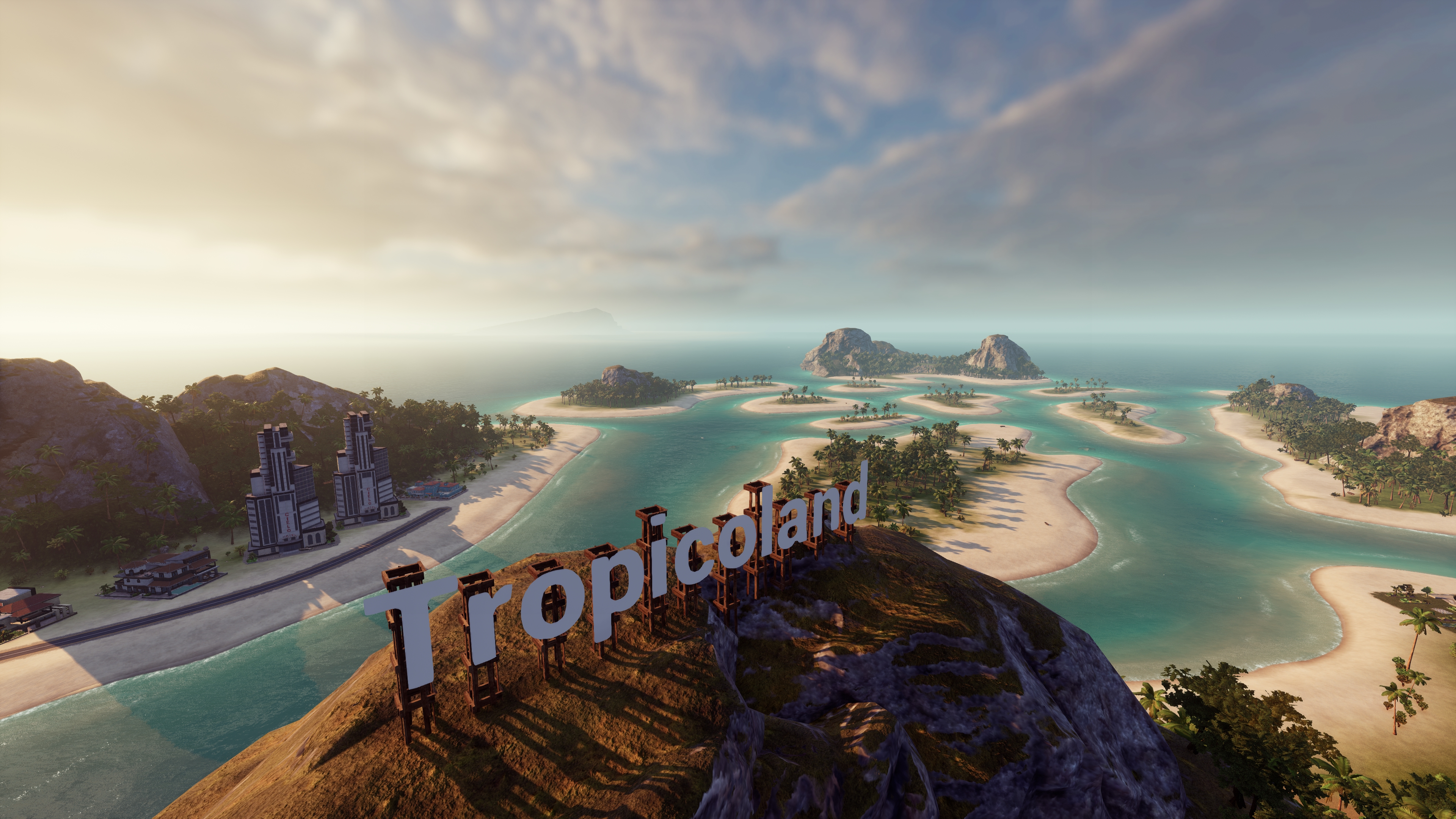
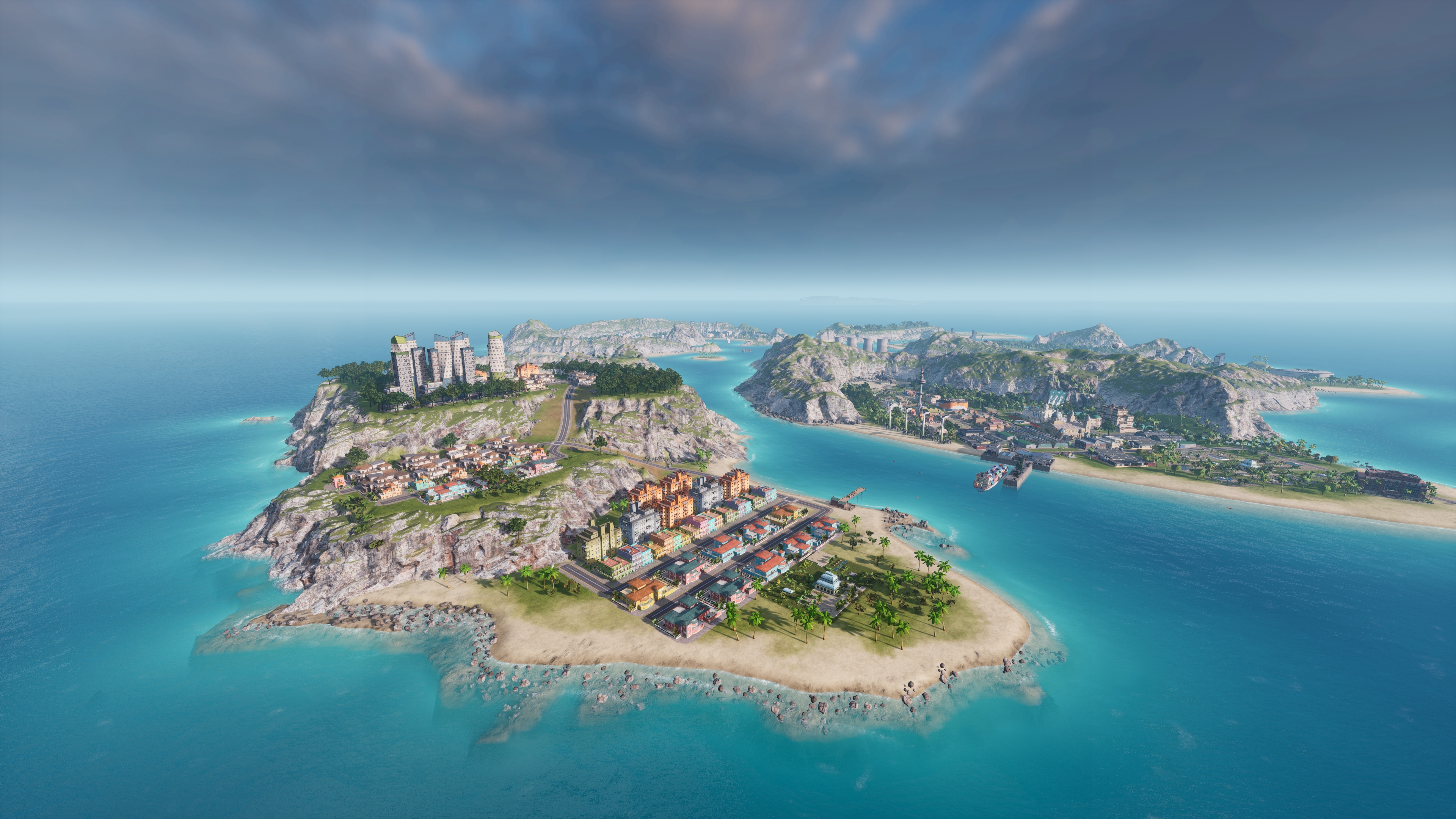
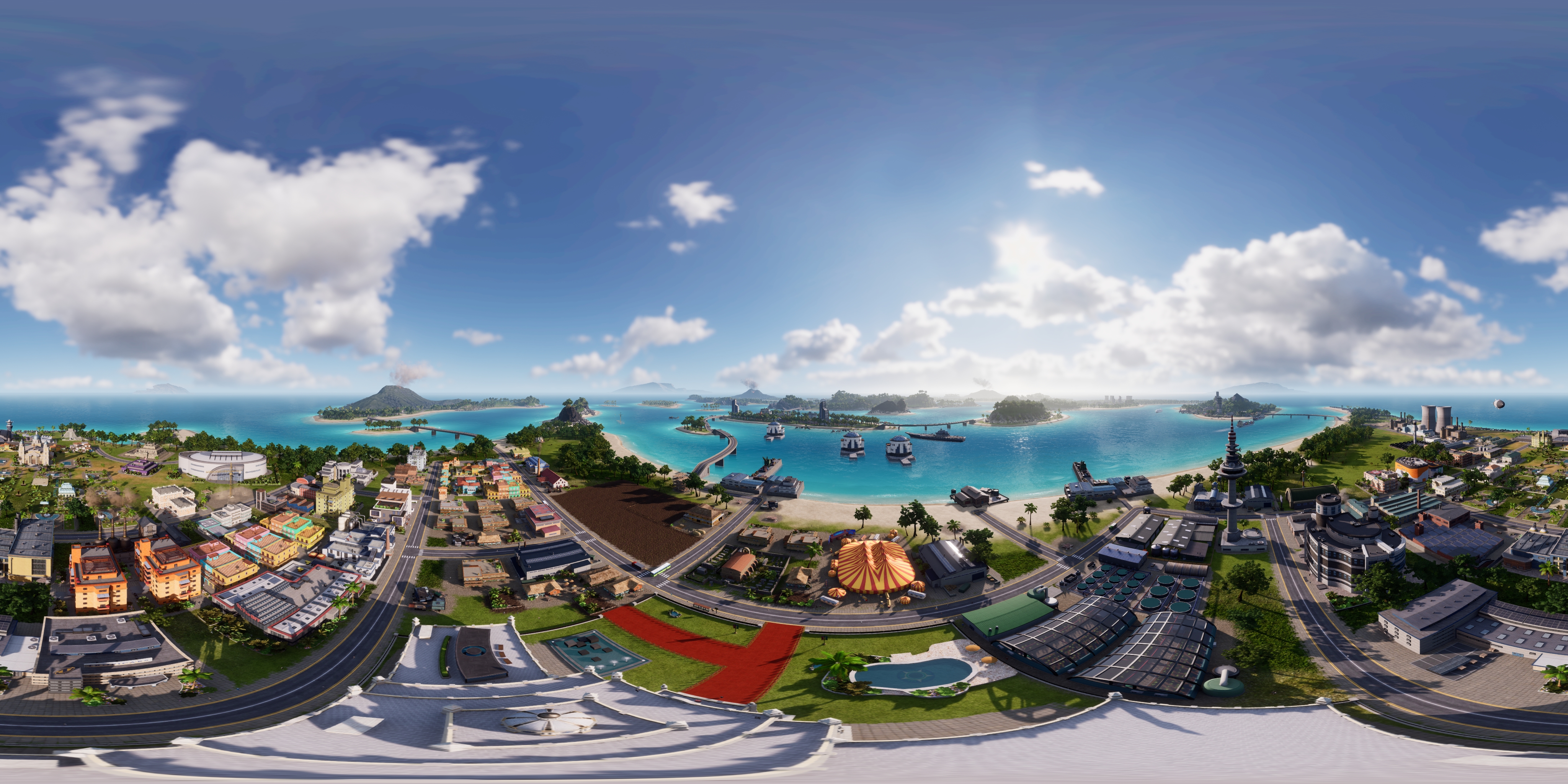
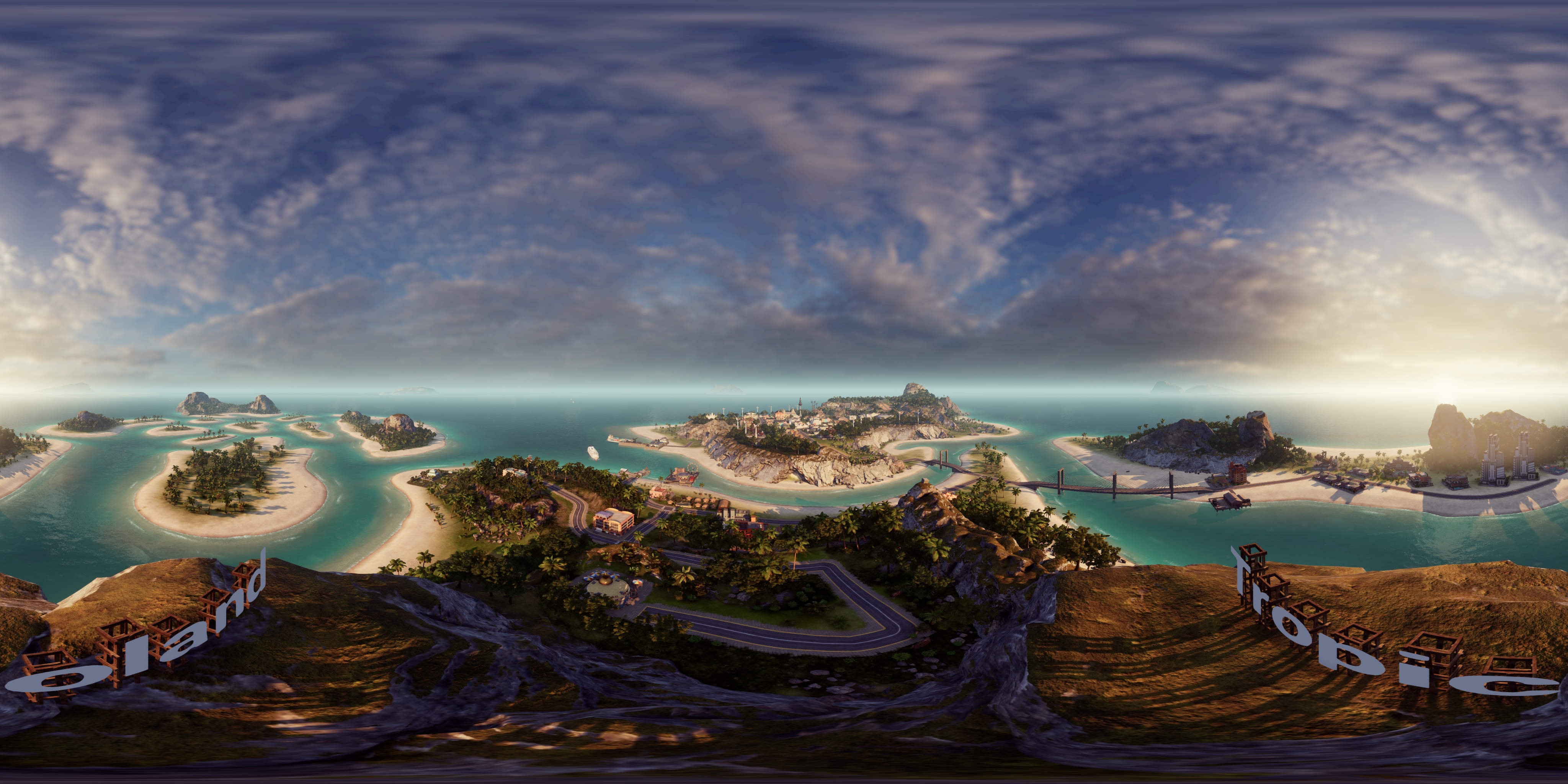
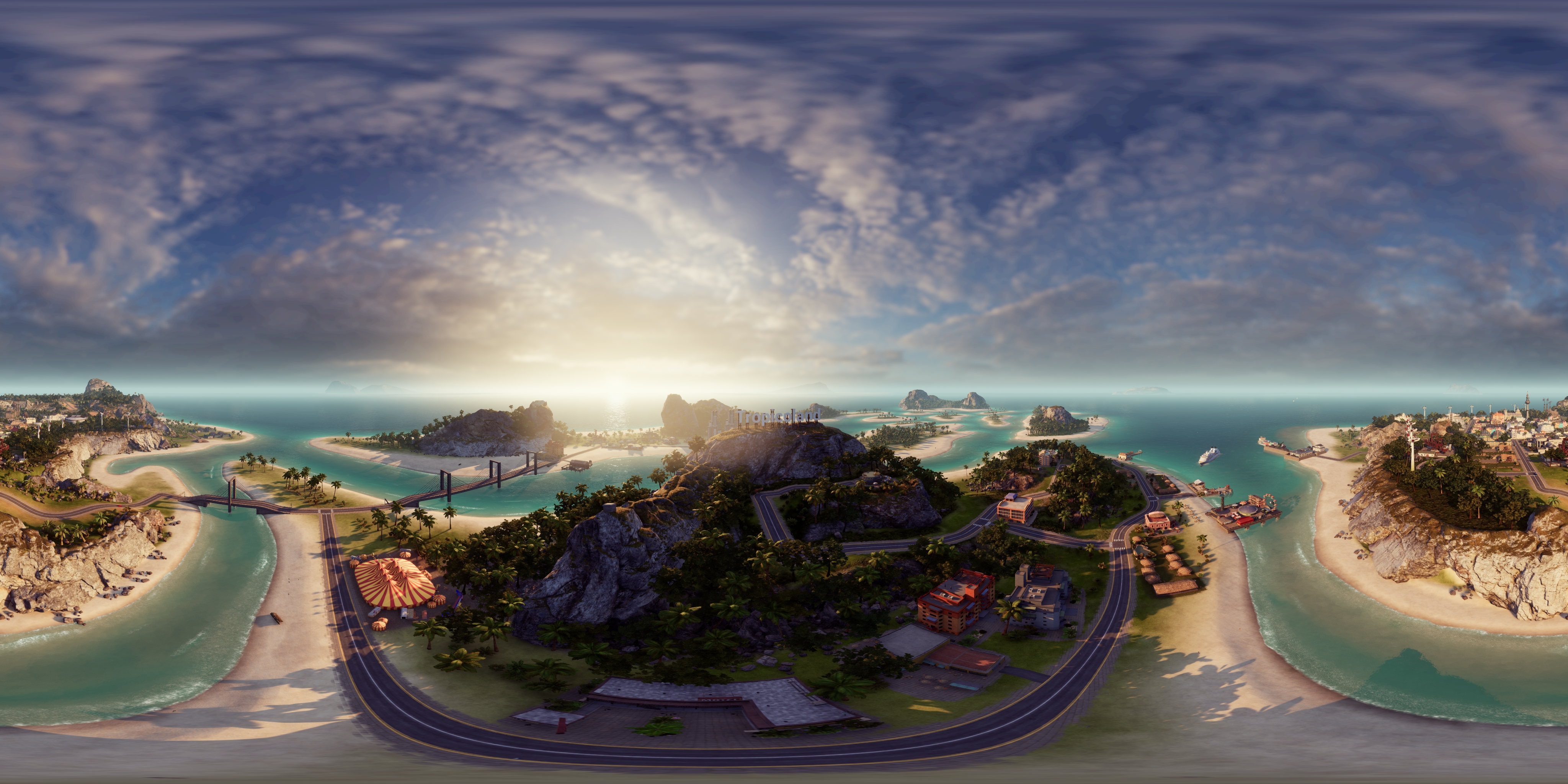
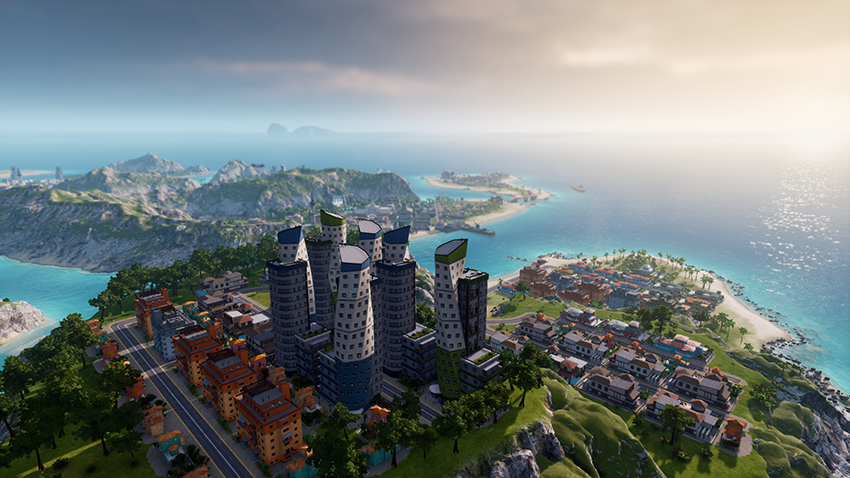
Photo Mode Turns The Sprawling Empire of Tropico 6 Into Beautiful Photography
Tropico 6 puts you back in the role of El Presidente, the dictator of an island empire that you must help grow and prosper, by any means necessary. The game improves on its predecessors by introducing new fully simulated citizens, which will have schedules for work and sleep that affect the productivity of your businesses.
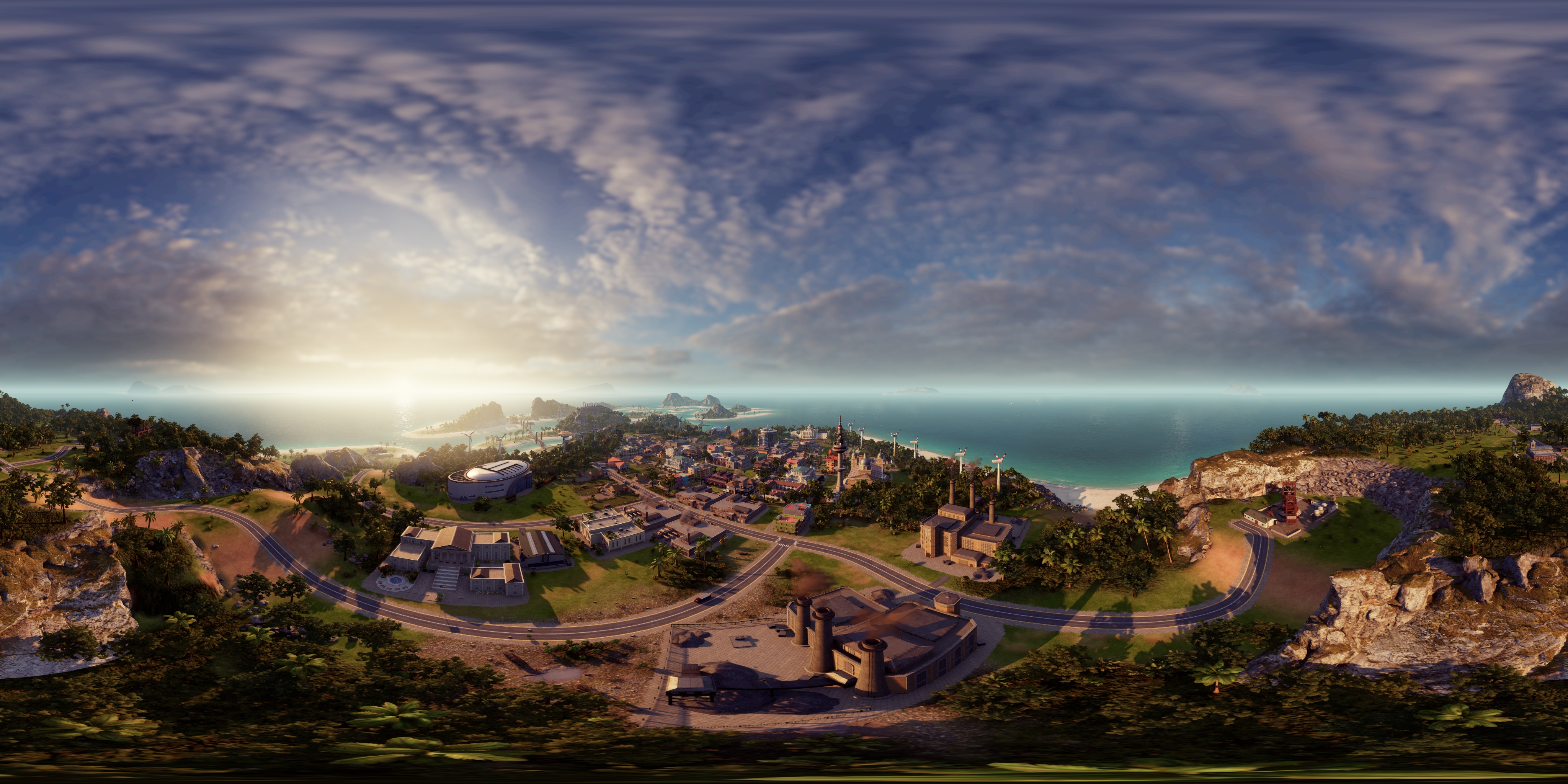
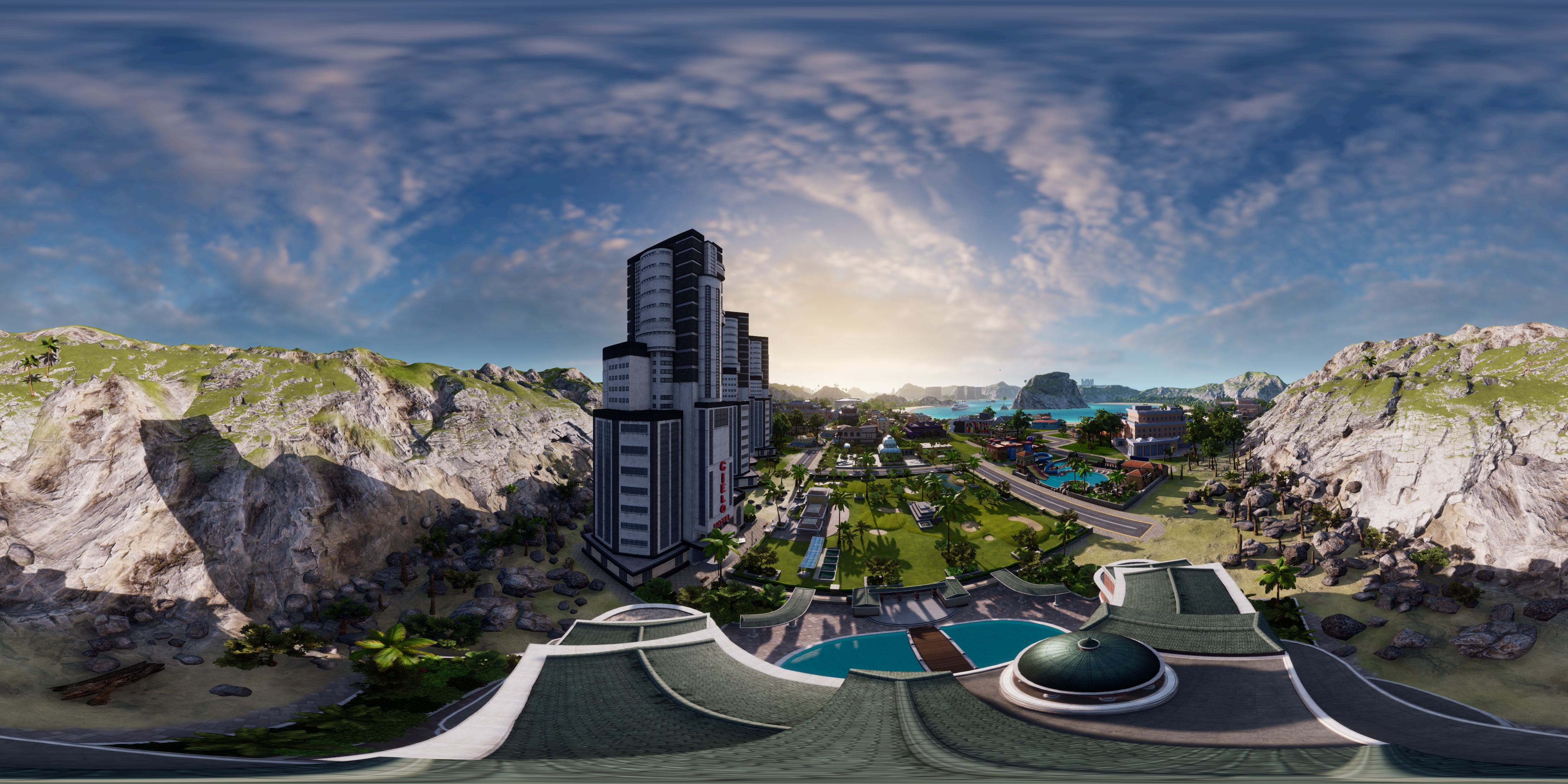
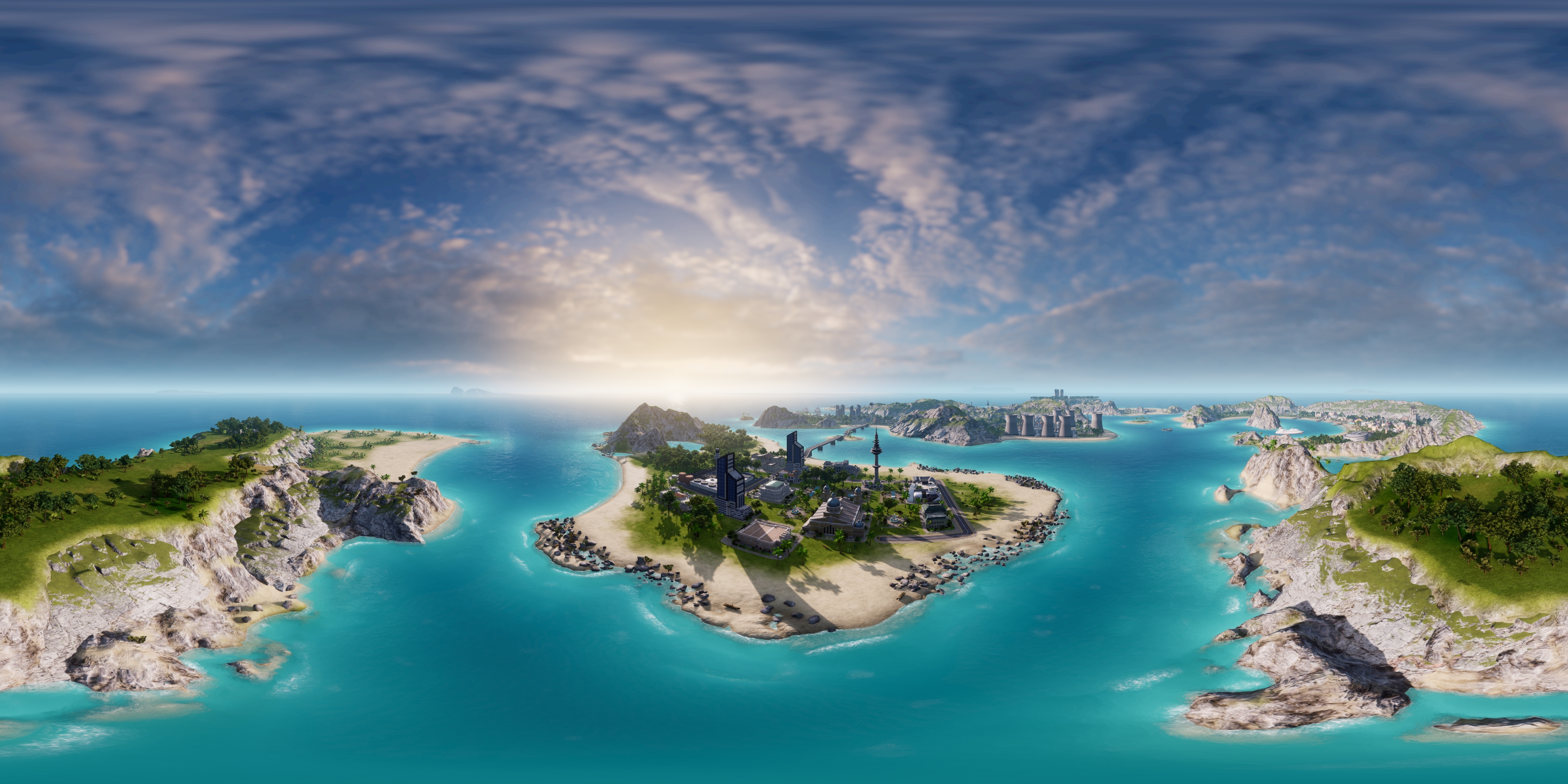
To capture the grandeur of your sprawling island empire, you can use NVIDIA Photo Mode to take super high-resolution images that will show even the smallest of details. Check out some beautiful examples below.
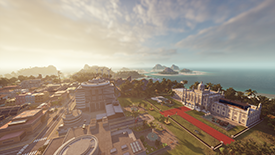
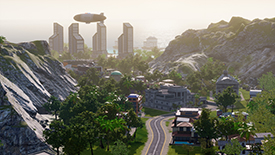
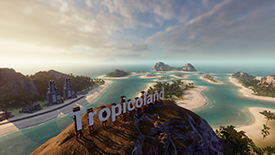
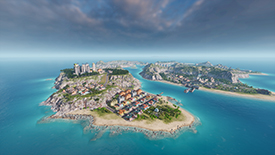
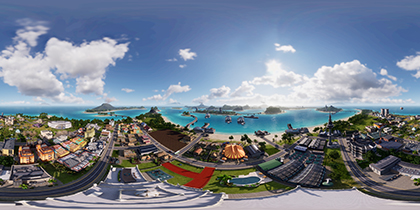
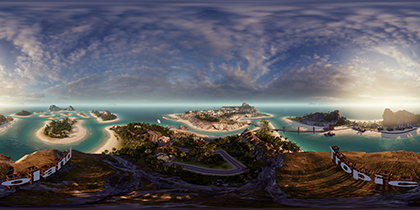
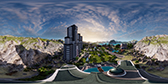
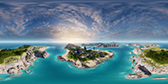
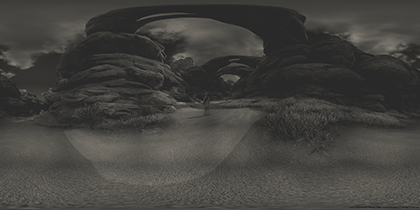
With an island empire as vast as your own, sometimes you need to fully immerse yourself to grasp the entirety of it all. That’s why Photo Mode will also allow you to capture 360-degree panoramas like the ones below, and view them on any VR headset.
Vampyr Takes You To Victorian London, And NVIDA Photo Mode Lets You Share It
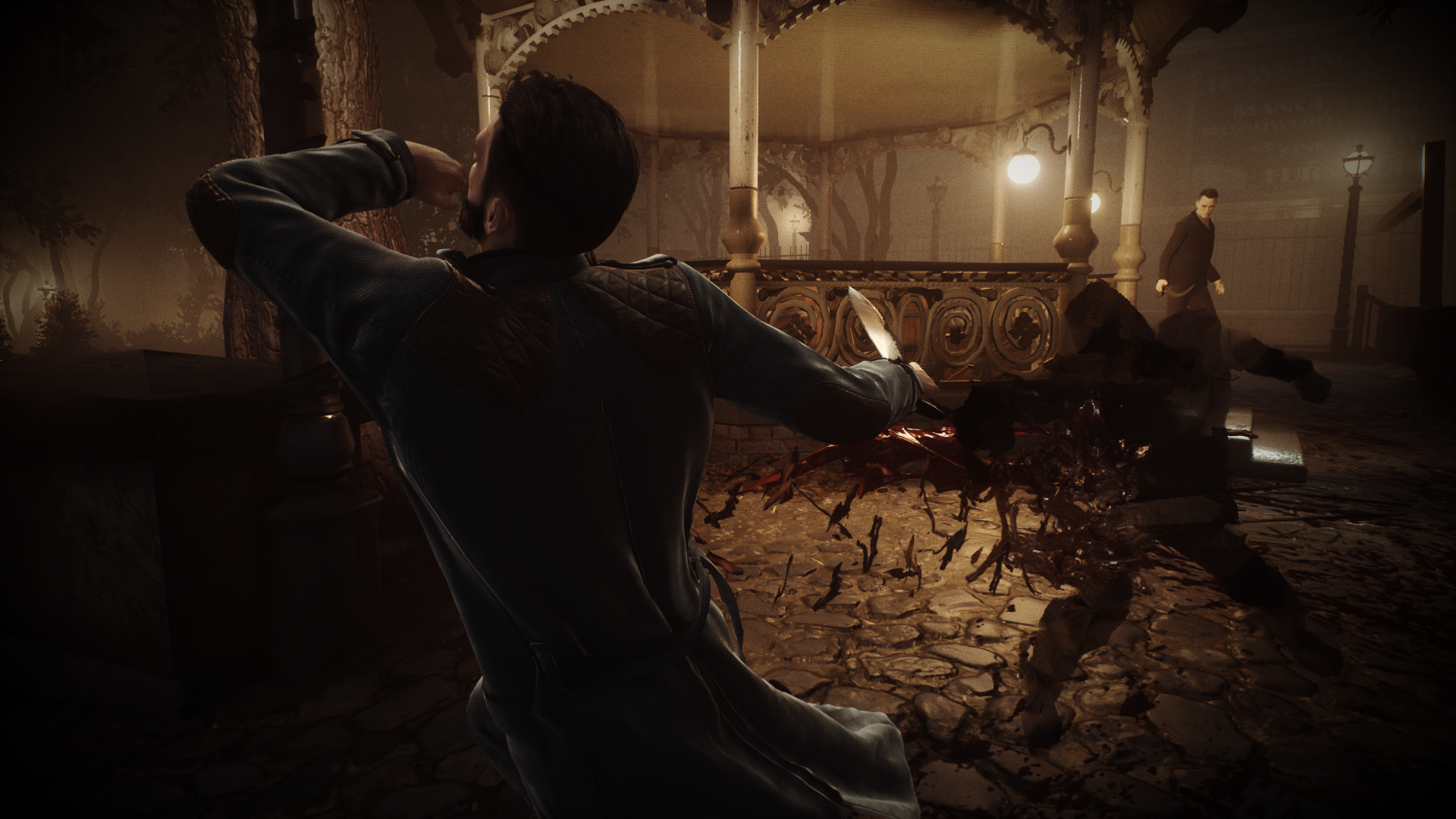
Vampyr takes you to London in the early 20th century and puts you in the role of a doctor who was recently turned into a vampire. While combat plays a large role in the game, it also explores the internal conflict of someone who once saved lives, and must now hunt humans to survive.
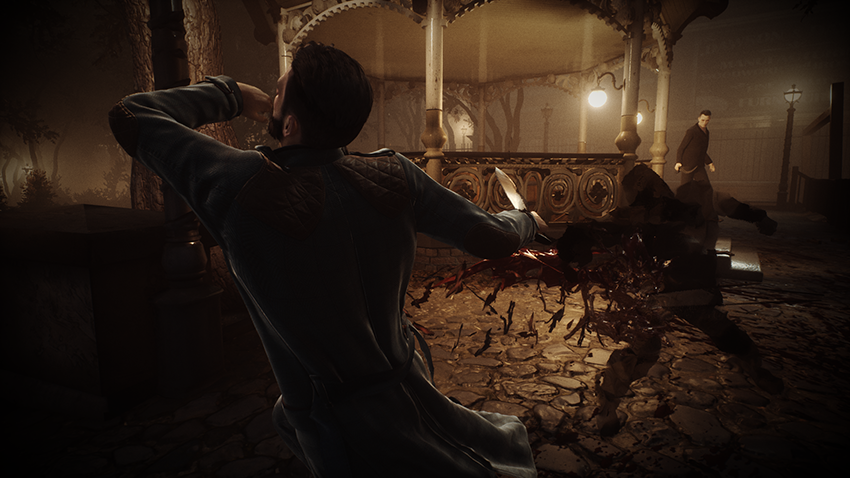
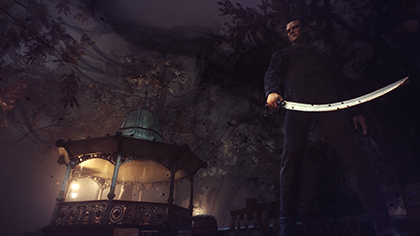
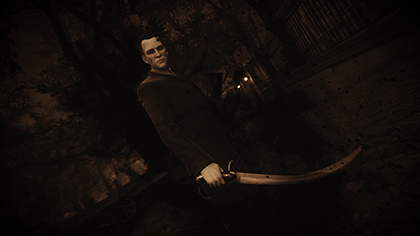
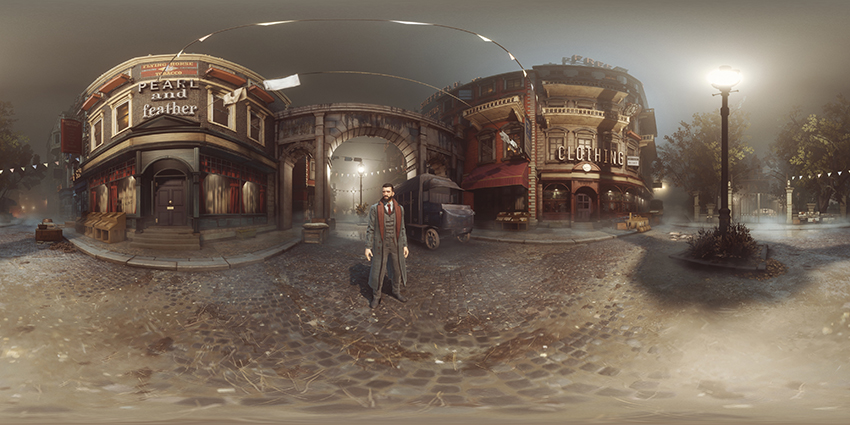
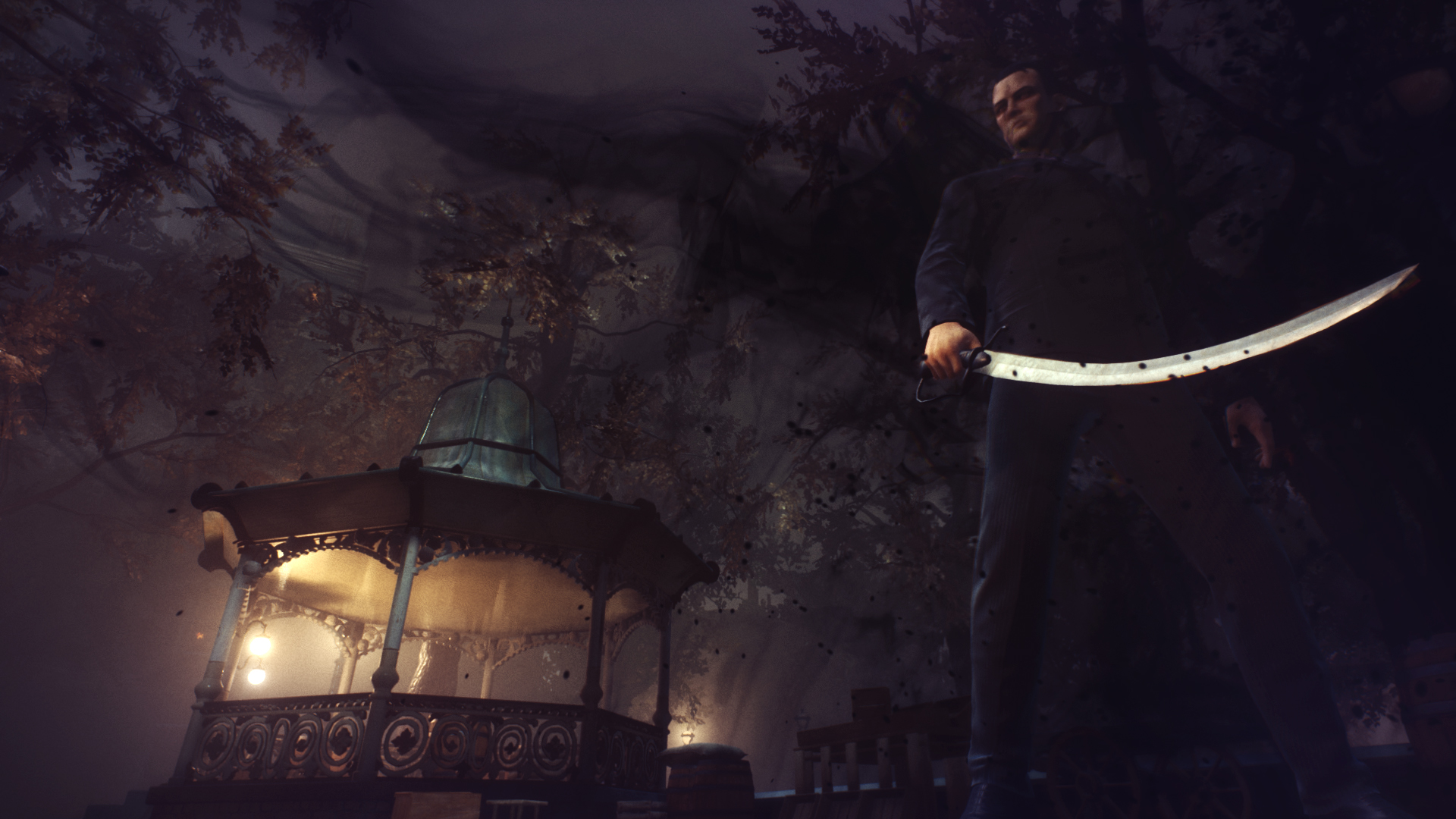
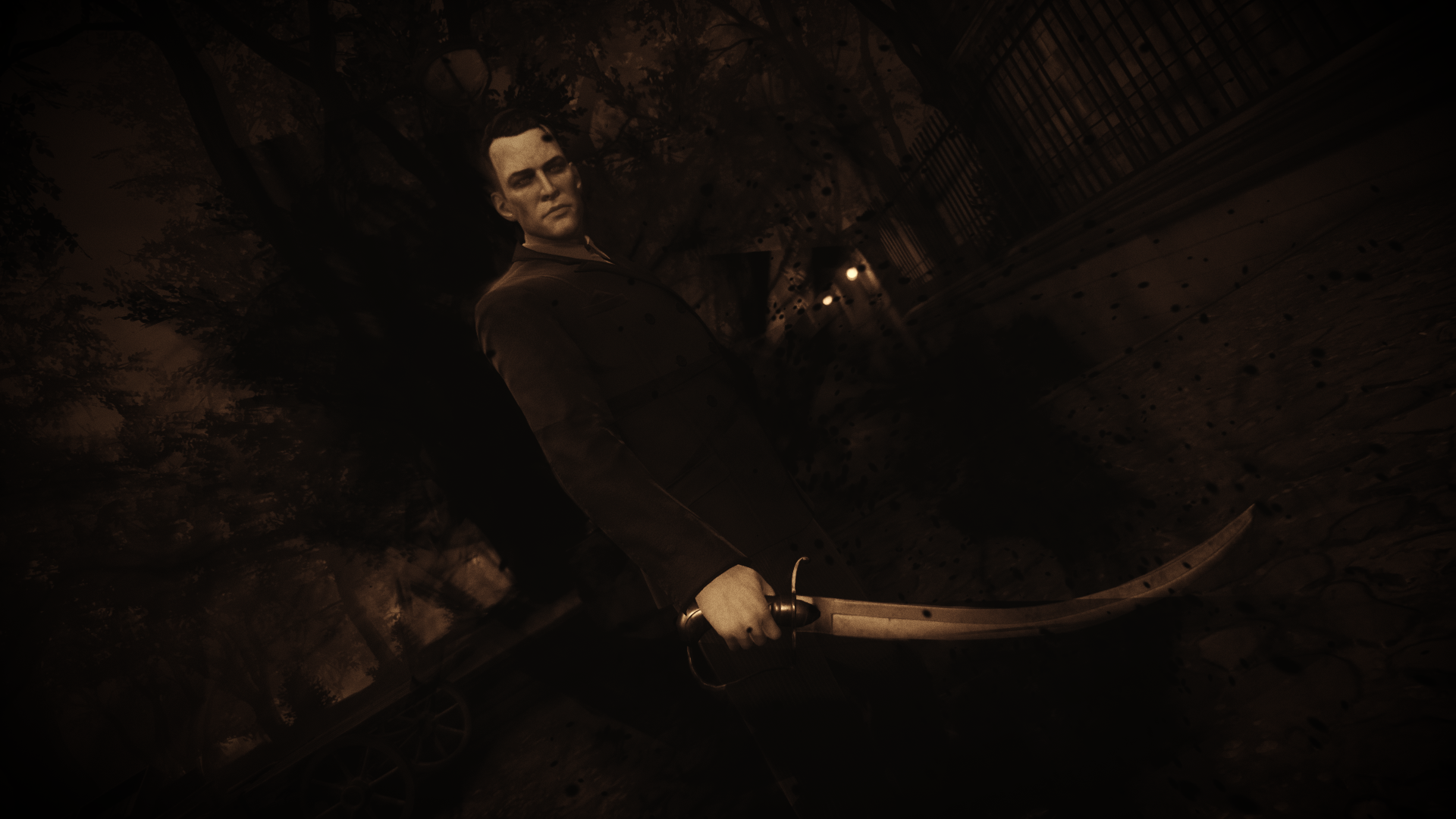
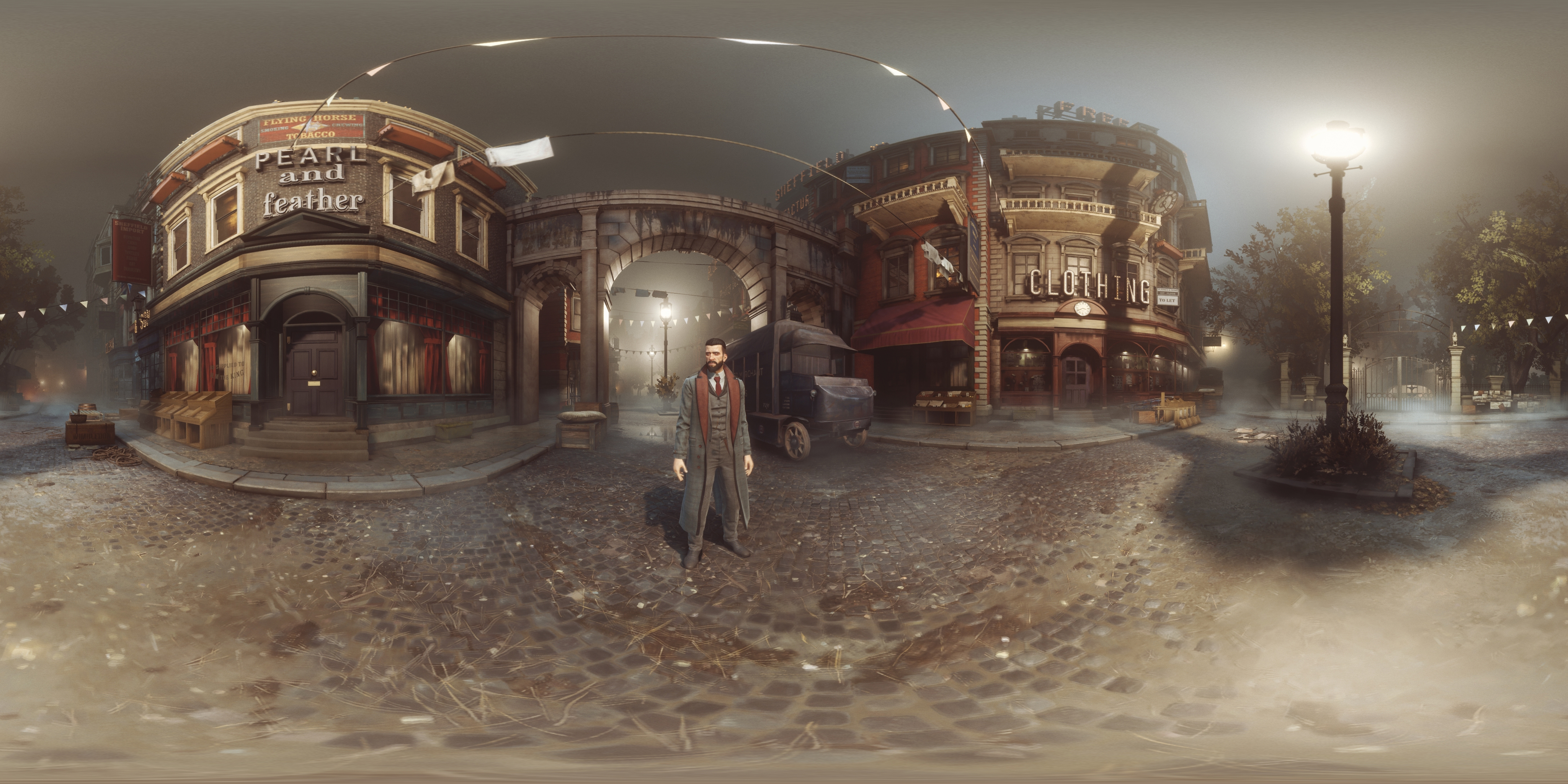
This dark atmosphere of London can be captured best by NVIDIA Photo Mode as you use the freecam to create unique snapshots and high-resolution wallpapers. You can even transport yourself into the game using a VR headset thanks to the 360-degree photosphere options.
GeForce Experience Gets Even Better
With easy-to-use in-game features like Highlights, Photo Mode, and Freestyle, GeForce Experience is a creative suite built for gamers.
Coming in updates this Fall, GeForce Experience will bring new ray tracing and AI tech to gamers with Photo Mode RTX.
With your GeForce RTX graphics card, you’ll be able to apply super resolution to your image with AI Up-Res, or crank up the ray tracing quality using Photo Mode RT. We’ve also expanded Photo Mode features for games that have not yet integrated the Photo Mode SDK so you can take screenshots, apply stackable filters, save in HDR, or capture in Super Resolution for hundreds of games.